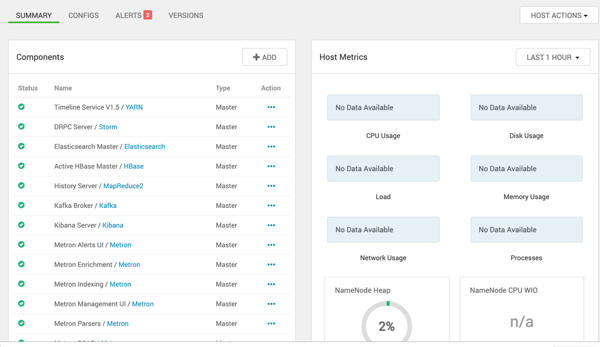
Checking the Status of the Parsers
If your parsers do not restart, you can use Ambari to check the status of the parsers and restart them.
-
From Ambari, click Metron in the Services panel and make sure you've selected the
SUMMARY tab.
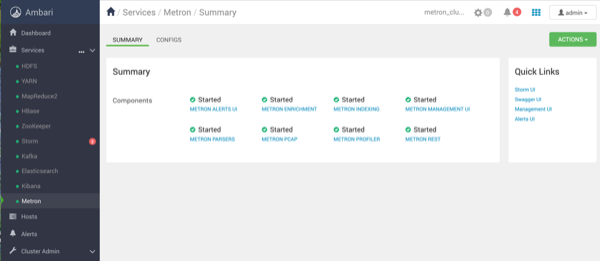
-
Click METRON PARSERS in the list of
Components.
Ambari displays a list of Components.