Manage Alert Status
You can manage one or more alerts at a time using the ACTIONS menu. You can use the ACTIONS to change the status of or dismiss an alert.
- Select an alert by clicking on empty space in the alert row.
The Alerts UI displays a panel listing the status of the alert all available data in Elasticsearch about the alert.
Alerts Information Panel
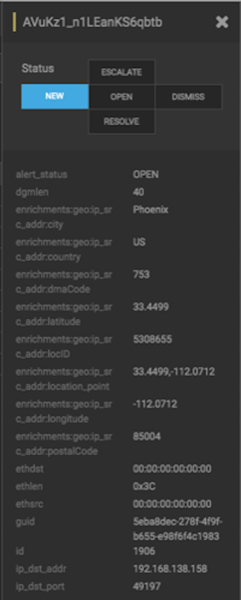
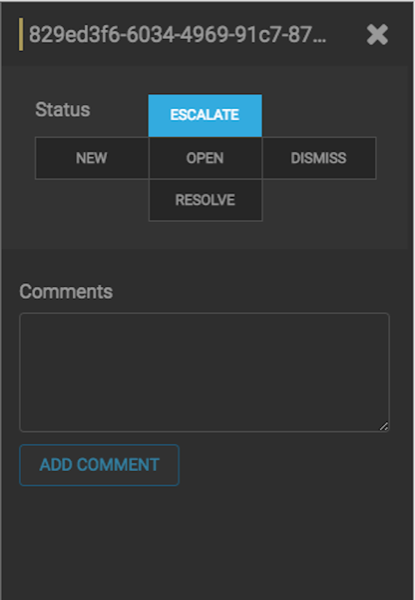
The current alert status is highlighted. - You can also add a comment to this action by clicking
 (Comment button), entering your comment in the Comments field,
and clicking ADD COMMENT.
(Comment button), entering your comment in the Comments field,
and clicking ADD COMMENT.
 The Alerts UI indicates that an alert has one or more comments by displaying (comment icon) next to the alert status in the Alerts
window.
The Alerts UI indicates that an alert has one or more comments by displaying (comment icon) next to the alert status in the Alerts
window.
