Adjust the lifetime of Knox SSO session tokens
How to change the Time To Live (TTL) of Knox SSO session tokens using Cloudera Manager.
By default, Knox SSO session tokens expire after 24 hours. Depending on organization policies, you may need to reduce this value, as some organizations have security policies that require a shorter token lifetime.
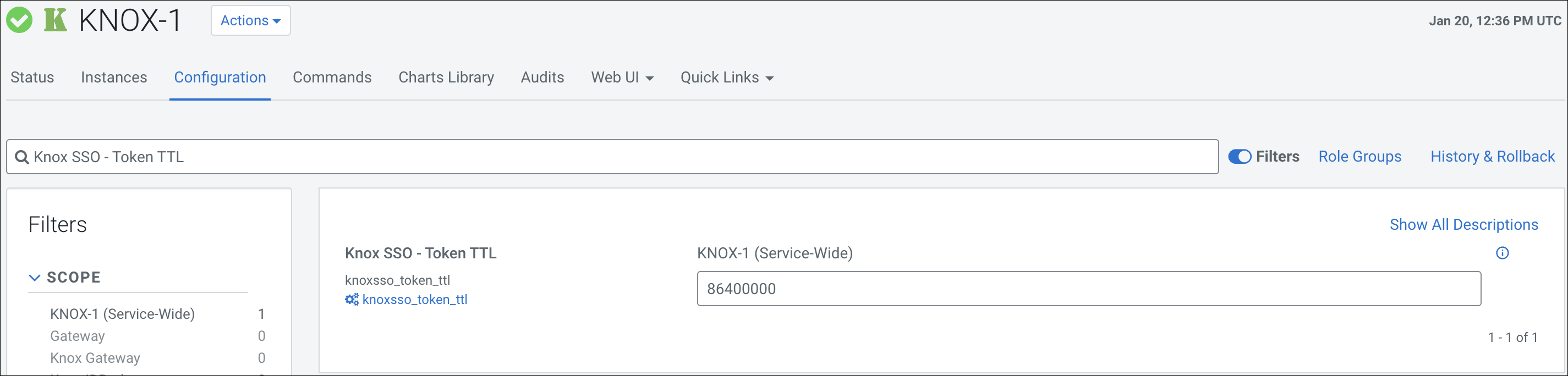
The default Time To Live value is 86400000 milliseconds, which is equivalent to 24 hours. You can adjust the expiration time by updating the Knox SSO configuration in Cloudera Manager.
-
Search for the Knox SSO - Token TTL property.