Knox database requirements
Before adding Knox as a service, review the database requirements and supported database types for Apache Knox, including setup requirements by version and available database configurations.
A database is only required if you want to use the Knox Token Management feature, specifically for High Availability (HA) deployments where multiple Knox instances need a persistent, shared database to verify tokens. If you install Knox without a database initially, you can still configure the database later if you decide to enable Knox Token Management.
Supported database types
The following database types are supported for Knox:
- PostgreSQL: Supported across all versions.
- MySQL: Supported from versions 7.13.1 and 7.13.2 onwards.
Database setup requirements by Cloudera Manager version
The following table describes the database setup requirements for Knox based on your version:
| version | version | Database setup requirement |
|---|---|---|
| 7.13.2.x | 7.3.2, 7.3.1, 7.1.9 | Not mandatory |
| 7.13.1.800 and later | 7.3.1, 7.1.9 | Not mandatory |
| 7.13.1.700 and earlier | 7.3.1 | Mandatory |
| 7.13.1.700 and earlier | 7.1.9 | Not mandatory |
| 7.11.3 | 7.1.9 | Not mandatory |
Knox database configurations
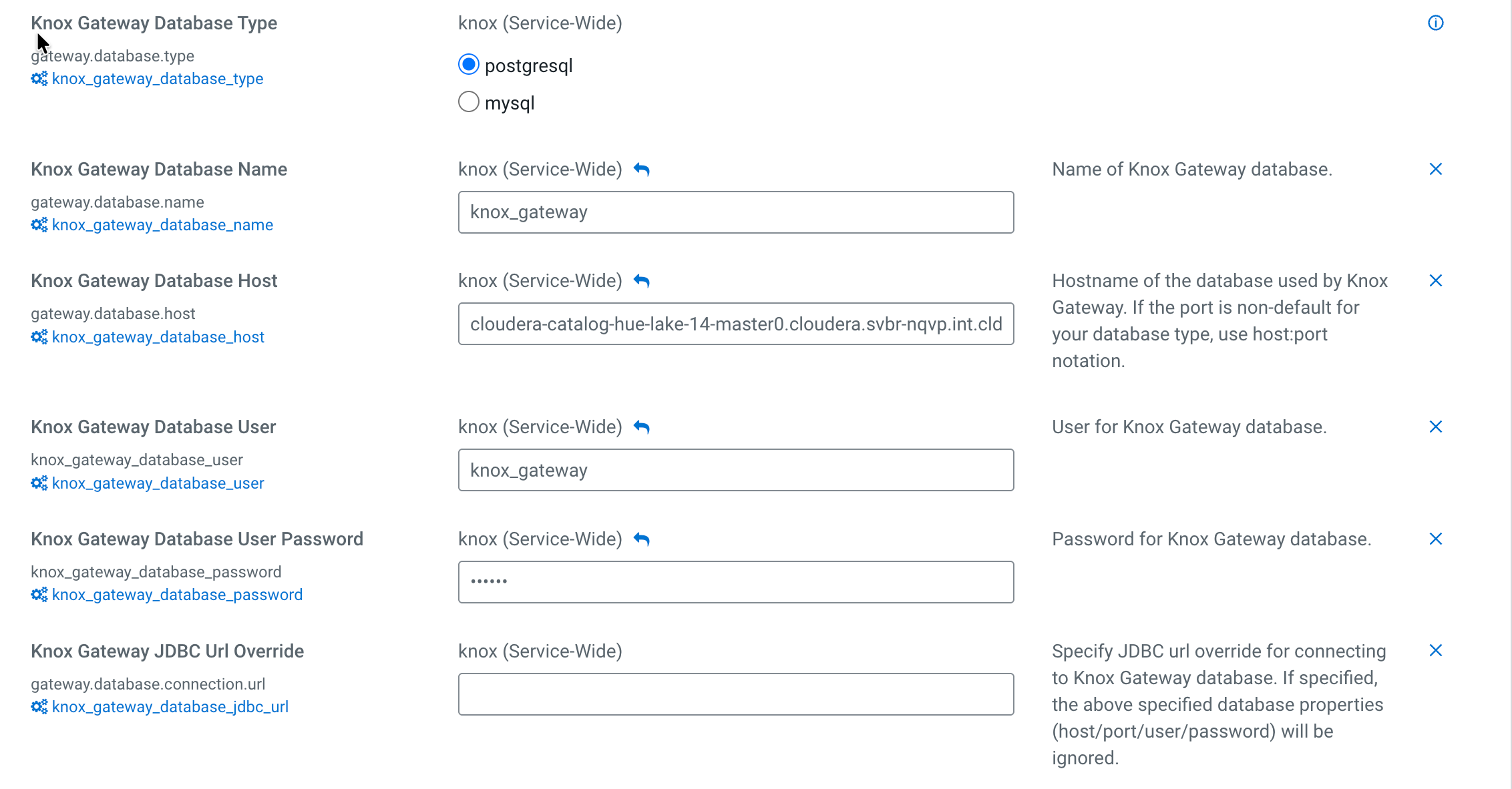
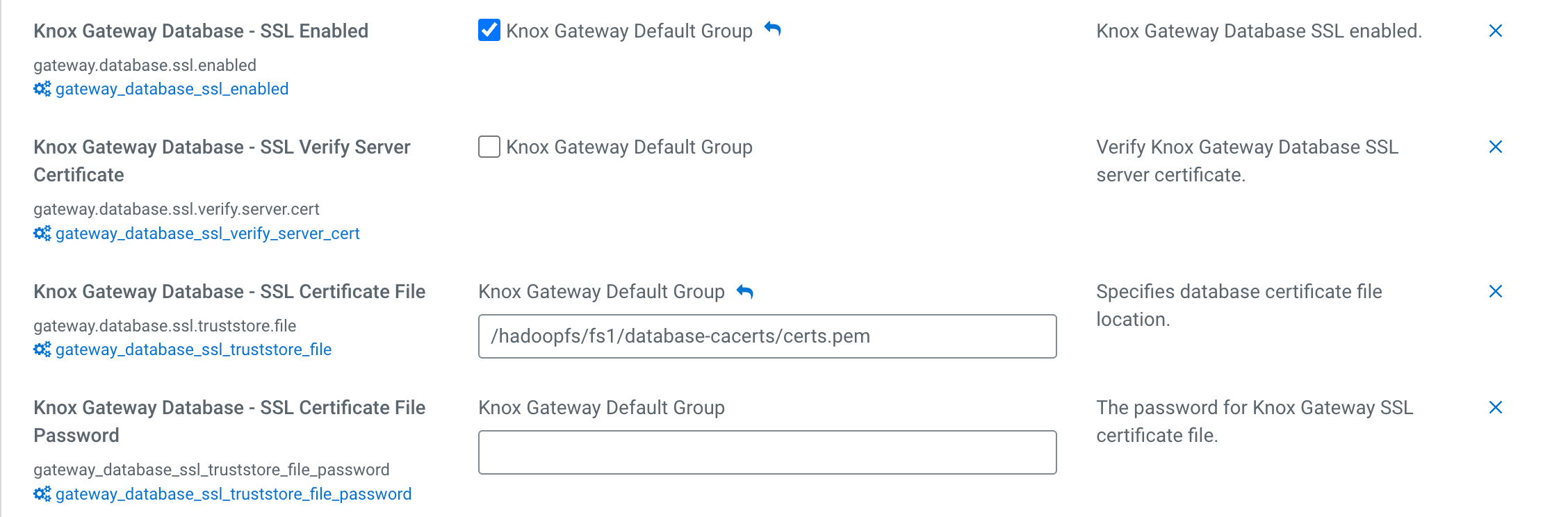
You can set the following initial database configurations for at :
| Property | Description |
|---|---|
| Knox Gateway Database Type | Database type to be used. Valid values are postgresql and mysql. Default is postgresql. |
| Knox Gateway Database Name | Name of Knox Gateway database. Default is knoxgateway. |
| Knox Gateway Database Host | Hostname of the database used by Knox Gateway. If the port is non-default for your database type, use host:port notation. |
| Knox Gateway Database Port | Port for Knox Gateway database. Default is 5432. |
| Knox Gateway Database User | User for Knox Gateway database. Default is knoxgateway. |
| Knox Gateway Database User Password | Password for Knox Gateway database. |
| Knox Gateway JDBC URL Override | Specify JDBC URL override for connecting to Knox Gateway database. If specified, the database properties (host, port, user, password) will be ignored. |
| Knox Gateway Database - SSL Enabled | Knox Gateway Database SSL enabled. Default is false. |
| Knox Gateway Database - SSL Verify Server Certificate | Verify Knox Gateway Database SSL server certificate. Default is false. |
| Knox Gateway Database - SSL Certificate File | Specifies database certificate file location. |
| Knox Gateway Database - SSL Certificate File Password | The password for Knox Gateway SSL certificate file. |