The Hue SQL AI Assistant now supports multi-database
querying, allowing you to retrieve data from multiple databases simultaneously. This
enhancement simplifies managing large datasets across different systems and enables seamless
cross-database queries.
-
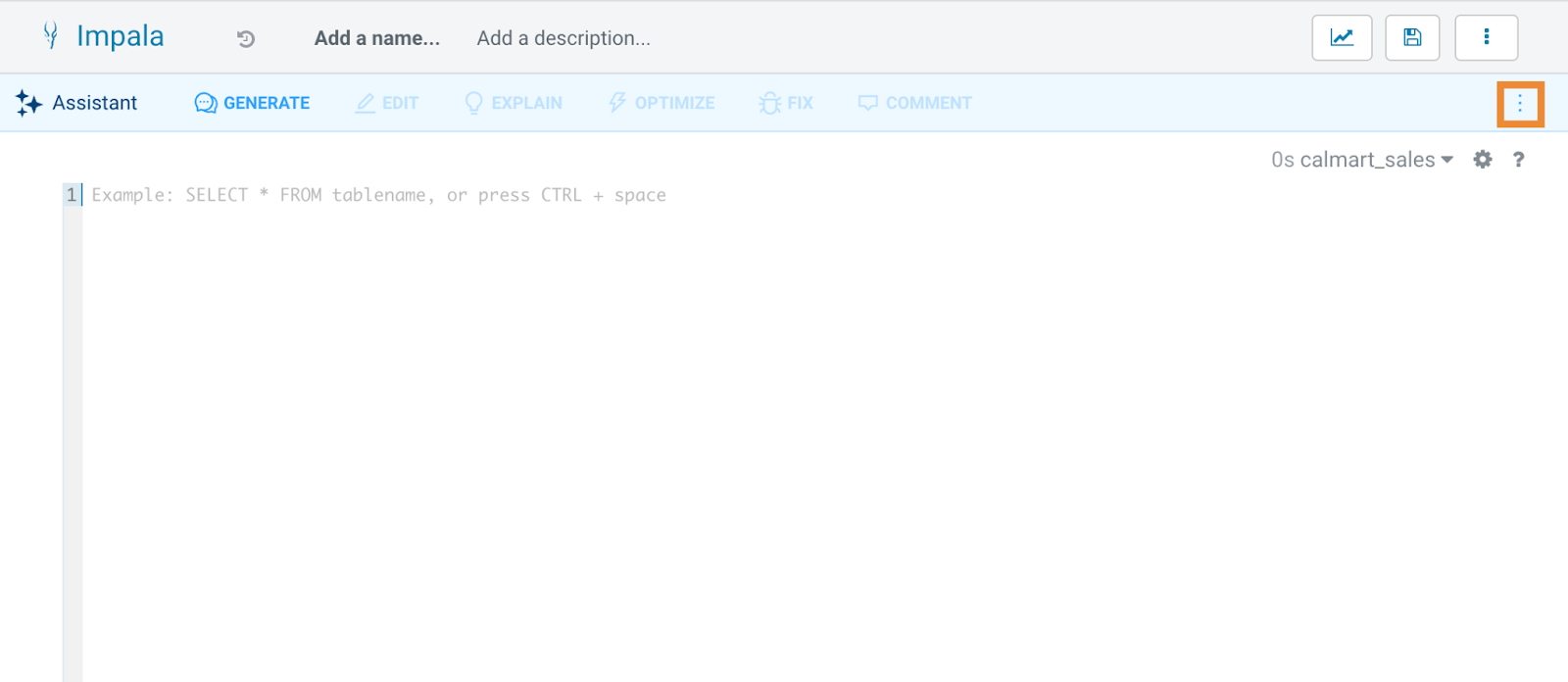
Click
 Assistant on the Hue SQL editor, then open the AI
Assistant Settings.
Assistant on the Hue SQL editor, then open the AI
Assistant Settings.
-
Select the databases you want to include in your queries. You can choose
multiple databases from the list provided and click
OK.
-
Enter your prompt in natural language to generate SQL queries.
Querying across multiple databases
| Database Name |
Tables |
| CalMart_Sales_DB |
Customers, Sales, Sales_Items |
| CalMart_Products_DB |
Products, Suppliers, Product_Supplier |
Use Case: Identifying Top-Selling Products and Their
Suppliers.
Objective: Retrieve top-selling products along with their suppliers by
combining data from two
databases.
SELECT
                        si.product_id,
                        p.product_name,
                        SUM(si.quantity) AS total_quantity_sold,
                        s.supplier_name
                        FROM
                        CalMart_Sales_DB.Sales_Items si
                        JOIN
                        CalMart_Products_DB.Products p
                        ON
                        si.product_id = p.product_id
                        JOIN
                        CalMart_Products_DB.Product_Supplier ps
                        ON
                        p.product_id = ps.product_id
                        JOIN
                        CalMart_Products_DB.Suppliers s
                        ON
                        ps.supplier_id = s.supplier_id
                        GROUP BY
                        si.product_id, p.product_name, s.supplier_name
                        ORDER BY
                        total_quantity_sold DESC;
This query retrieves a comprehensive list of top-selling products along
with their suppliers by combining data from multiple databases.