Getting an explanation of a SQL query in natural language in Cloudera Data Explorer (Hue)

You can use the SQL AI Assistant to breakdown and understand a complex SQL query in natural language.

  1. Insert a SQL query in the Data Explorer editor that you would like to understand in natural language.
  2. Click Assistant on the Data Explorer (Hue) SQL editor:
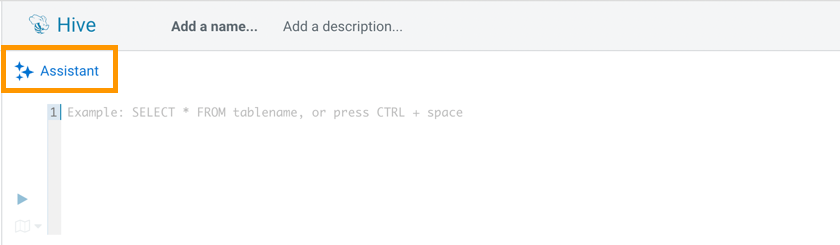
    Screenshot showing how to launch the SQL AI Assistant from the Data Explorer web interface.
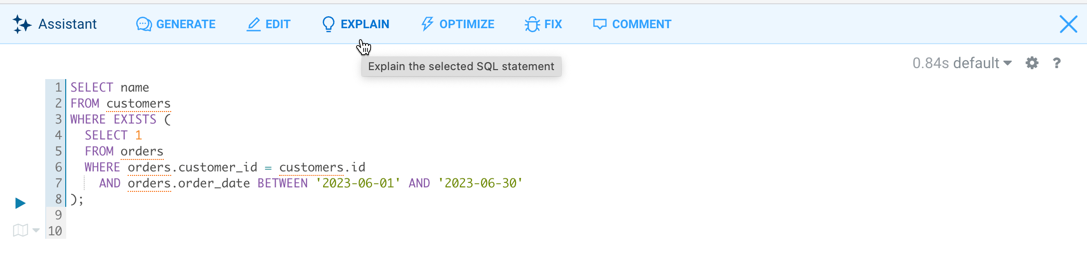
  3. Click EXPLAIN.
    Screenshot showing how to generate an explanation of a SQL query in natural language using the SQL AI Assistant in Hue.
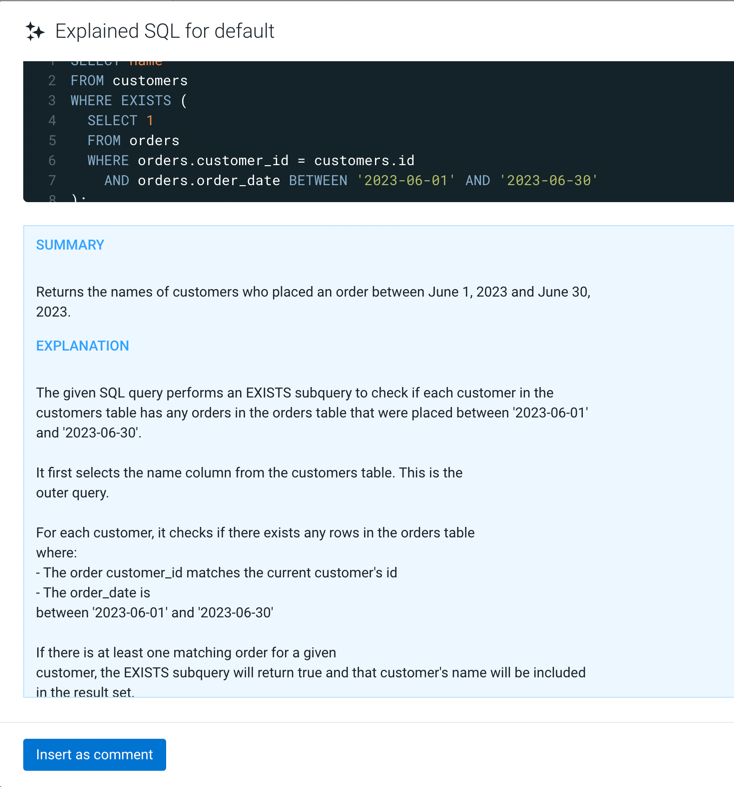
    The LLM generates the explanation of the SQL query.
    Screenshot showing the explanation of a SQL query in natural language using the SQL AI Assistant in Hue.