How to configure a specific Python version for Cloudera Data Explorer (Hue)
Data Explorer provides the flexibility to use a specific version of Python, as long as that version is installed on the relevant cluster nodes. By default, Data Explorer automatically selects the highest available Python version on the system.
-
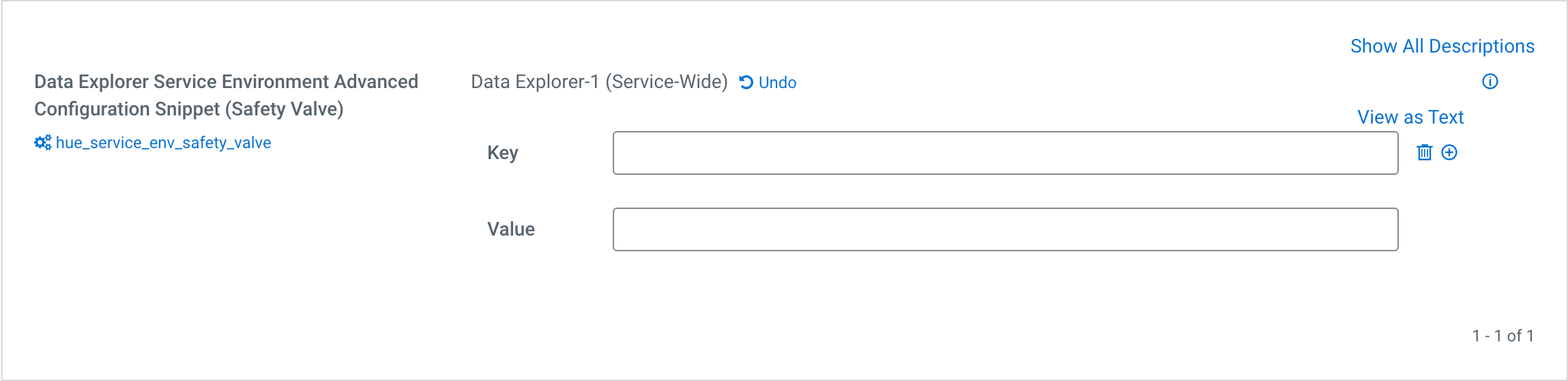
Go to add the following key and value in the Data Explorer
Service Environment Advanced Configuration Snippet (Safety
Valve) field:
Key: HUE_PYTHON_VERSION
Value: python3.x (for example, python3.11 or python3.9)