Associating Business Metadata attributes with entities

Assign Business Metadata attributes to entities in the entity detail page.

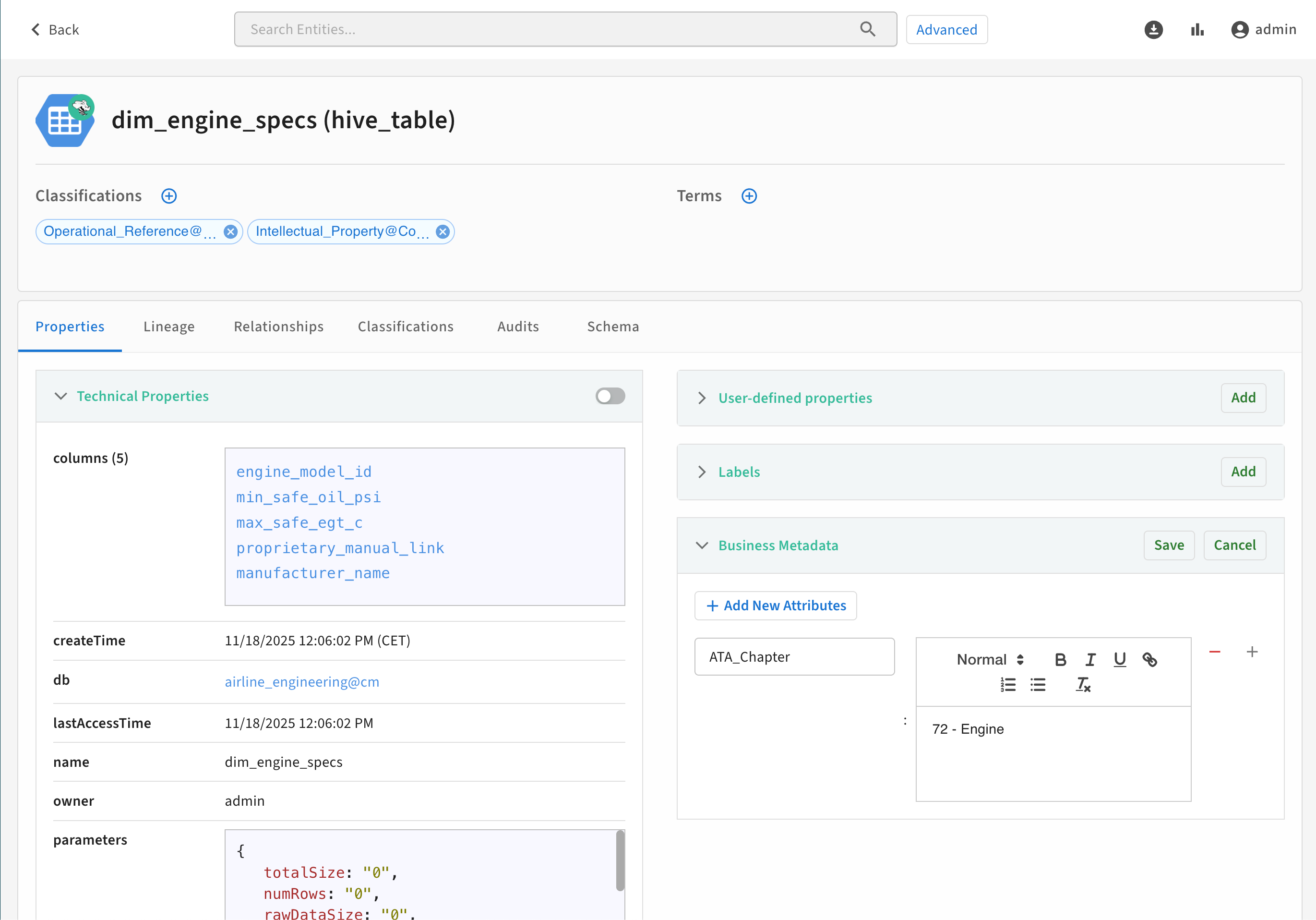
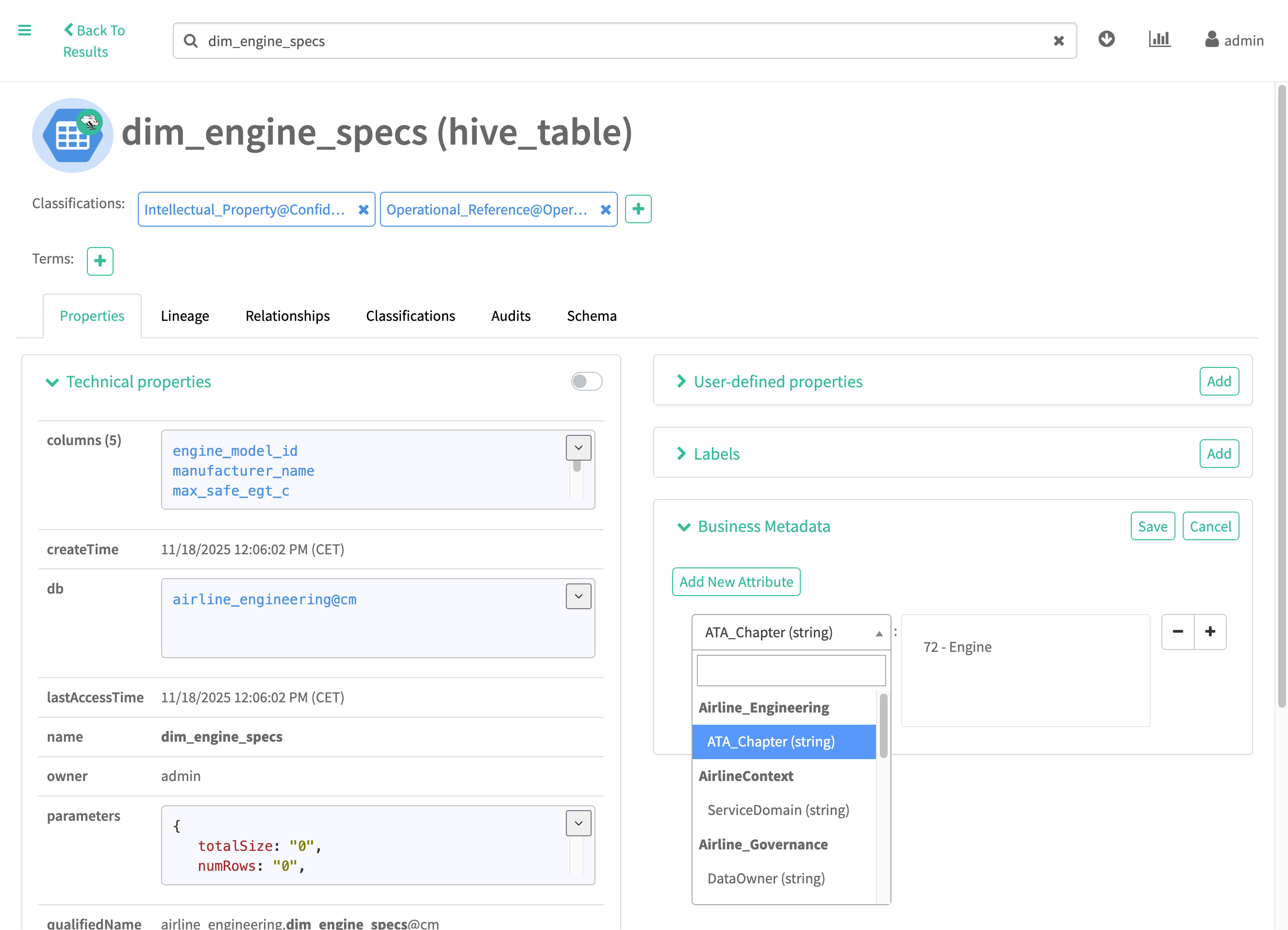
To add a Business Metadata attribute and value in the detail page for an entity:

  1. Click Add in the Business Metadata section.
  2. Select the Business Metadata collection and attribute from the drop-down menu.
  3. Set the attribute value associated with this entity.
  4. Click Save.
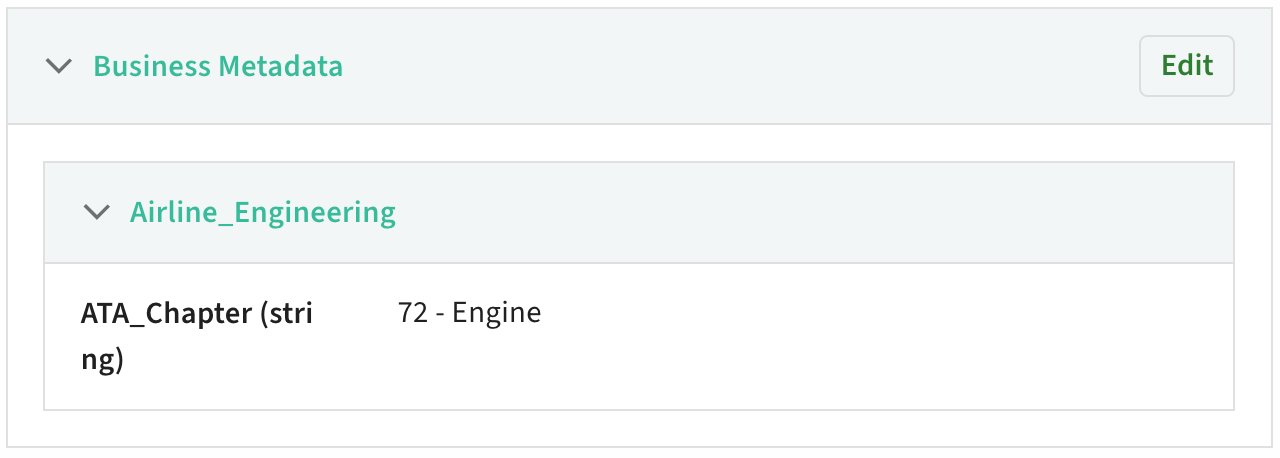
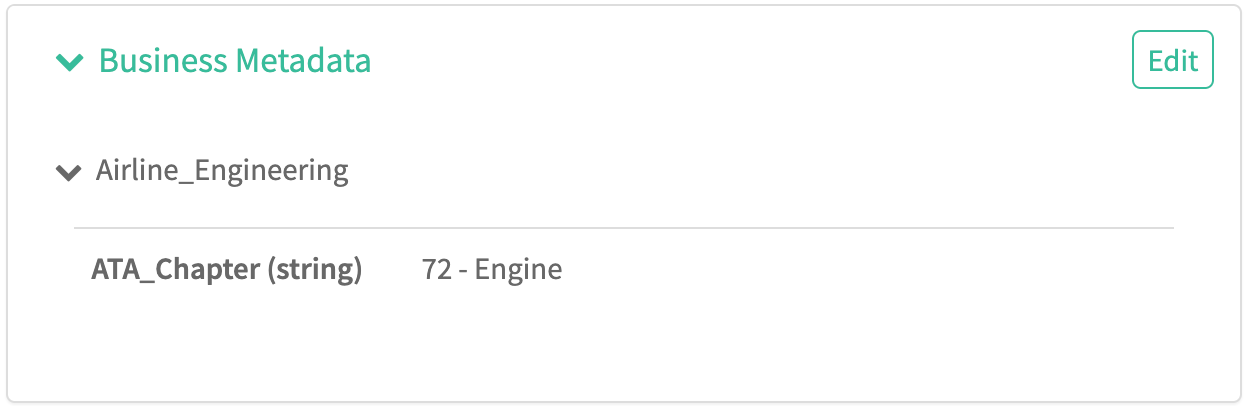
The final result appears in the Business Metadata section:

You can update the value of Business Metadata attributes from an entity by clicking Edit, then entering or removing a new value. Be sure to click Save.