Creating Business Metadata
Create Business Metadata collections from the Administration page to add custom, structured attributes (Key-Value pairs) to assets without altering the underlying data schema.
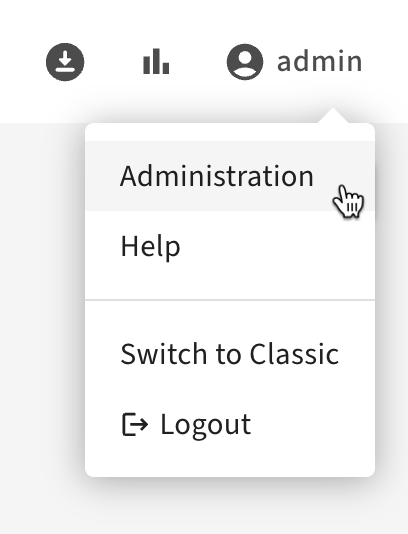
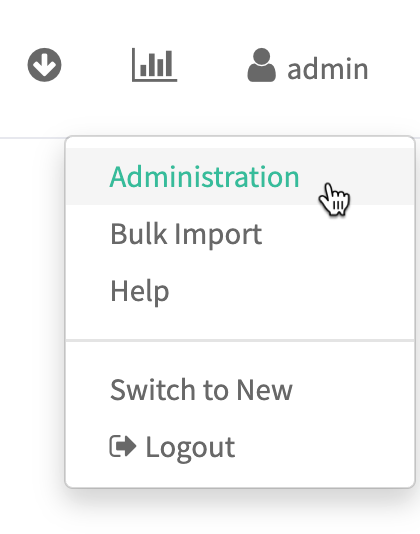
- To access the Atlas Administration features, choose Administration from the user menu in the top right of the Atlas window. Users need administrator privileges to access the Administration panel features.
- In the Business Metadata tab, click Create Business Metadata.
- Fill in the name of your business metadata namespace and add your attributes:
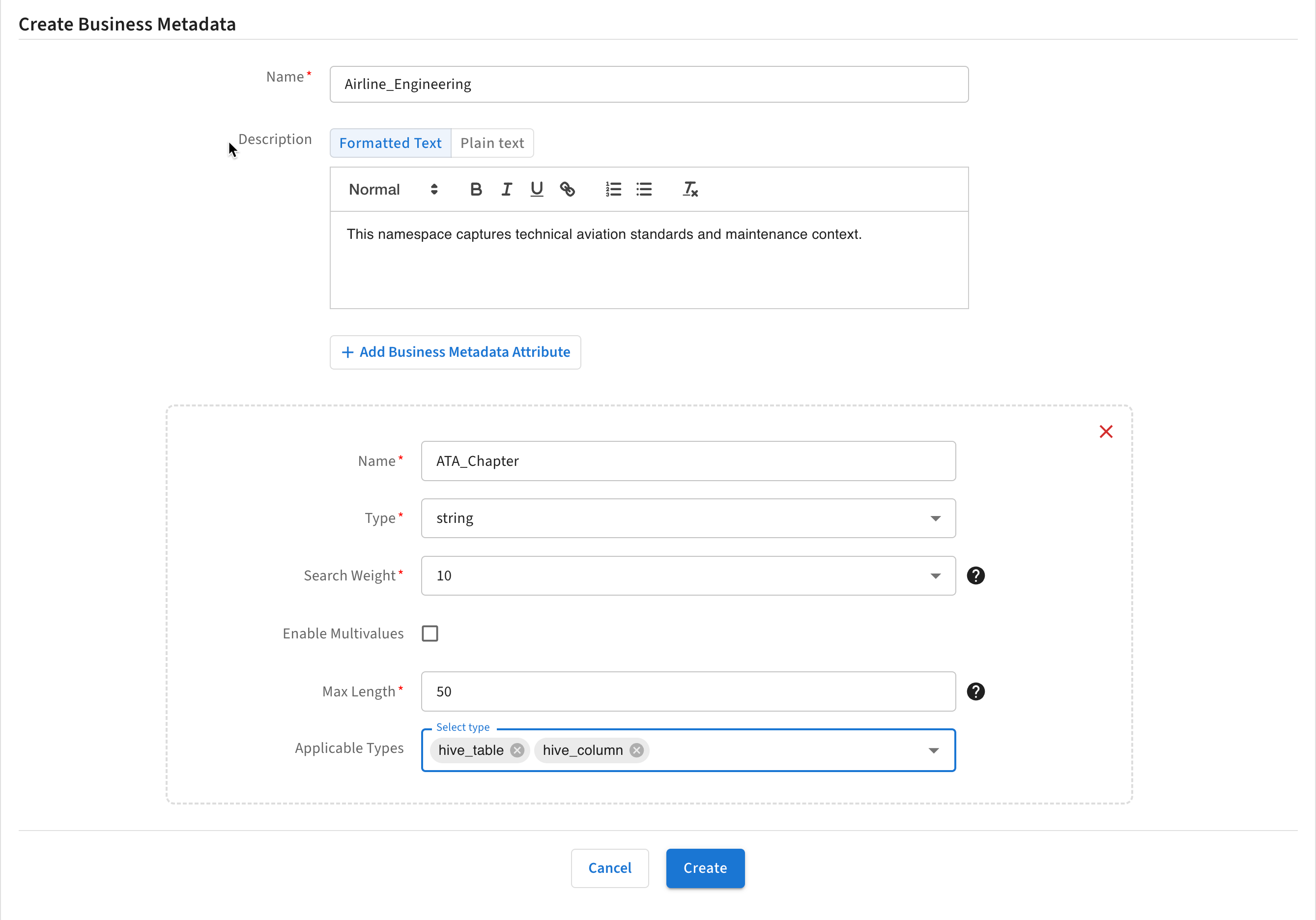
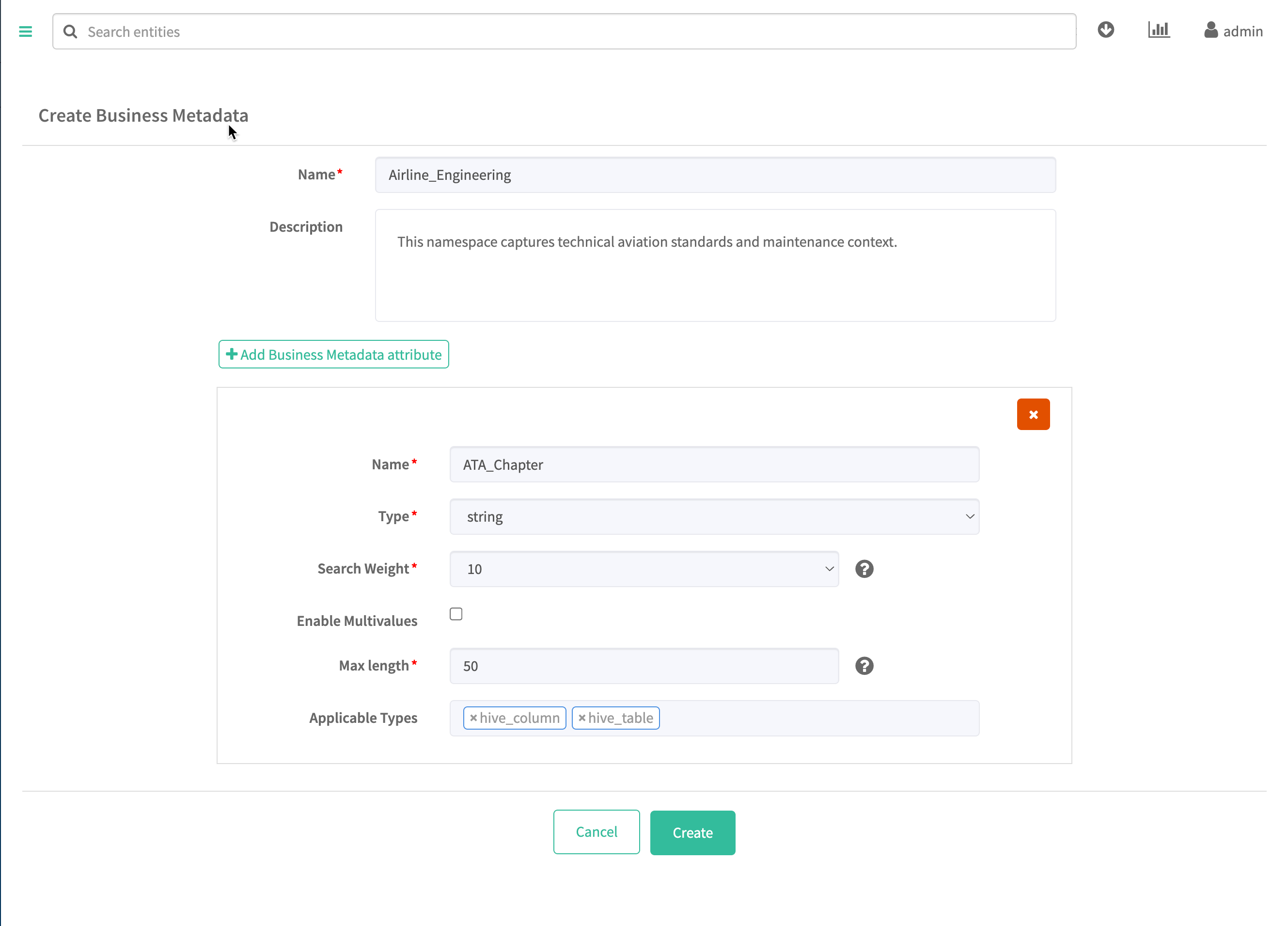
Business Metadata names can be 255 characters. Names must start with a letter and can contain letters, numbers, underscores, and spaces. Descriptions can be 1024 characters and contain any characters.
