Atlas Auto-Purging overview
Learn about how the Atlas Auto-Purging mechanism extends the current capabilities of purging deleted entities. Atlas Auto-Purging enables you to save resources and increase query efficiency.
Purging entities without Atlas Auto-Purging
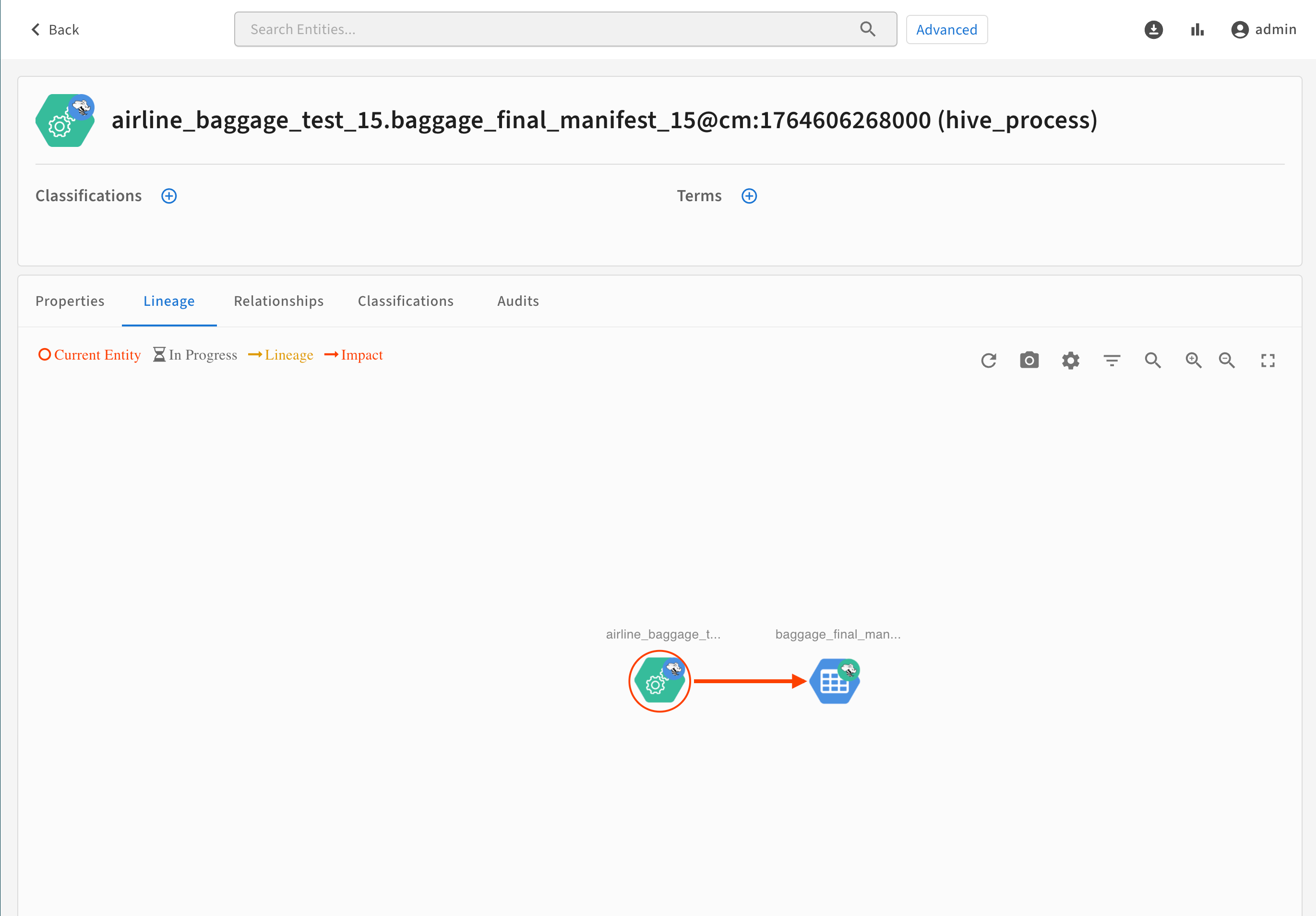
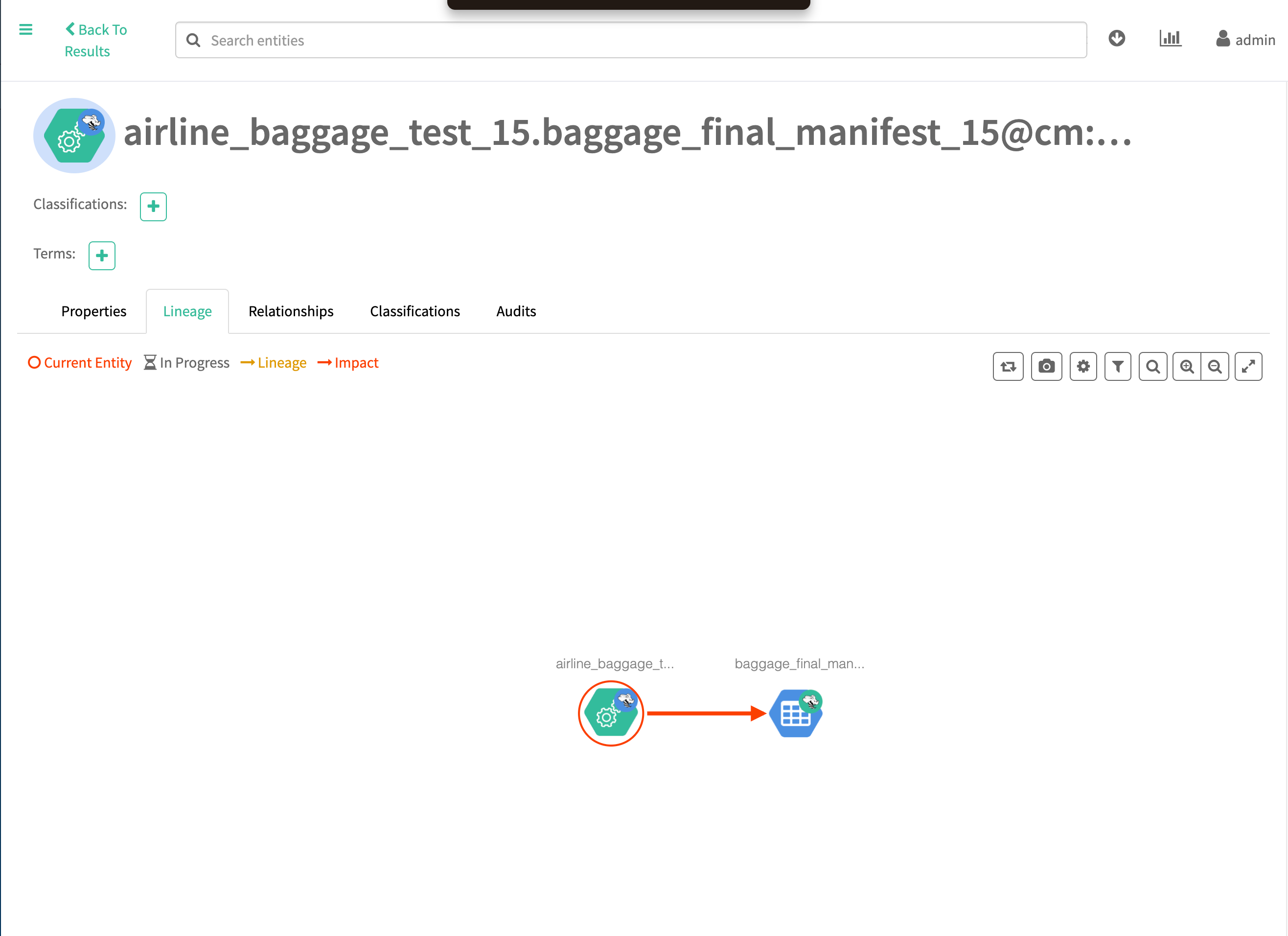
In Atlas, deleted entities (deleted by DELETE api/atlas/v2/entity/guid/{guid}) are initially marked with a deleted state. Composite entities are also removed if the parent entity is purged, but column lineage entities of Hive, Impala, Spark processes are remaining.
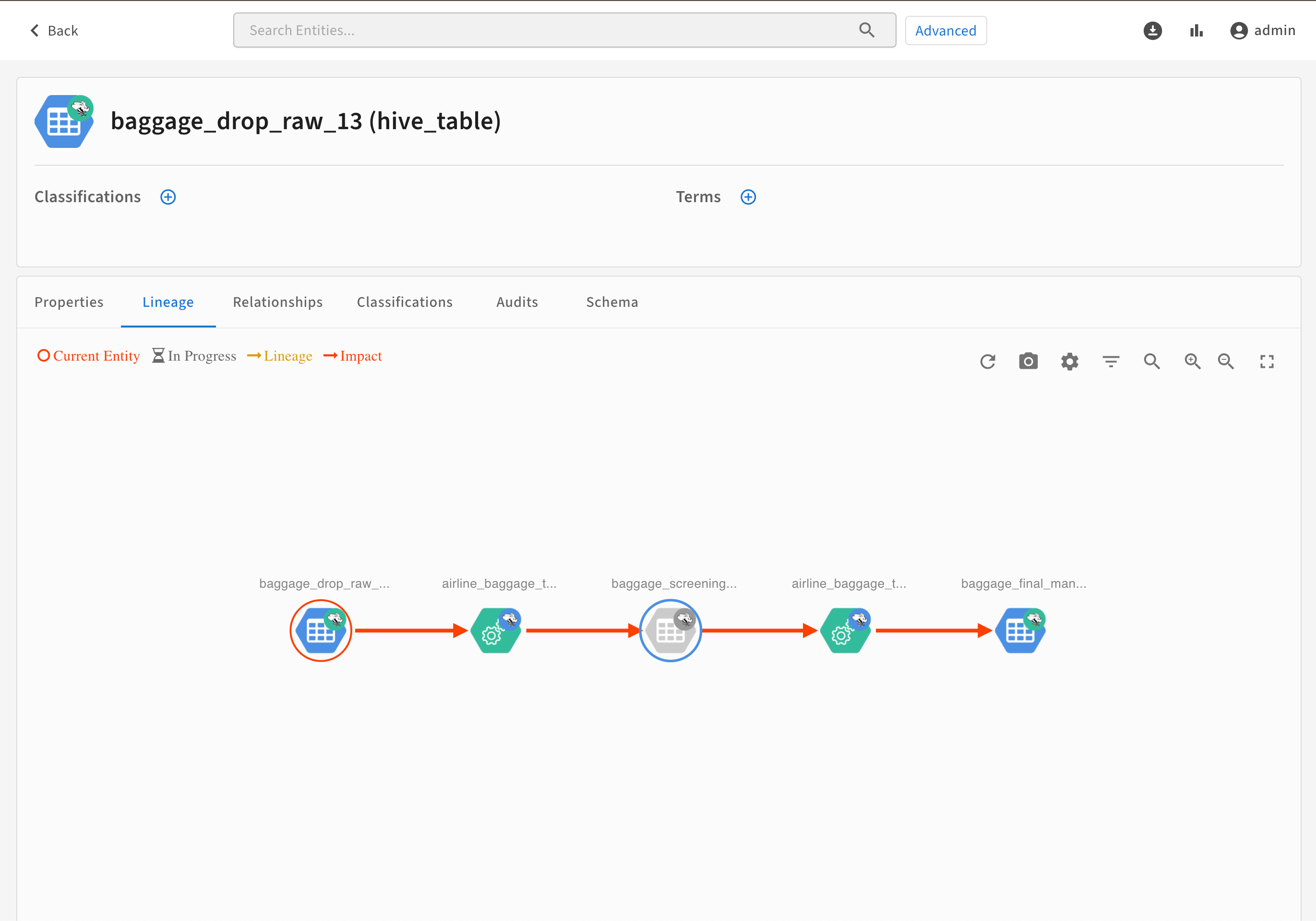
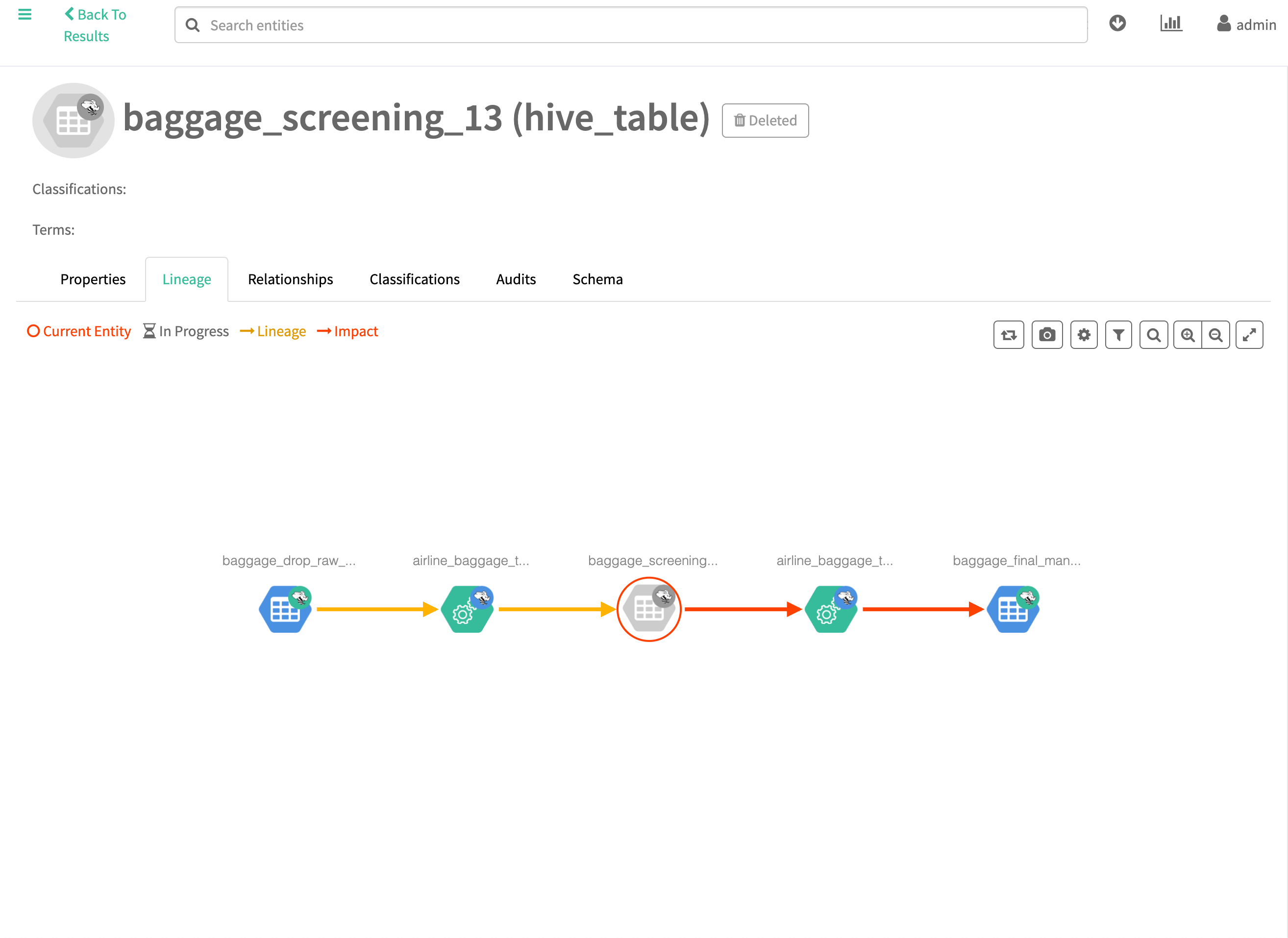
The Hive process is still visible.
These and other soft-deleted entities can be removed manually by using the PUT /admin/purge/ API call. Purging soft-deleted entities will cut up their original lineages, but frees up resources.
Atlas Auto-Purging
The role of the PUT /admin/purge/ API call can be replaced by configuring Atlas Auto-Purging.
Auto-Purging runs in two stage:
-
A soft-delete stage which runs at each Atlas startup
- The soft-delete jobs check for entities, that fulfill any of the following criteria:
- Entities whose every output is deleted
- Entities who no longer have any outputs
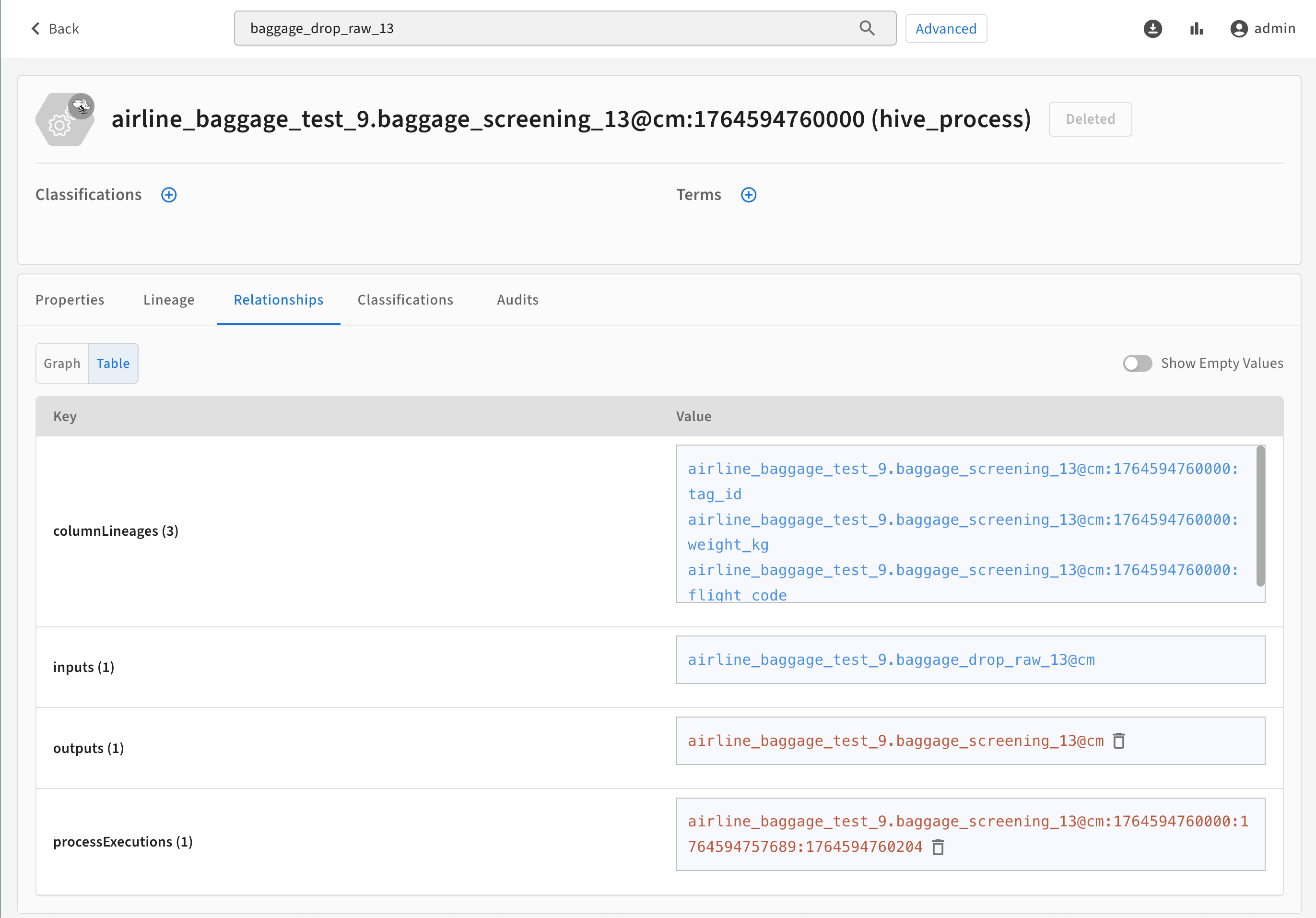
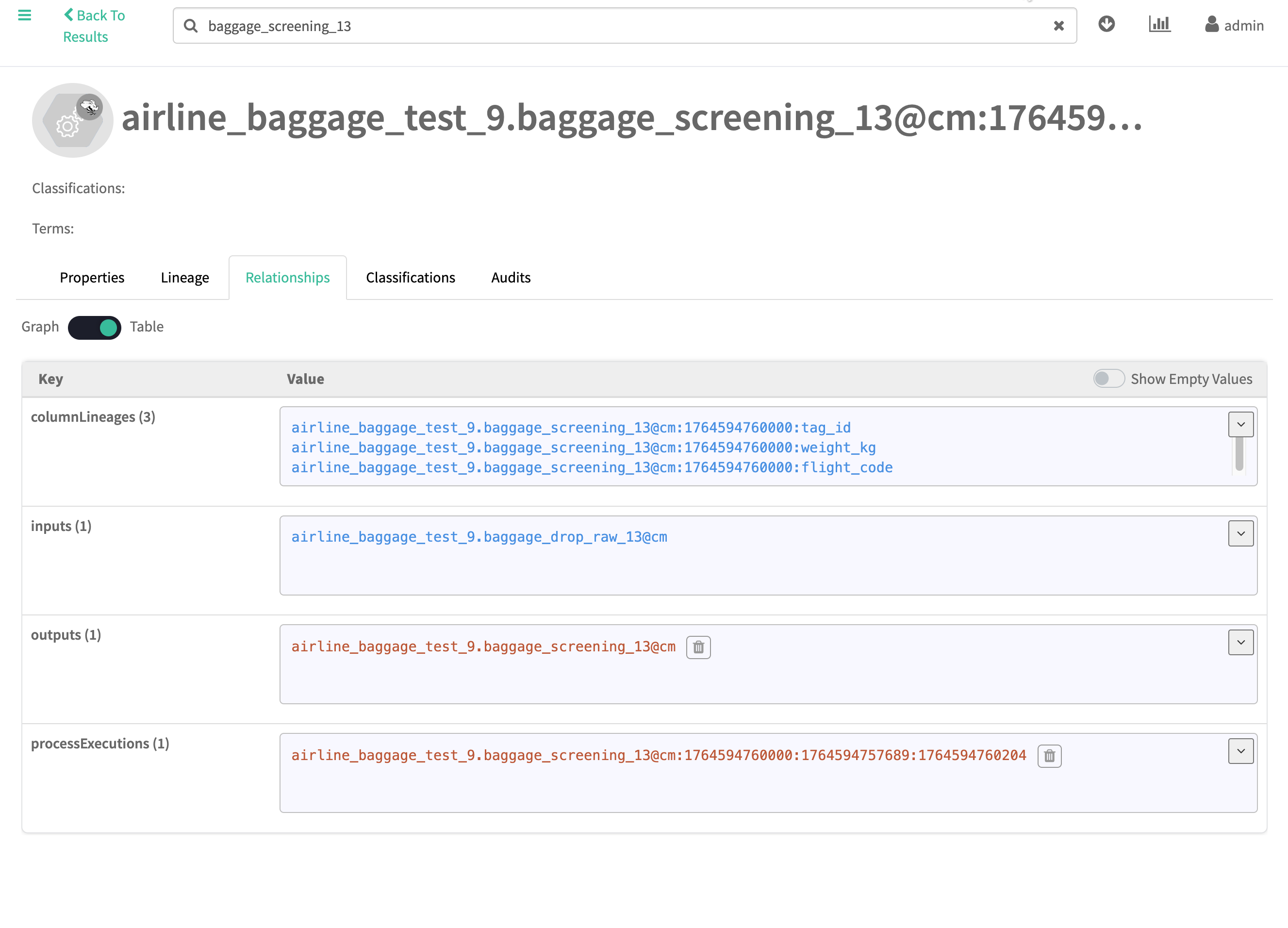
- For example, this process automatically soft-deletes processes, whose output was marked deleted. Additionally, the column lineages of the process are also soft-deleted as they no longer have an output.
Figure 7. Deleted Hive process with deleted column lineages after Auto-Purge soft-delete 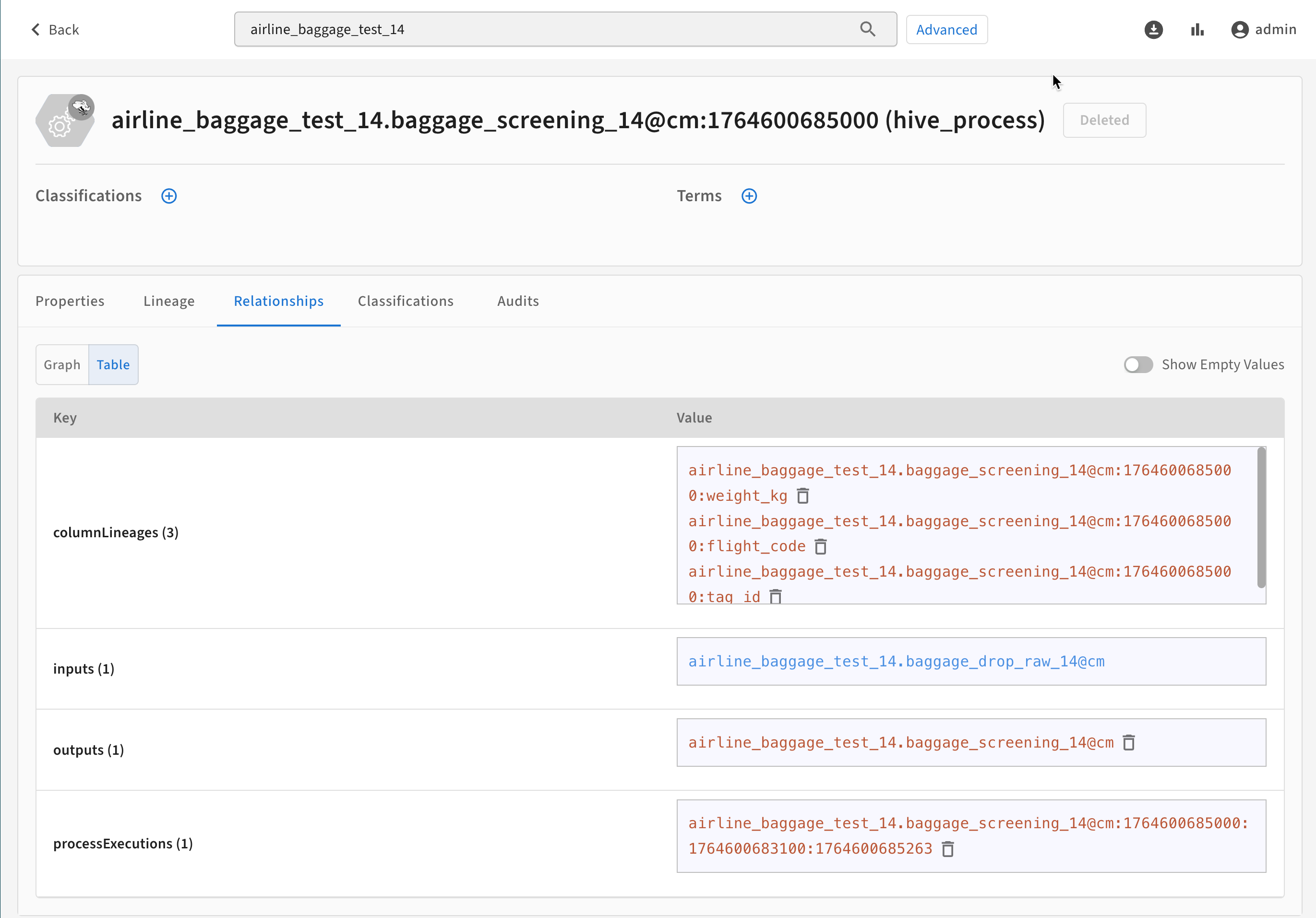
Figure 8. Deleted Hive process with deleted column lineages after Auto-Purge soft-delete 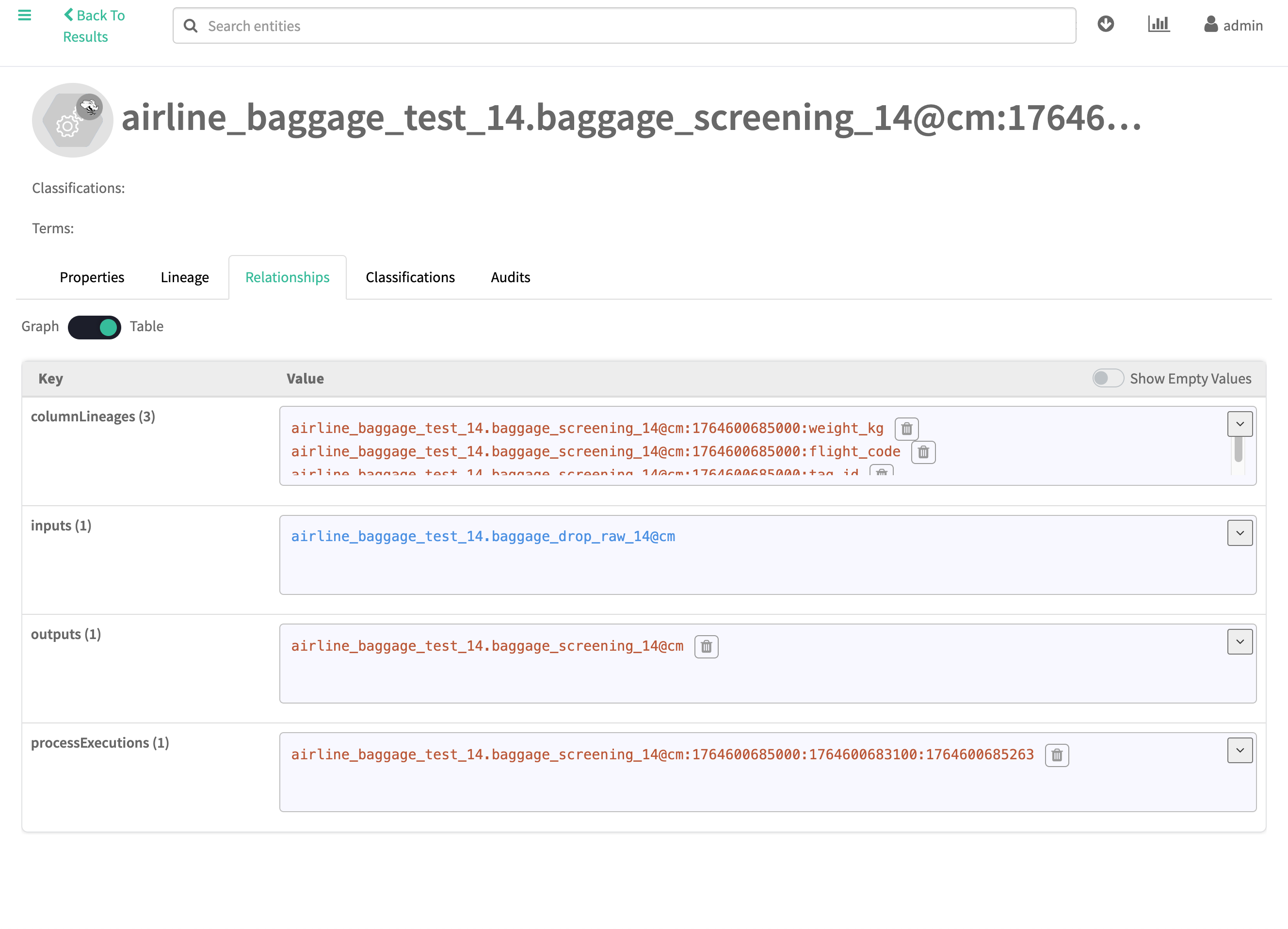
- The soft-delete jobs check for entities, that fulfill any of the following criteria:
-
A hard-delete or purge stage which runs periodically according to a user-defined cron job
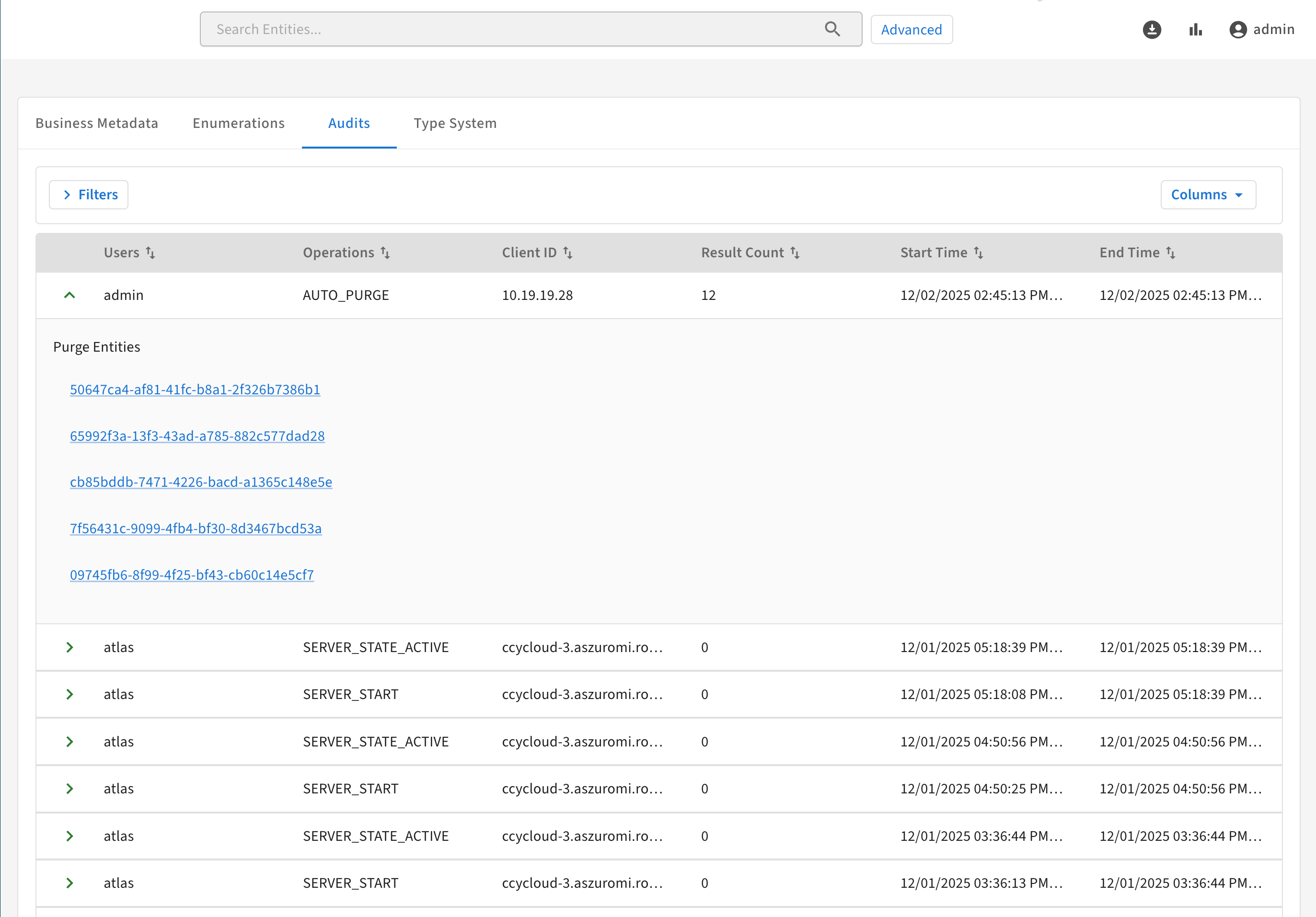
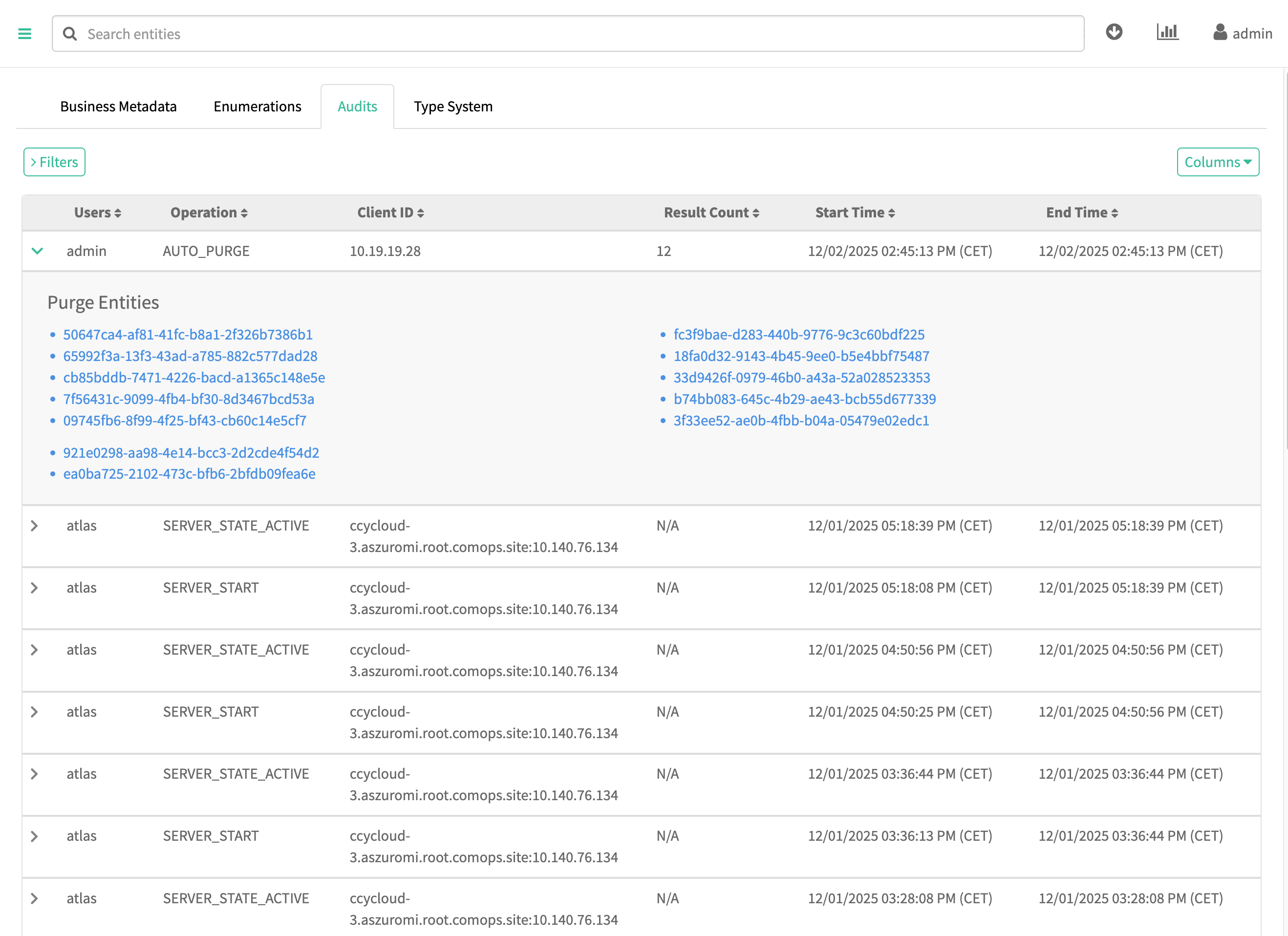
Auditing Atlas Auto-Purging
The Auto-Purging events are marked in with the AUTO_PURGE
entity type. The list of removed entities is available after opening the event.