Saving searches
Learn how to save search criteria in Atlas for quick access and reuse. This guide explains saving searches, including options to rename, delete, or update saved searches.
After you run a search, you can save it under a name in the list of Favorite Searches. Here's what you can do to save a search and to use a search you've already saved:
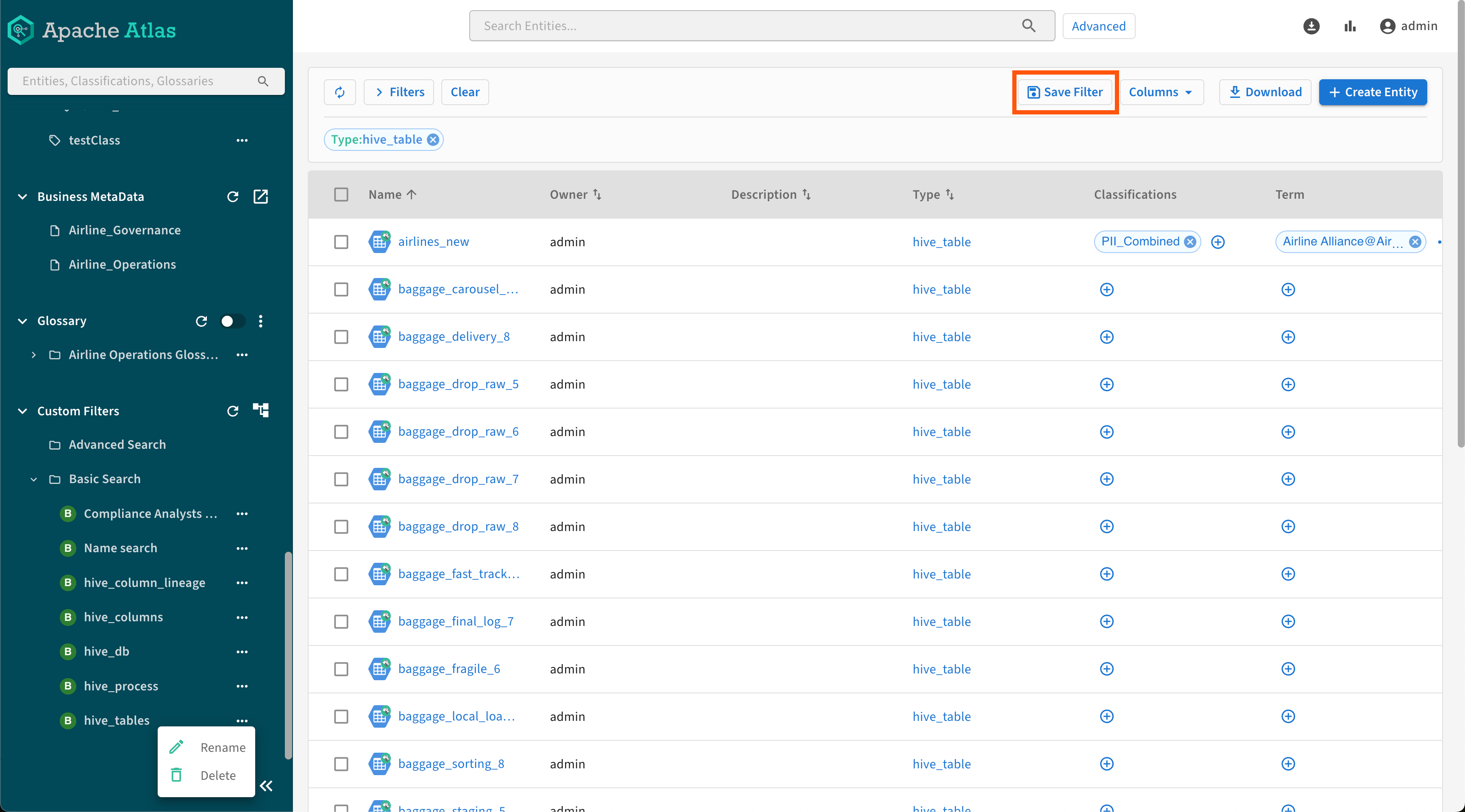
- After setting up your search criteria with the free-text field and the Filters, run them and click Save Filter to preserve the criteria set as an Advanced Search or Basic Search for later use.
- Clicking the
 icon shows the
Rename and Delete options.
icon shows the
Rename and Delete options.
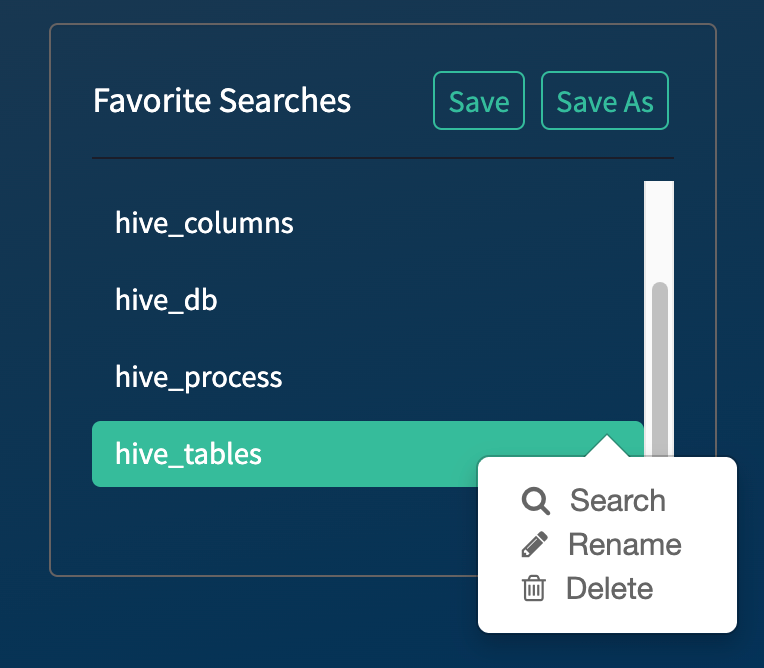
- After setting up your search criteria with the free-text field and the
Filters (
 ) run them and, click Save
As to preserve the criteria set as one of the Favorite
Searches for later use.
) run them and, click Save
As to preserve the criteria set as one of the Favorite
Searches for later use. - Clicking the icon shows the
Search, Rename and
Delete options.
- Clicking the name of the favorite search or the Search button
(both
 and the main Search
button) runs the query.
and the main Search
button) runs the query. - The Save button lets you rewrite your currently selected favorite search with new criteria.
