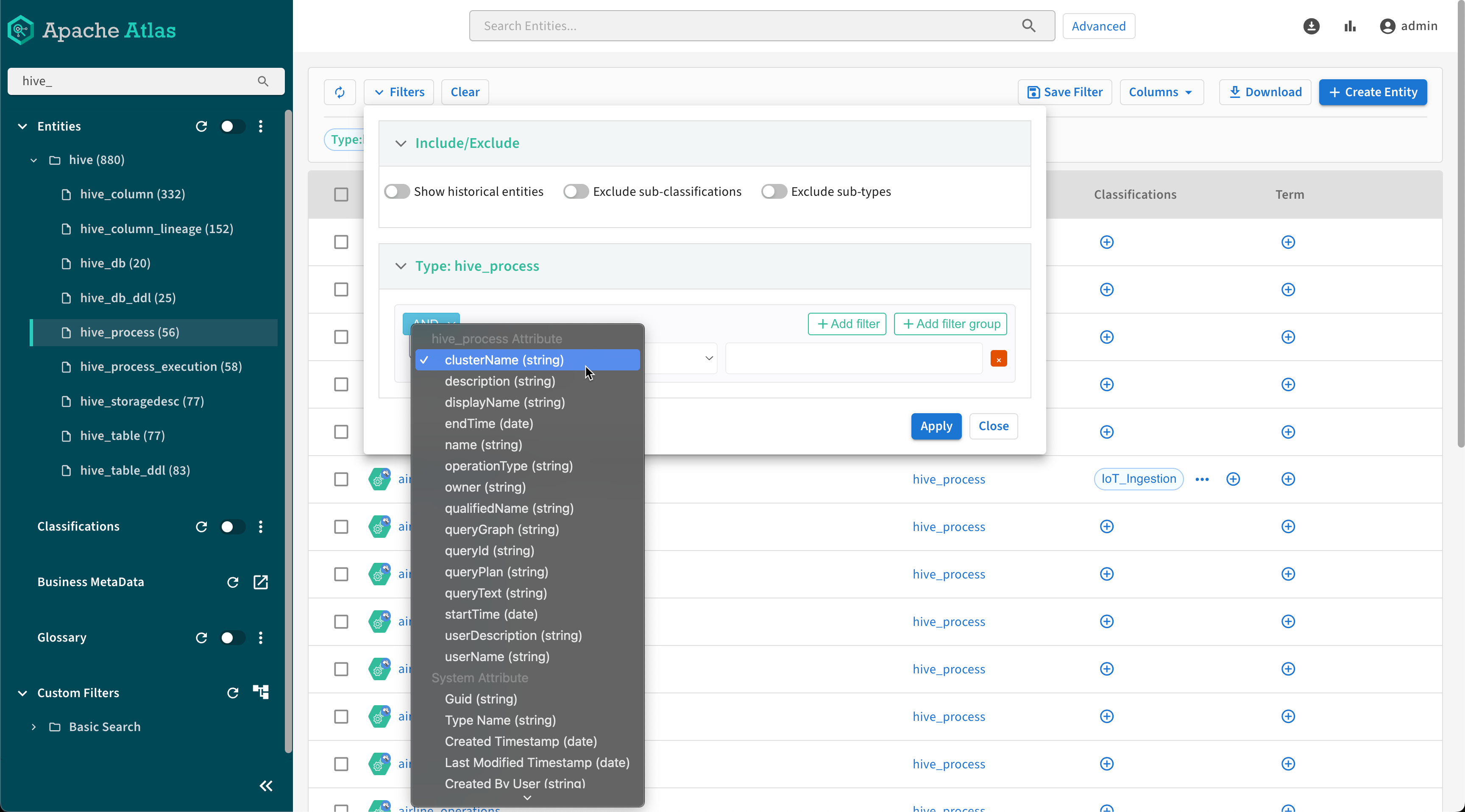
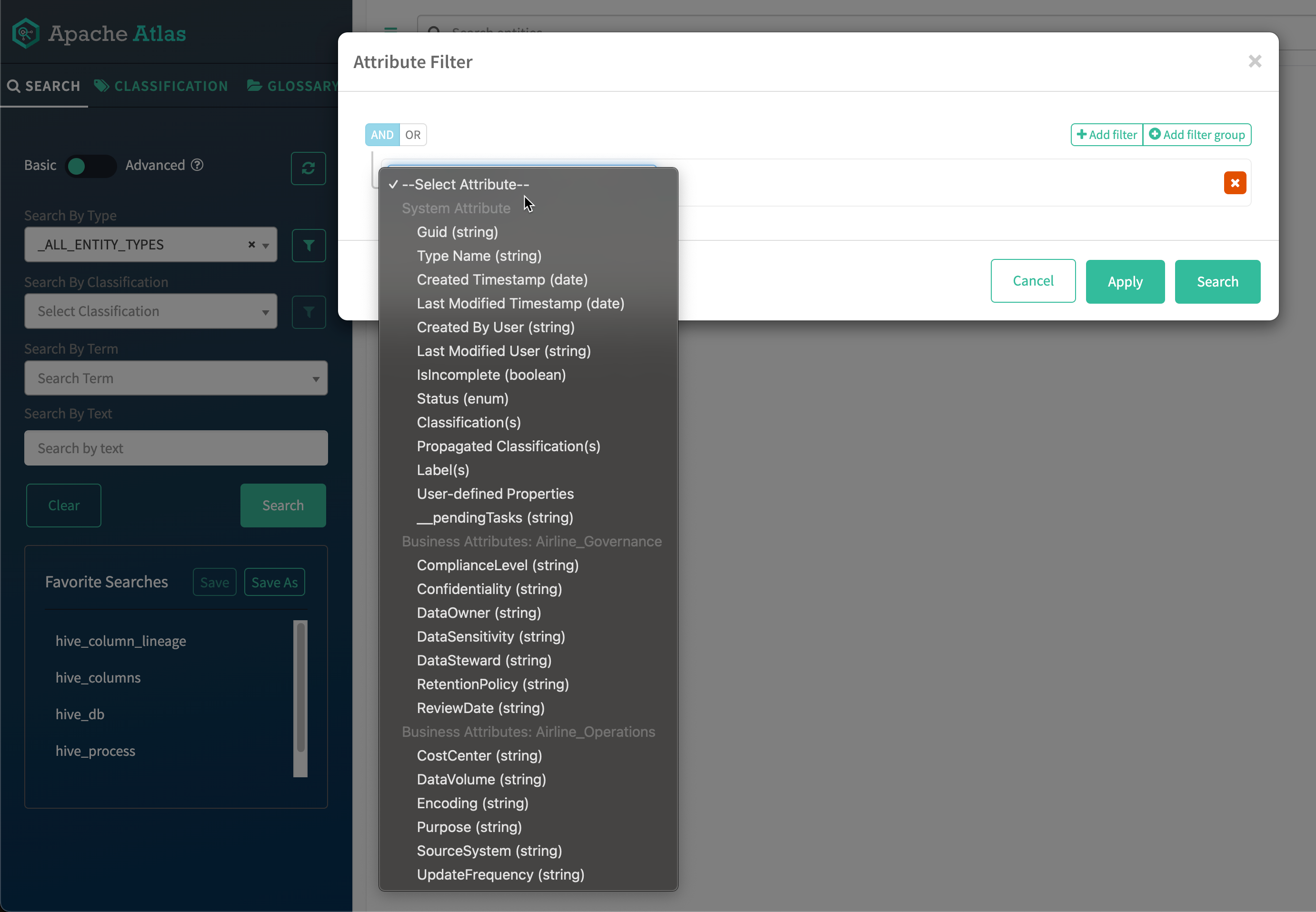
To search on values for more than one attribute, add another filter row to the search filter
(click Add filter). The search can find entities matching either filter
criteria (logical OR) or matching both criteria (logical AND). Set the logic using the
AND / OR buttons at the top-left of the filter
rows.
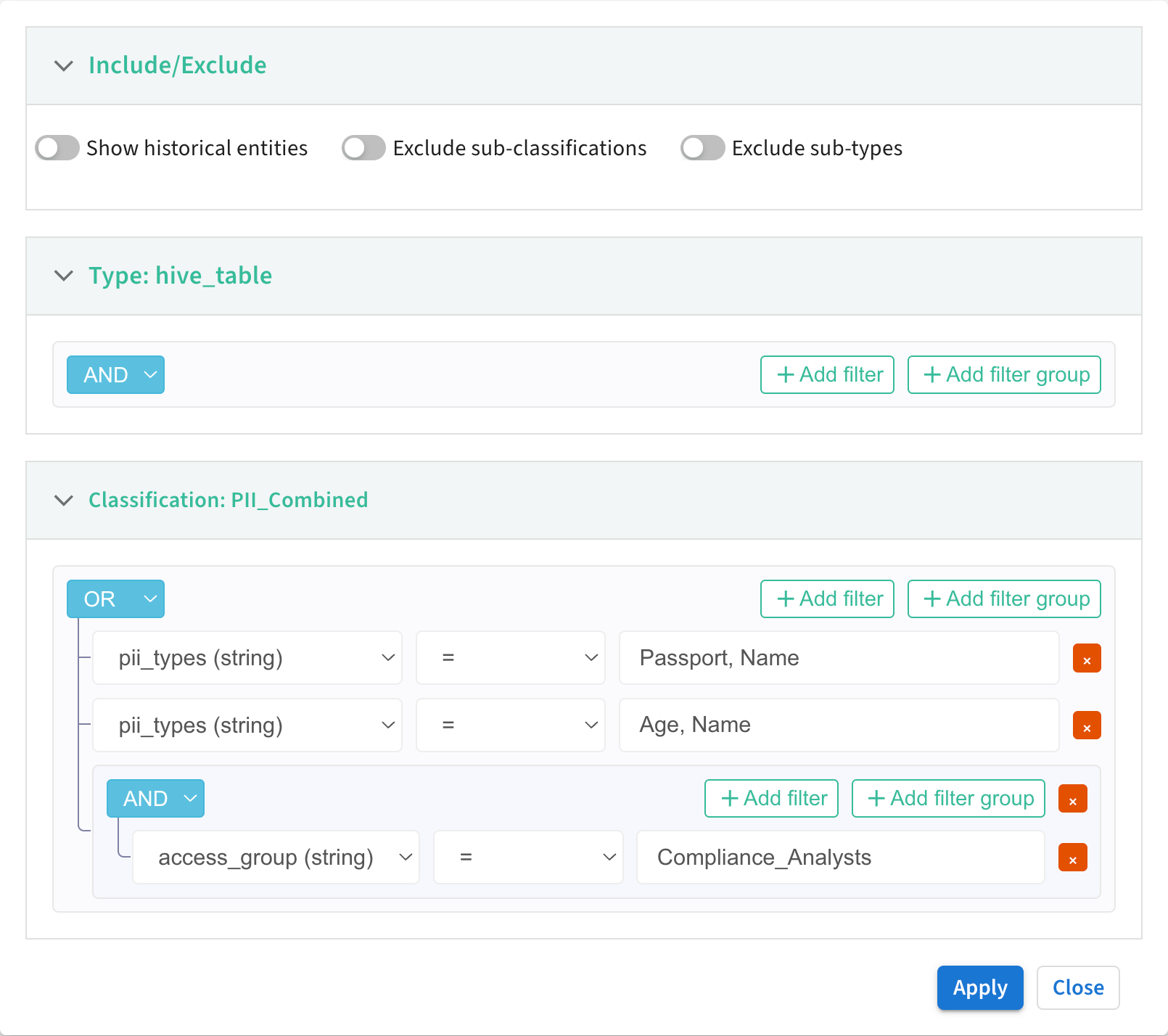
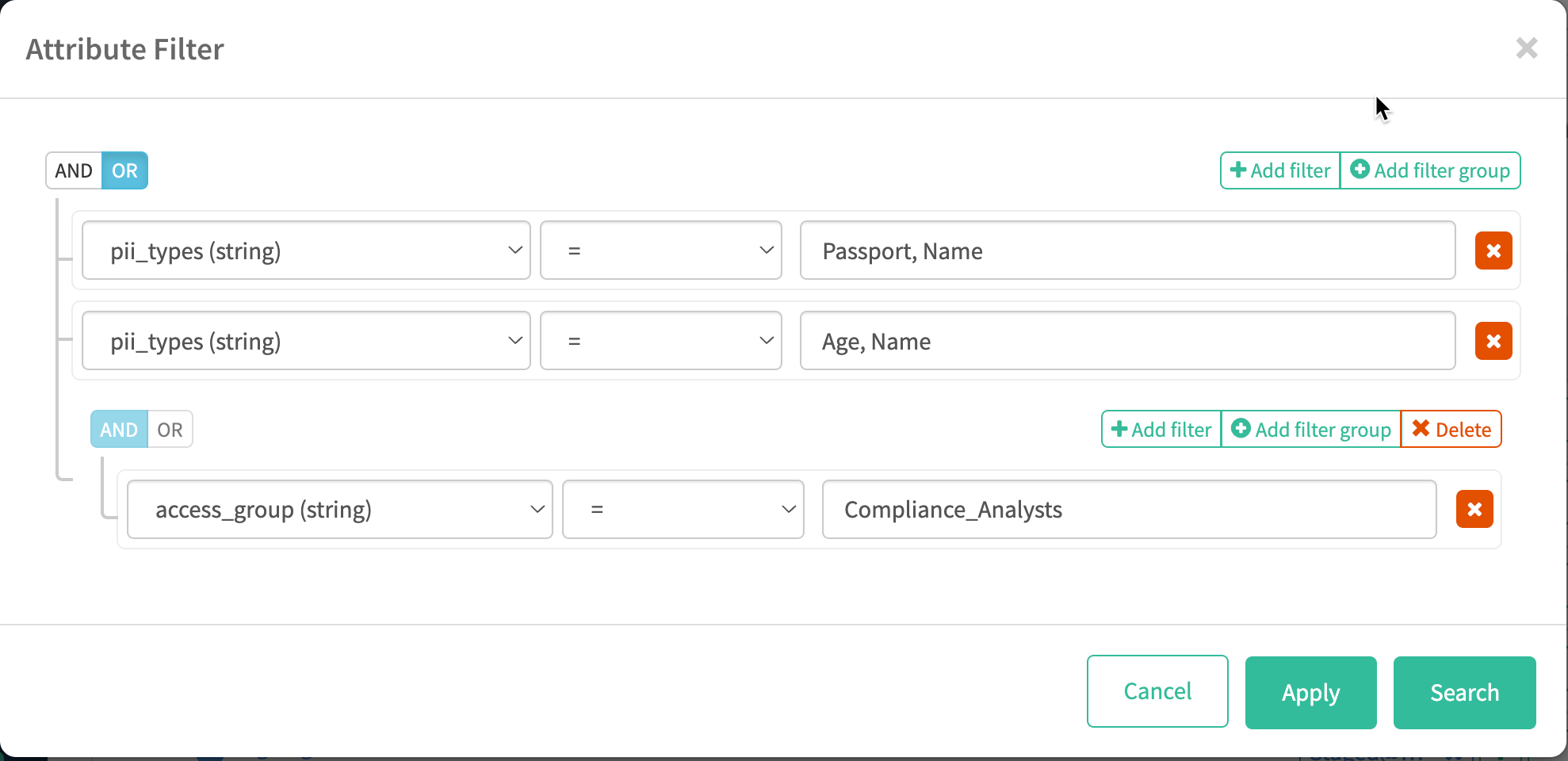
You can combine logical AND and OR criteria using filter groups. The logic is the same within
a filter group; use more than one filter group to produce both AND and OR logic. For example,
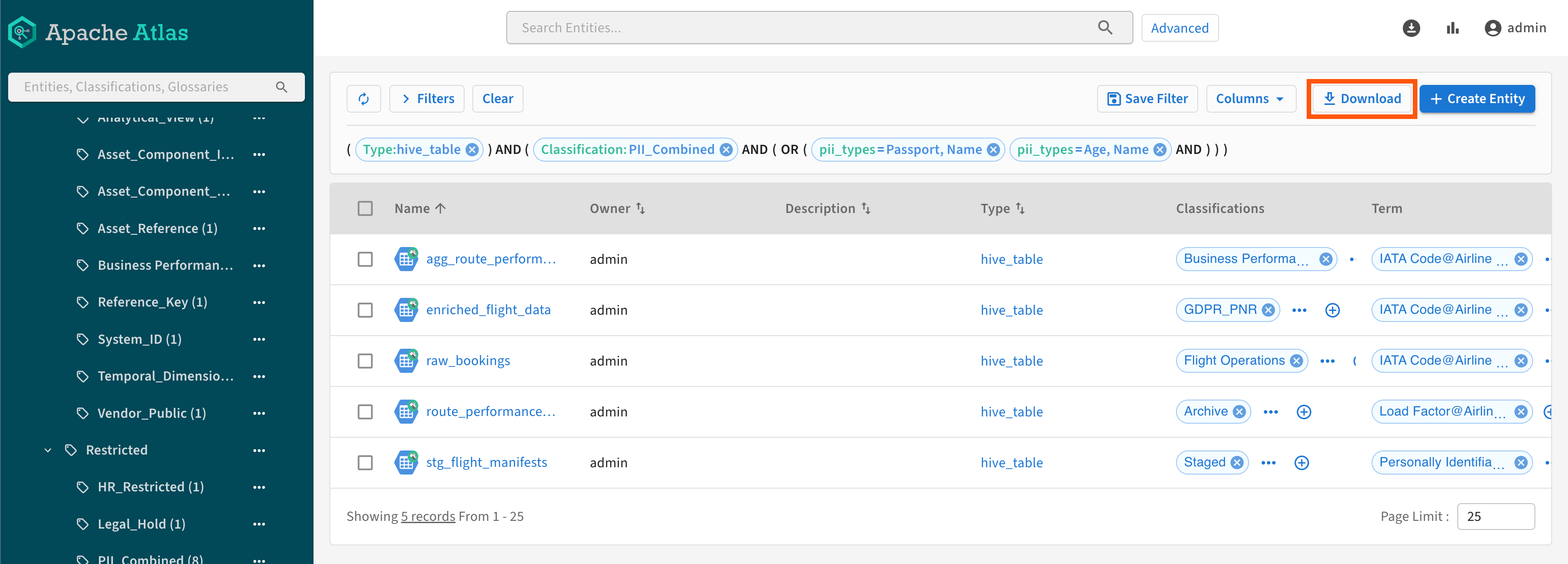
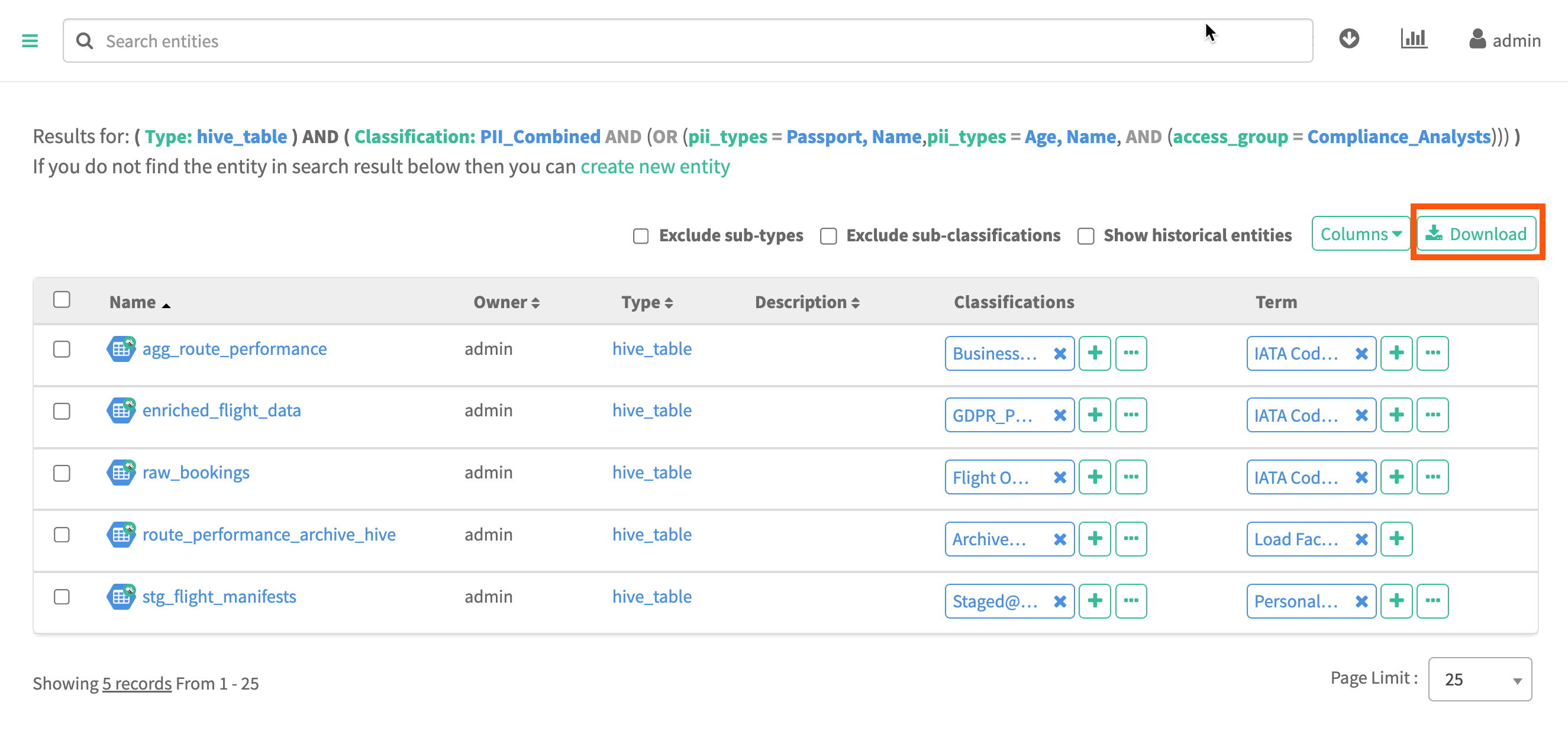
the following classification attribute filter searches for entities that have
Passport, Name or Age, Name PII types and are
assigned to the Compliance_Analysts access group.
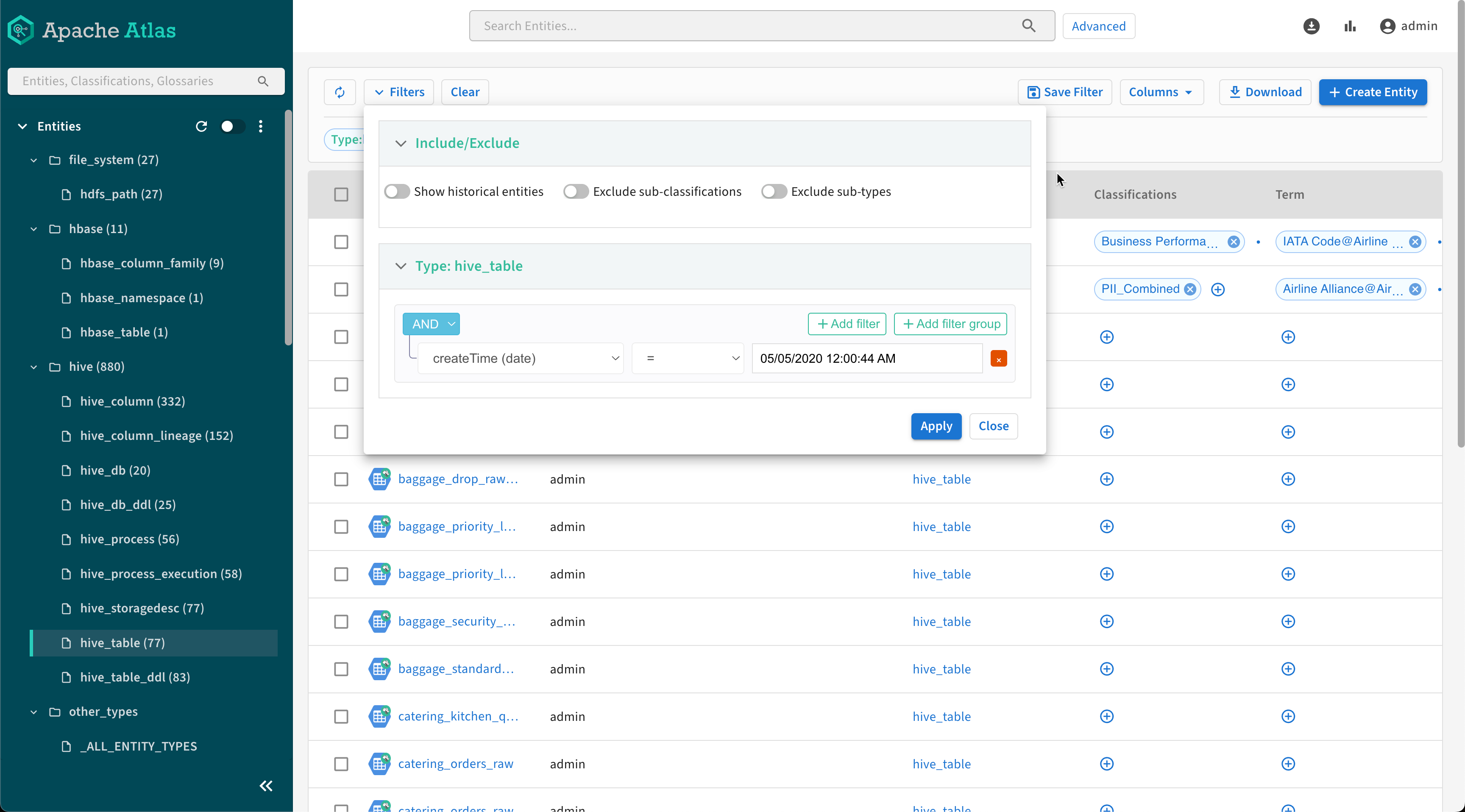
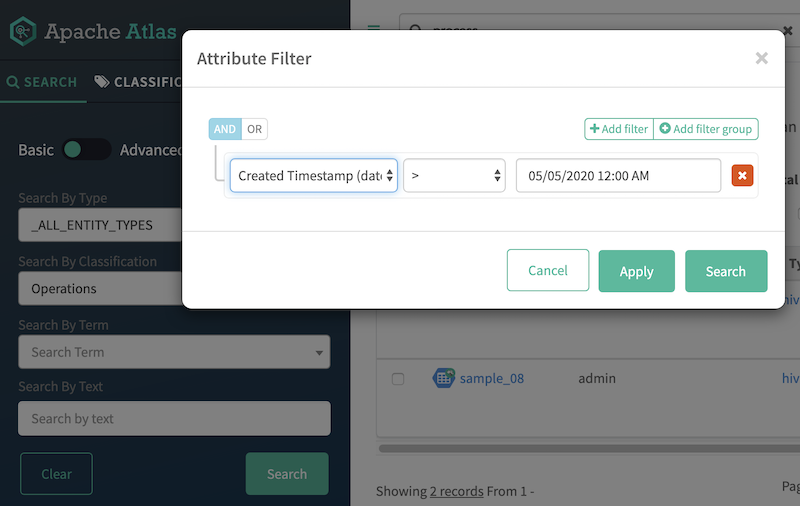
If you wanted to further limit the search results to the entities that were created in Atlas
in the last 24 hours, you would open the attribute filter for Search by Entity
Type/Entities and set the system attribute
Created Timestamp less than 24 hours. To open the Search by Entity
Type filter, you would need to select an entity type or "_ALL_ENTITY_TYPES".