Restricting classifications based on user permission
The Read Type (type-read) permission in Apache Atlas restricts which users, groups, and roles can view classifications, business metadata, and other type definitions.
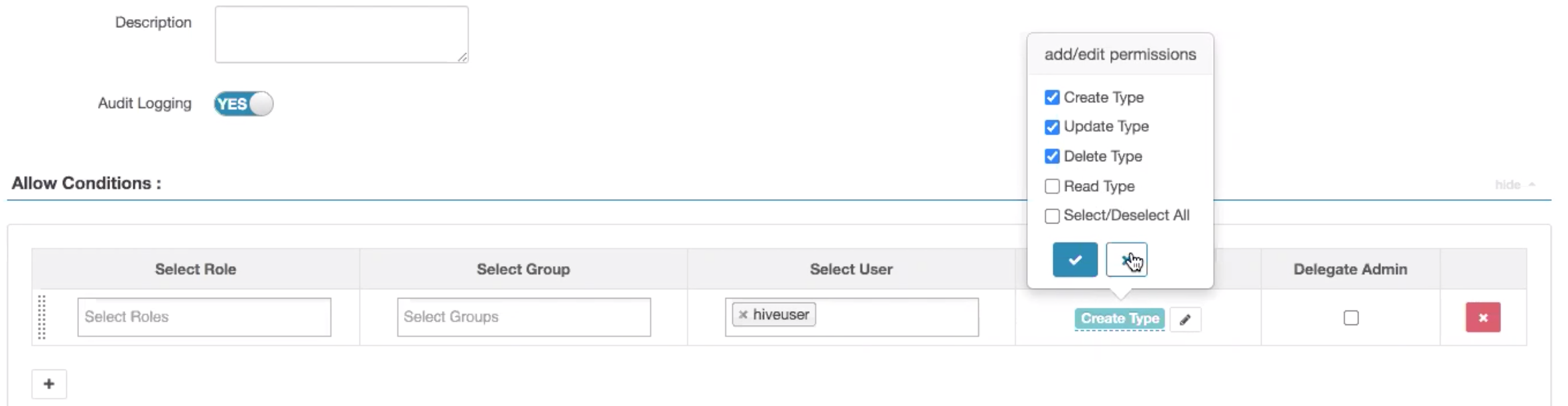
The Atlas authorization model uses the Create Type,
Update Type, and Delete Type
permissions to control who can modify type definitions. Without a read permission, every
authenticated user can view every type definition. The Read Type
(type-read) permission adds access control to the visibility of
classification, business metadata, entity, enumeration, structure, and relationship type
definitions.
The following example shows a Ranger policy that hides a classification from specific users.
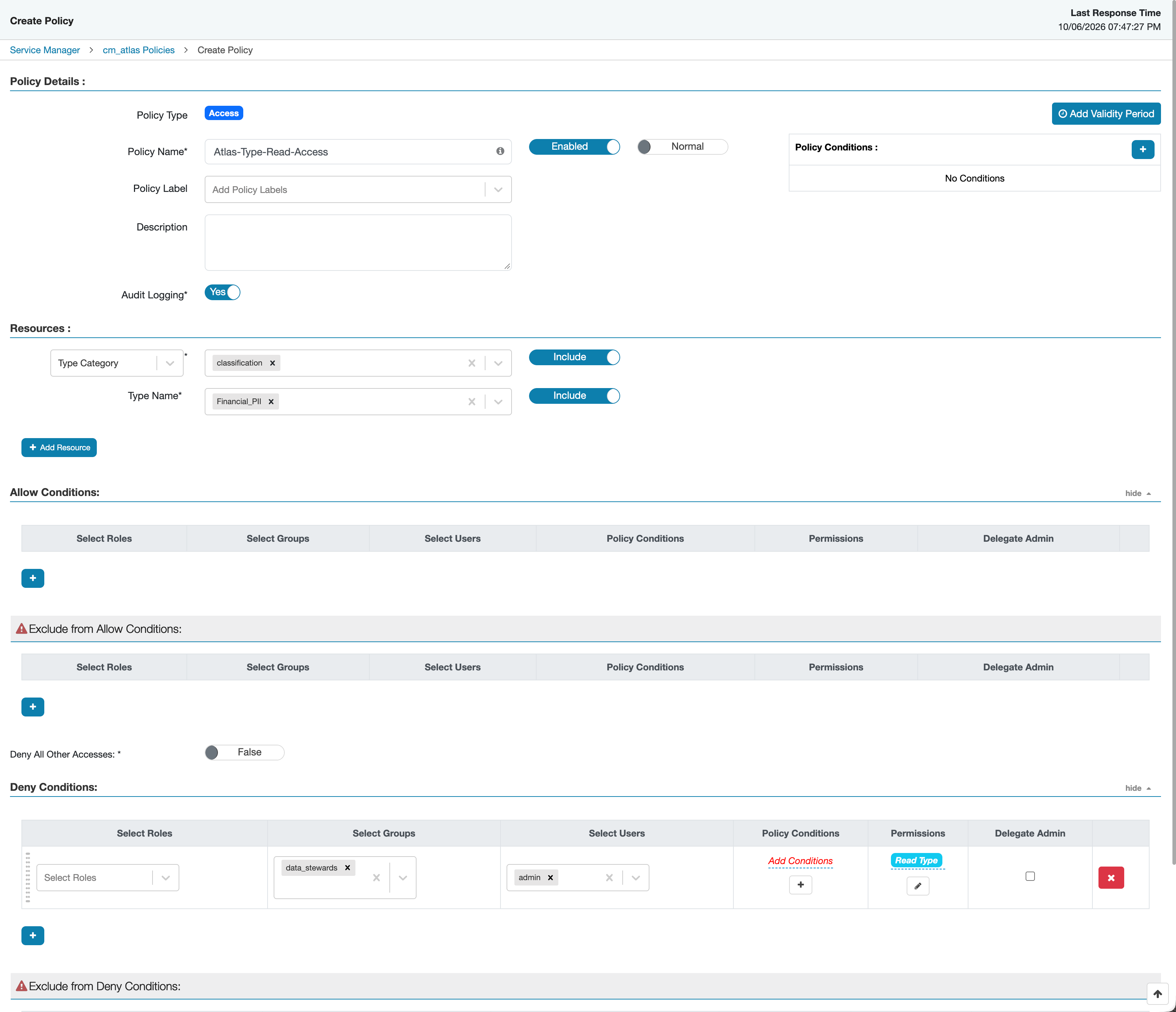
With this policy, the Financial_PII classification no longer appears
for the data_stewards group and the admin user in
Atlas, and an attempt to open it returns an authorization error. The deny rule takes
precedence over the default policy, so these users lose access even though everyone
else keeps it.
Atlas checks the Read Type permission in the following cases:
- When a user requests a single type definition by name or GUID, Atlas returns an authorization error if the user does not have Read Type permission for that type.
- When a user lists type definitions, for example all classifications, Atlas omits the types that the user cannot read from the response.
- When a user creates or updates a type definition, the user also needs Read Type permission for every type that the definition references. This includes the supertypes and entity types of a classification, the attribute types of an entity, structure, or business metadata definition, the applicable entity types of business metadata attributes, and the end types of a relationship.
Ranger does not write audit records for Read Type access checks.
To keep the earlier behavior, the default all - type-category,
type policy grants Read Type permission to the
public group, which includes all authenticated users. To restrict
type visibility, update the default policy and add policies that grant
Read Type permission only to specific users, groups, or
roles.