Saving aliases

Learn about saving aliases for the Knox Gateway and IDBroker roles across multiple topologies on each host where an instance of the Knox Gateway or IDBroker is installed, without the need to manually run the Knox CLI tool.

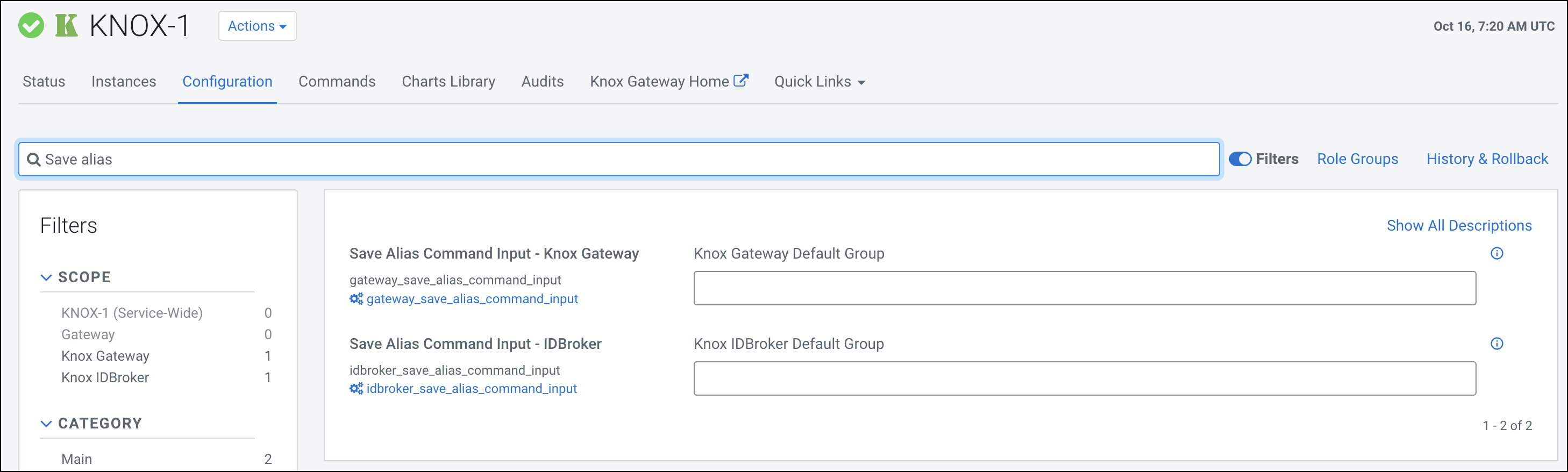
Two password-type input fields are available at the role level to save aliases:

  • gateway_save_alias_command_input: Used for saving Knox Gateway aliases.
  • idbroker_save_alias_command_input: Used for saving IDBroker aliases.
  1. Save Knox Gateway aliases.
    1. Add a Knox Gateway alias using the gateway_save_alias_command_input password-type input field.
      The following format is valid in this input field:
      topology_name_1[:topology_name_2:...:topology_name_N].alias_name=password
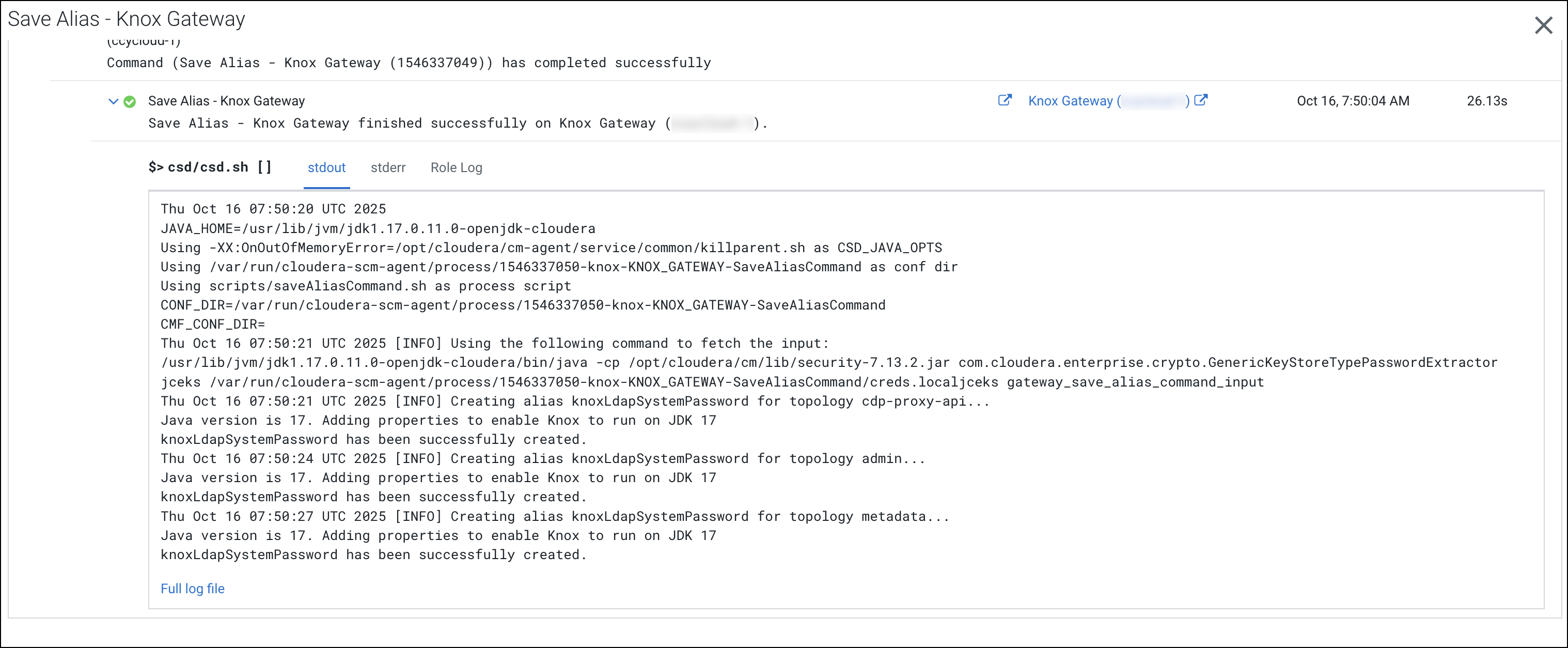
      cdp-proxy-api:admin:metadata.knoxLdapSystemPassword=guest-password
    2. Save the configuration changes.
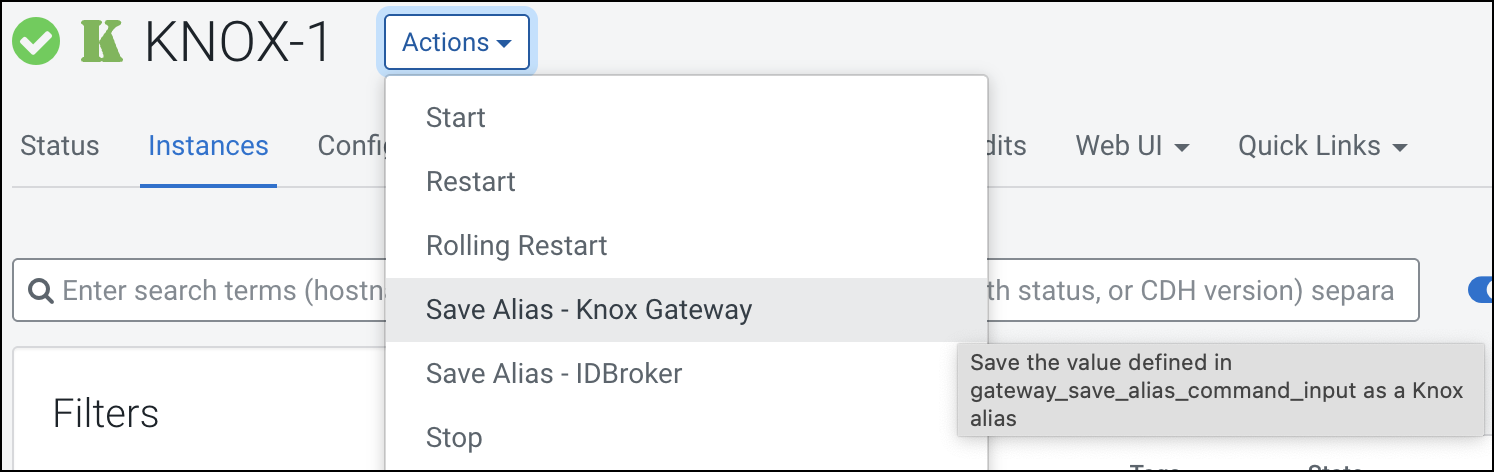
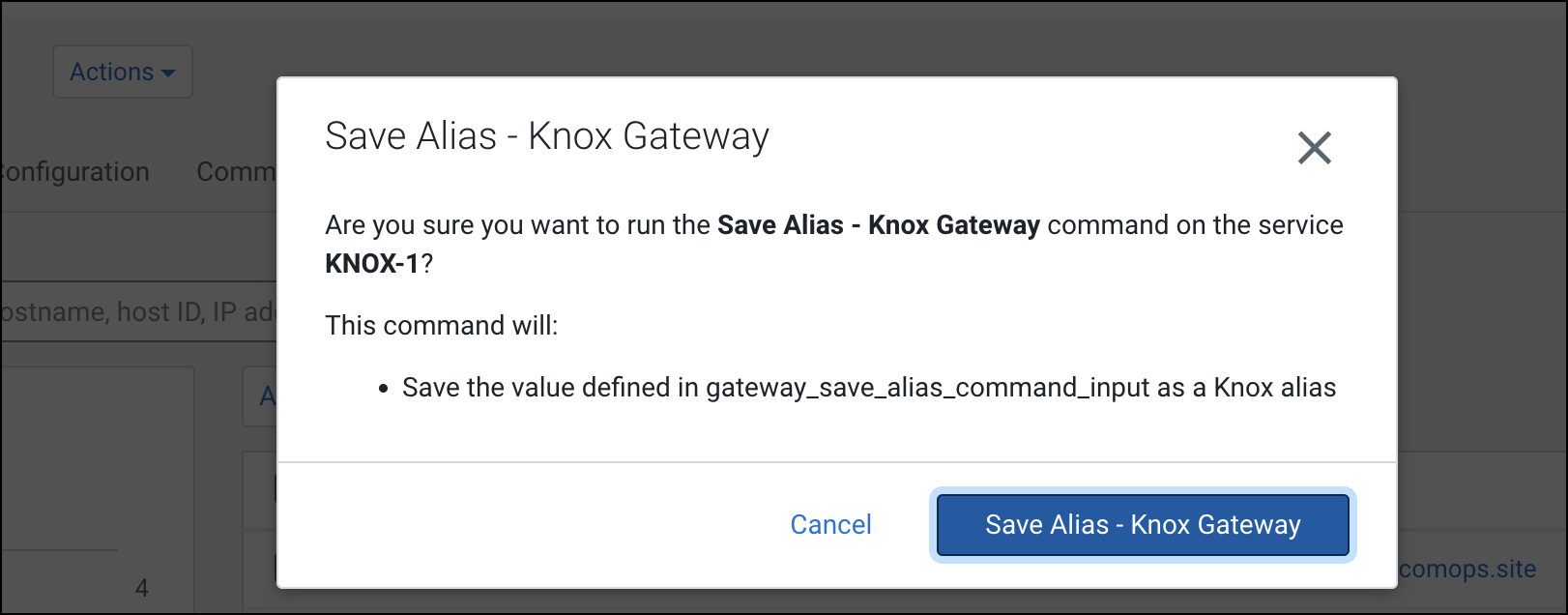
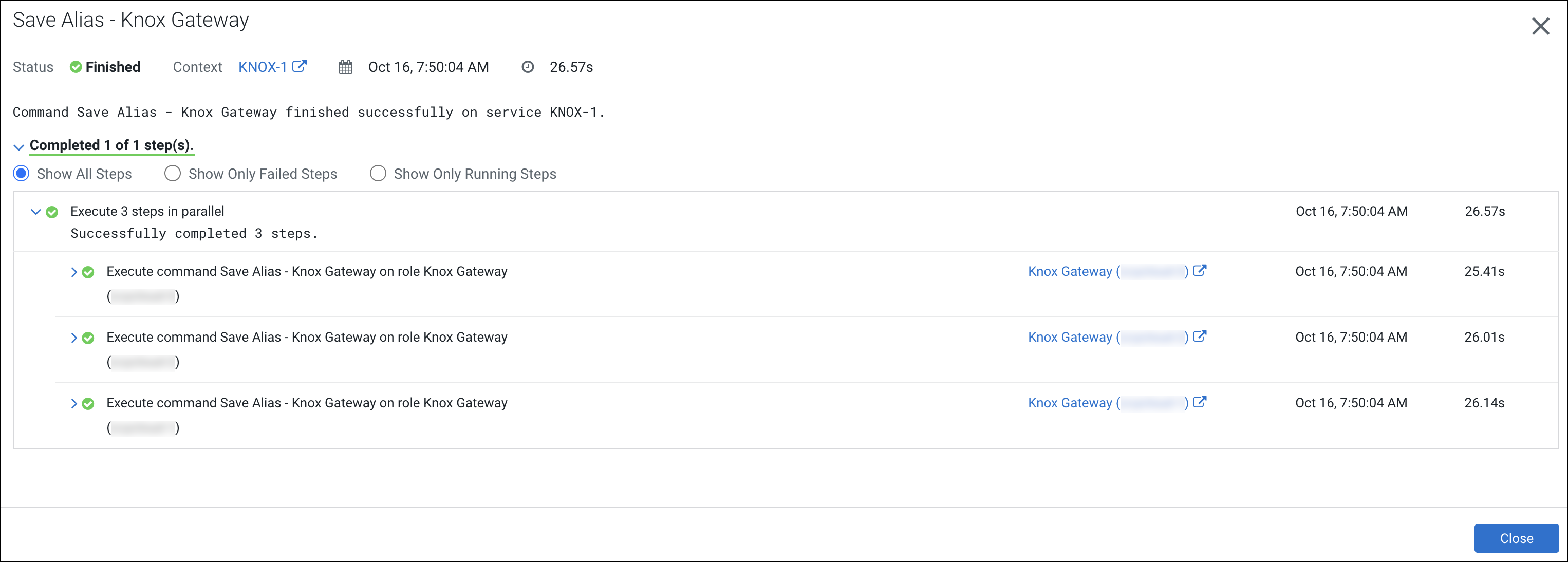
    3. Run the command using the Knox Gateway Actions > Save Alias - Knox Gateway option.
  2. Save IDBroker aliases.
    1. Add an IDBroker alias using the idbroker_save_alias_command_input password-type input field.
      The following format is valid in this input field:
      topology_name_1[:topology_name_2:...:topology_name_N].alias_name=password
      aws-cab.aws.credentials.secret=myAwsSecret
      
    2. Save the configuration changes.
    3. Run the command using the IDBroker Actions > Save Alias - IDBroker option.