Overview
Instead of using a basic username/password pair, you can improve security by generating Knox Gateway tokens. Tokens are more secure than plaintext username/password because they are signed, anonymized from the source data, and have a specified lifetime (by default, one hour).
About Knox gateway tokens
Before Cloudera Data Platform 7.1.9, Knox on Cloudera on premises had two default topologies: cdp-proxy and
cdp-proxy-api. To enable passcode tokens, a third Knox topology was
added: cdp-proxy-token. While very similar to
cdp-proxy-api, the authentication provider for
cdp-proxy-token is configured with the JWTFederation provider, so that
newly generated tokens can be used.
View Knox token integration
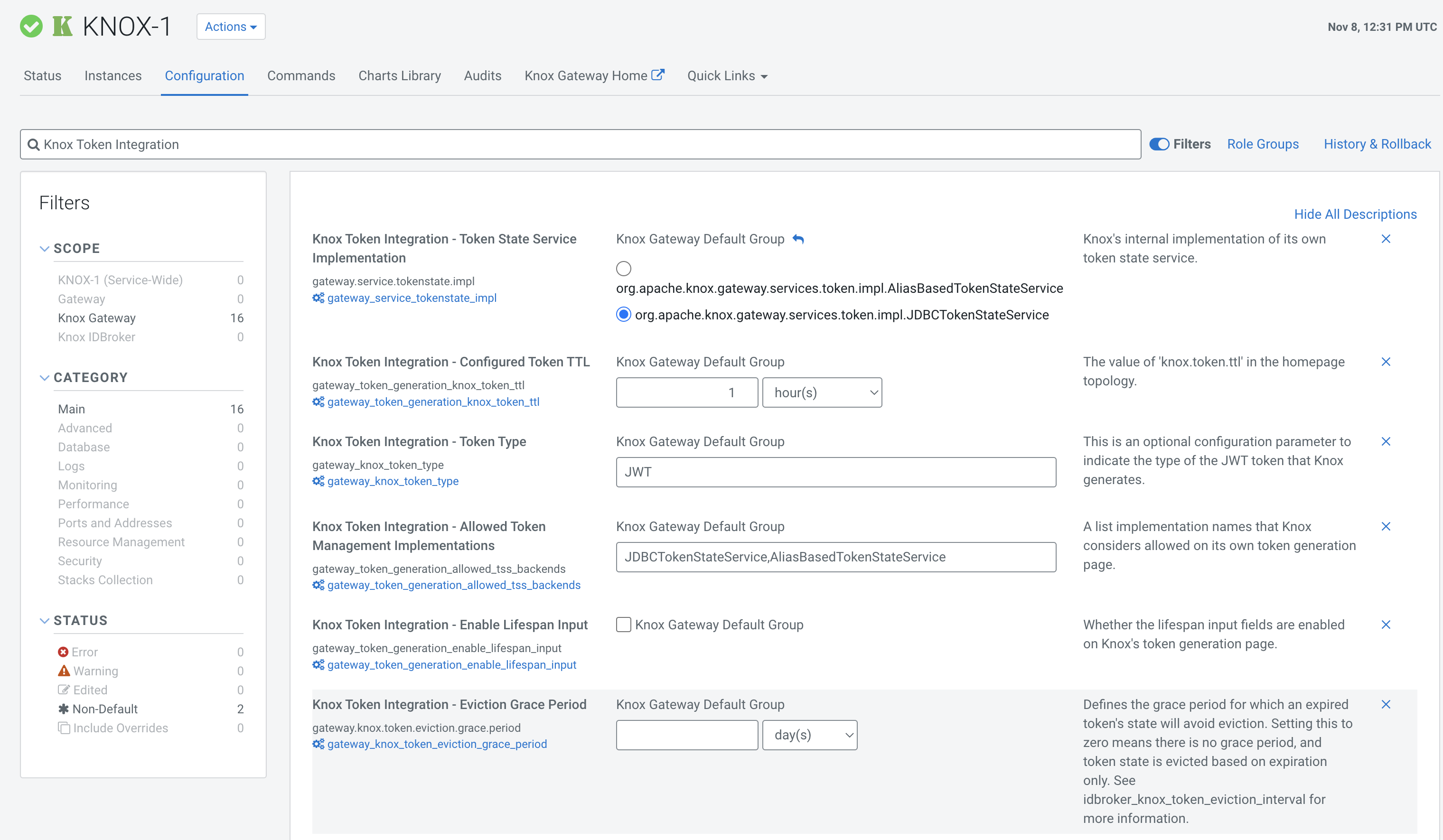
- (Recommended) Cloudera Manager: and search for
Knox Token Integration
.
- Navigate to . Perform one of the following actions, depending on whether there is one
Knox Gateway instance or more than one on the cluster:
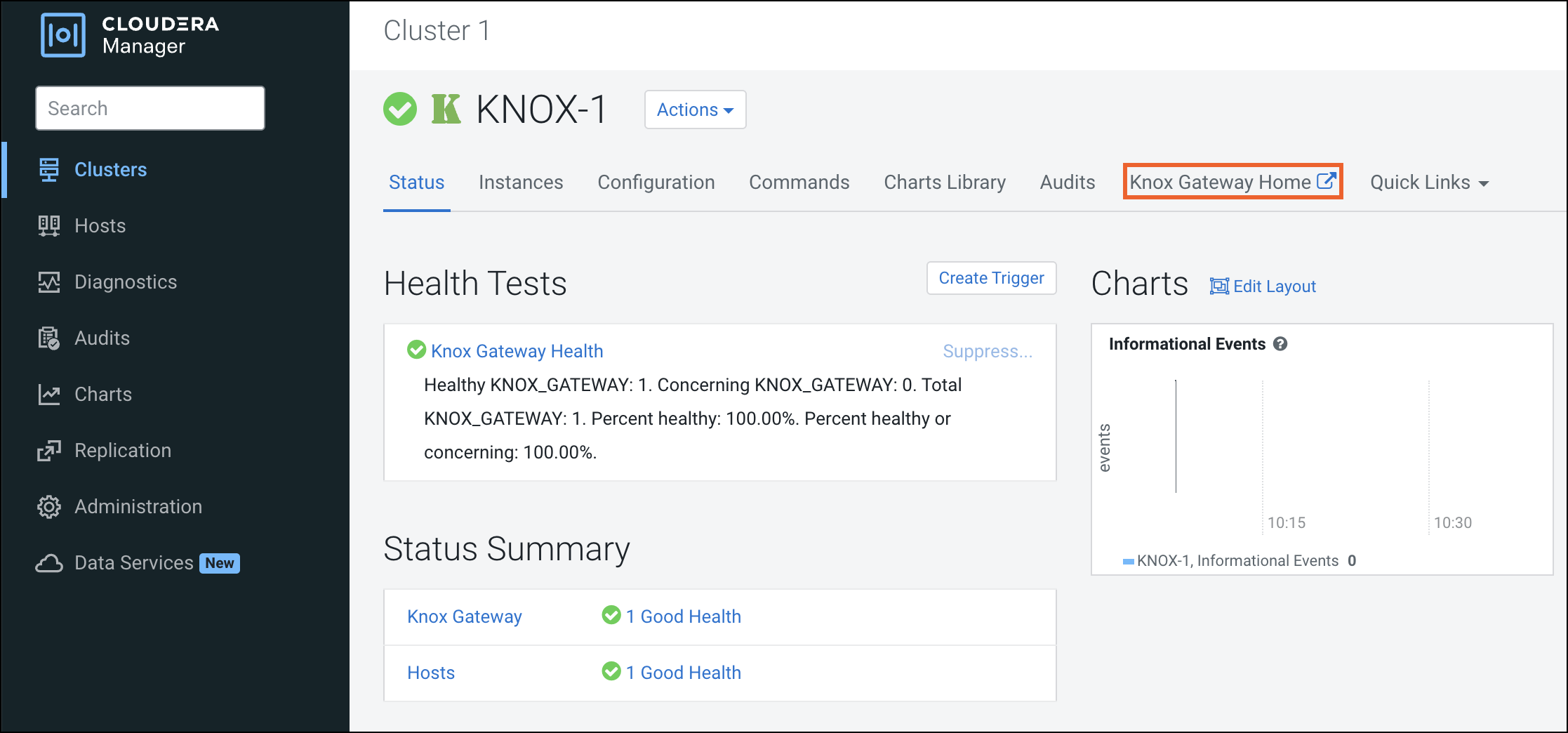
- If only one Knox Gateway instance is installed on the cluster, select
Knox Gateway Home.
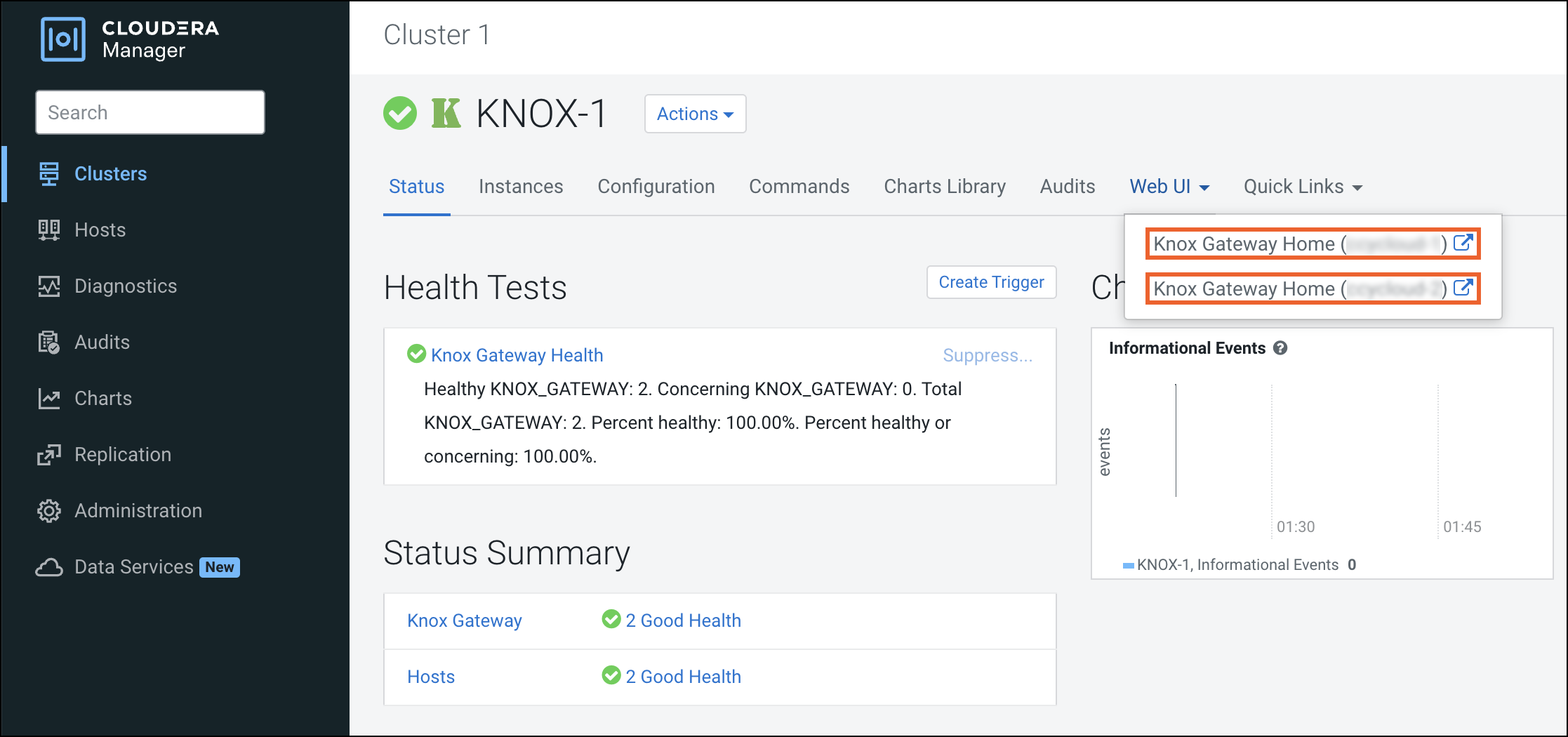
- If Knox Gateway high availability (HA) is enabled and more than one Knox instance is
installed on the cluster, click Web UI, and select any of the
Knox Gateway Home links from the drop-down menu.
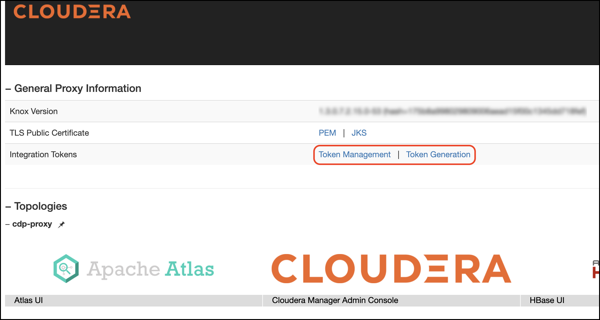
Knox token integration in Cloudera works out of the box using the Knox Token Generation page. However, the token integration API can be re-used in your own custom topology.
- If only one Knox Gateway instance is installed on the cluster, select
Knox Gateway Home.
