Learn how to install and configure the Metering V2 service to monetize API calls to
Hive Metastore made by your clients.
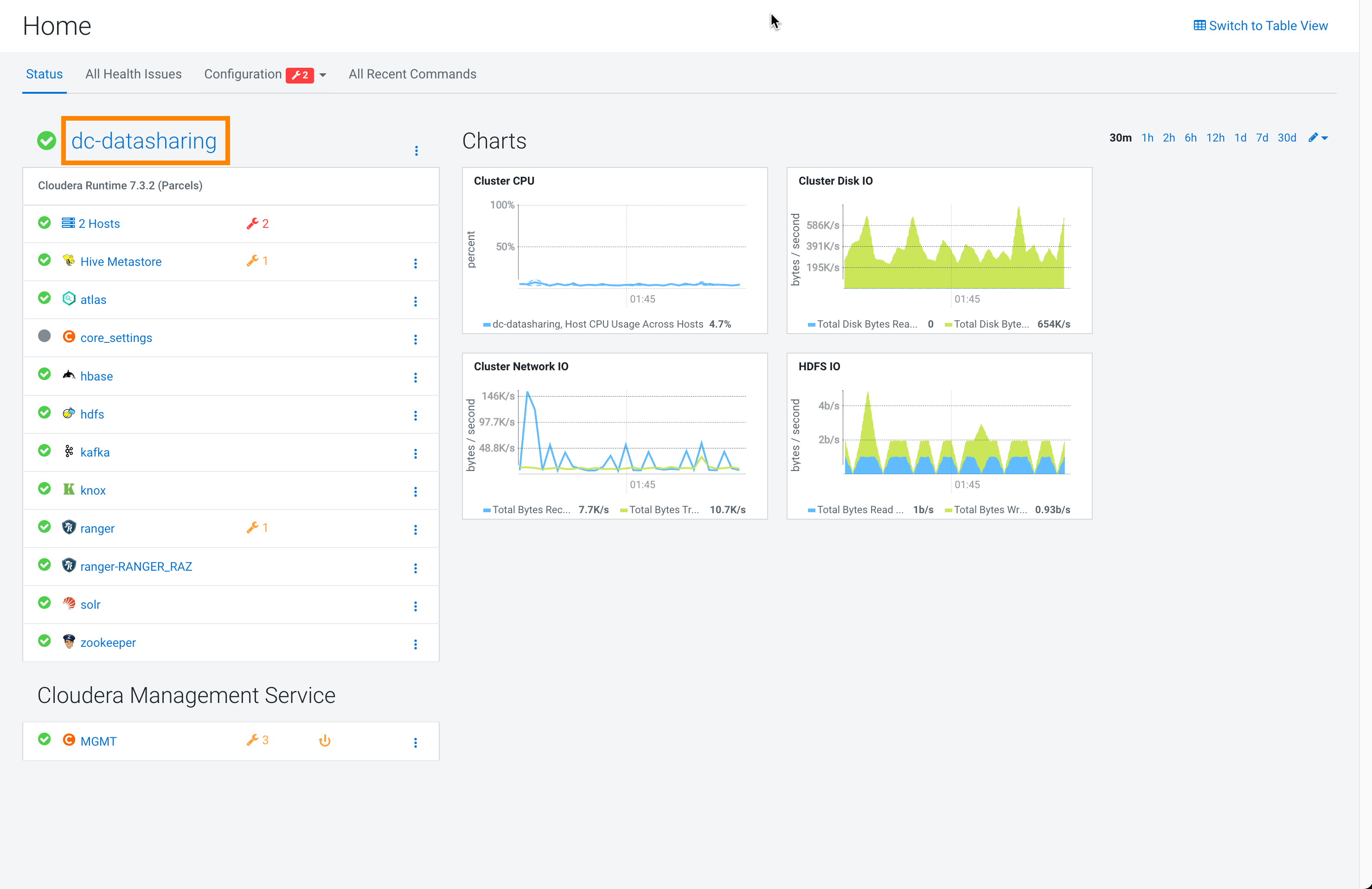
Open Cloudera Manager and open your cluster.
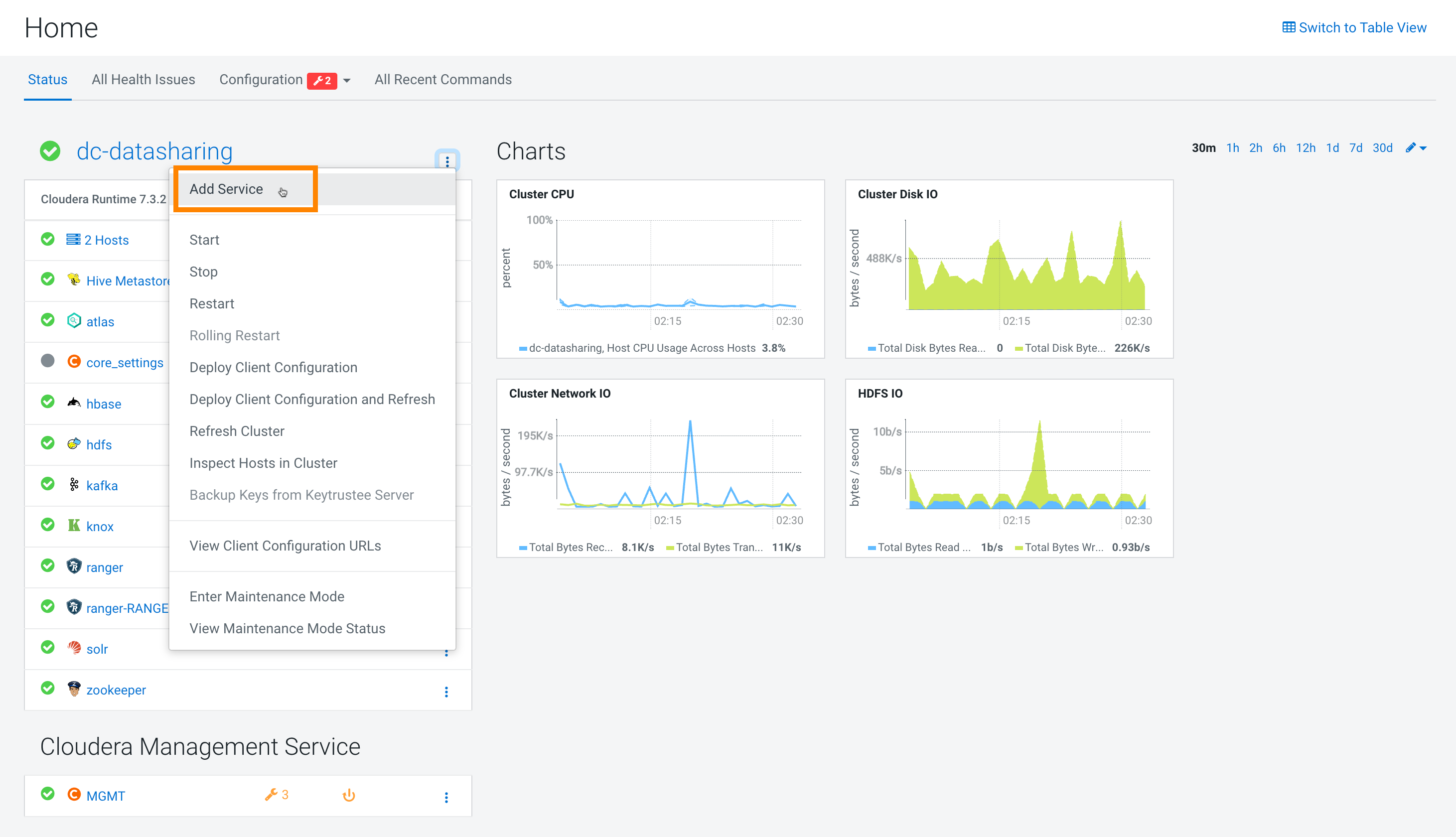
Click Action > Add Service.
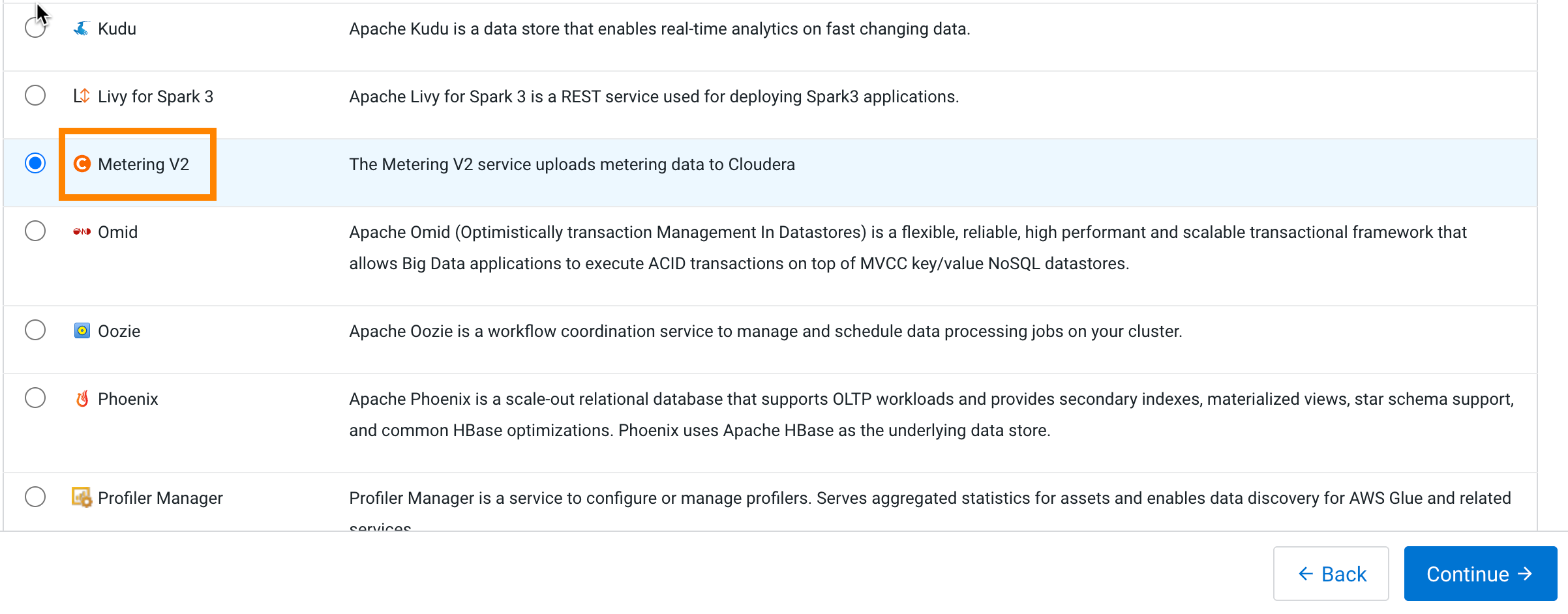
Select Metering V2 in the resulting screen.
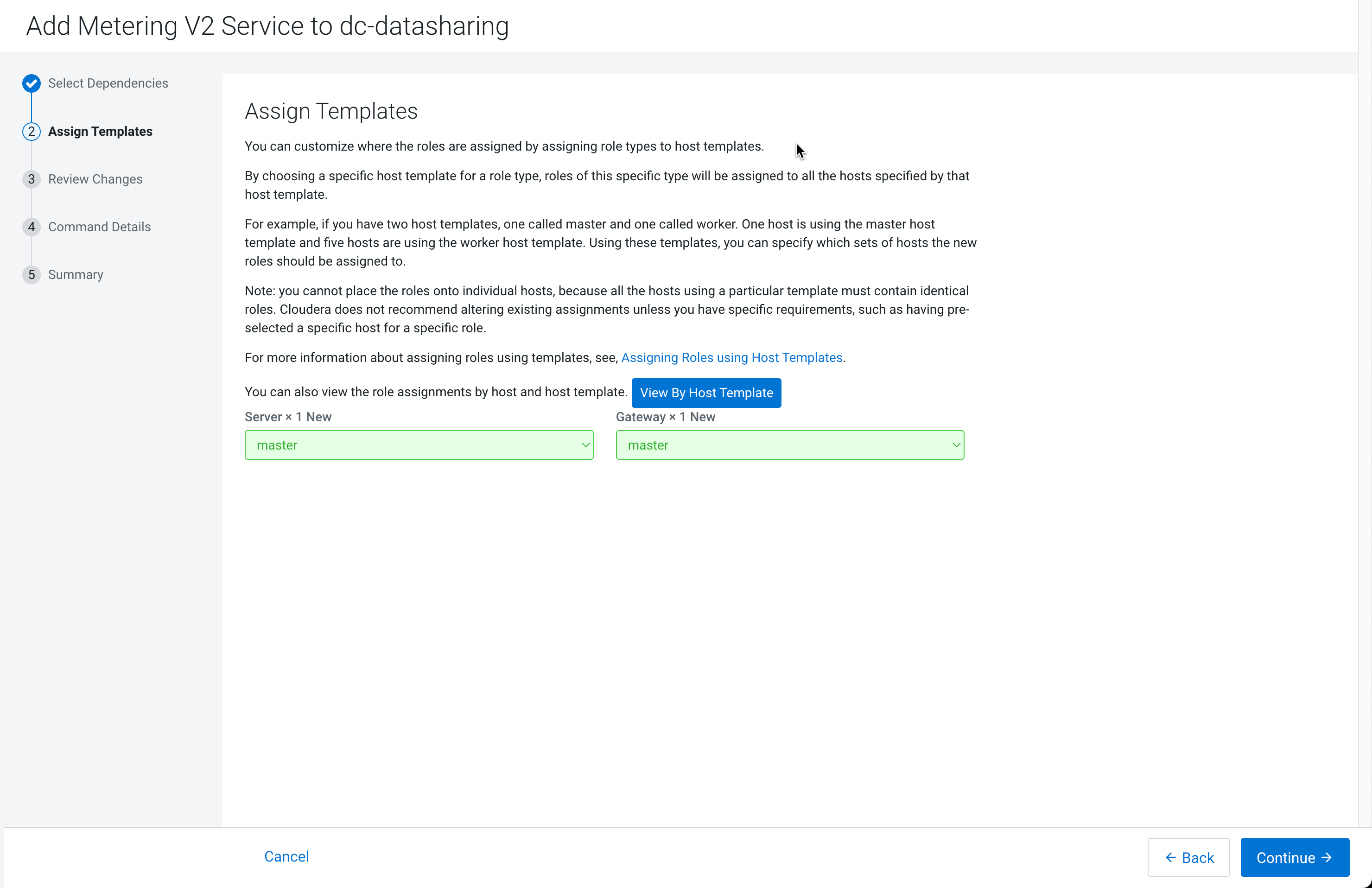
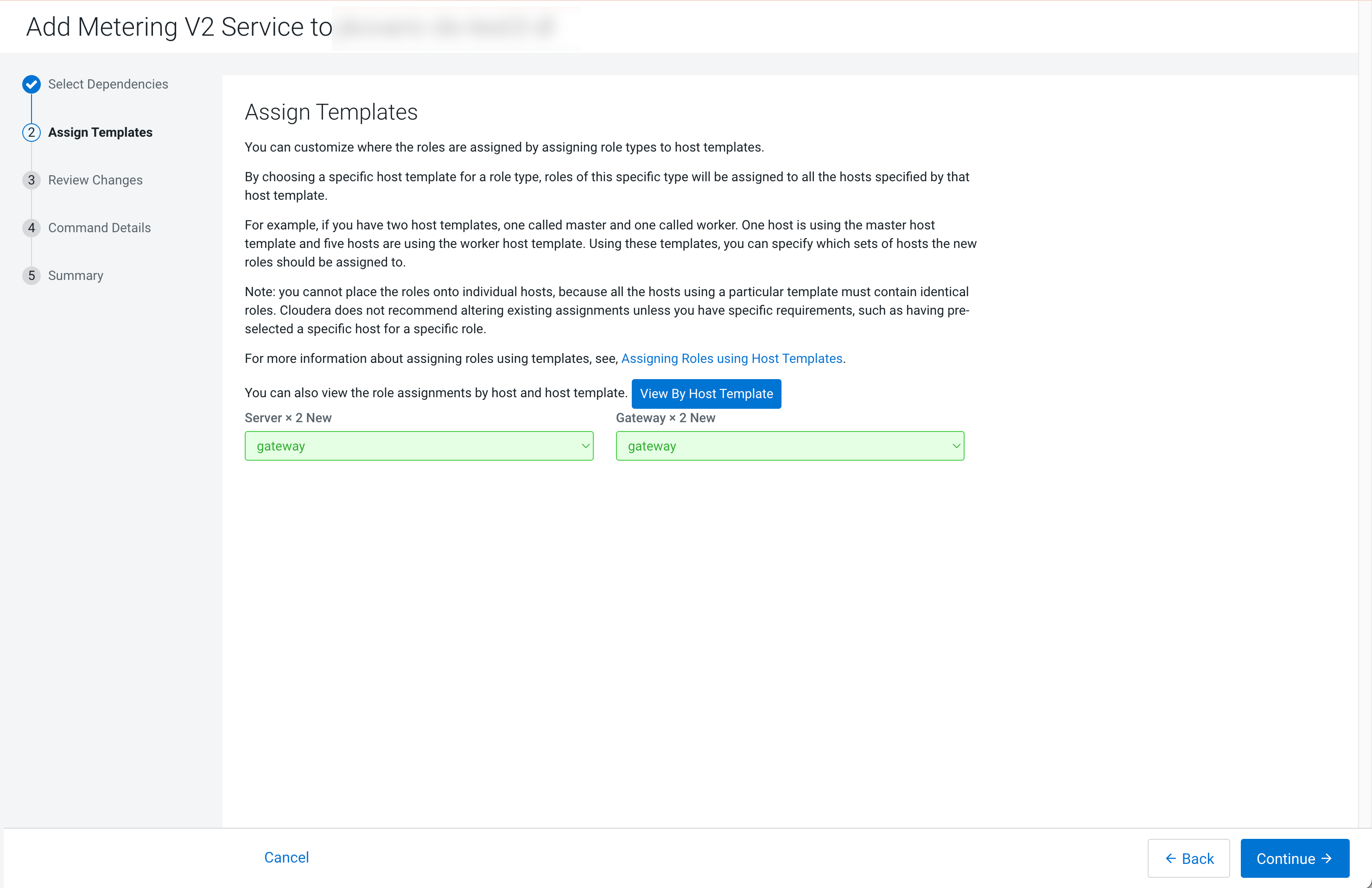
In the Assign Templates step (the Select
Dependencies step will already be done), click the
Gateway text box and select the nodes where Hive
Metastore is located. Once the hosts have been selected, click the
Continue button.
Figure 1. Role assignment for Light Duty Data LakesFigure 2. Role assignment for Enterprise Duty Data Lakes
In Review Changes, click
Continue.
The Command Details step will automatically switch to
Summary if no problems are detected with the first
commands.
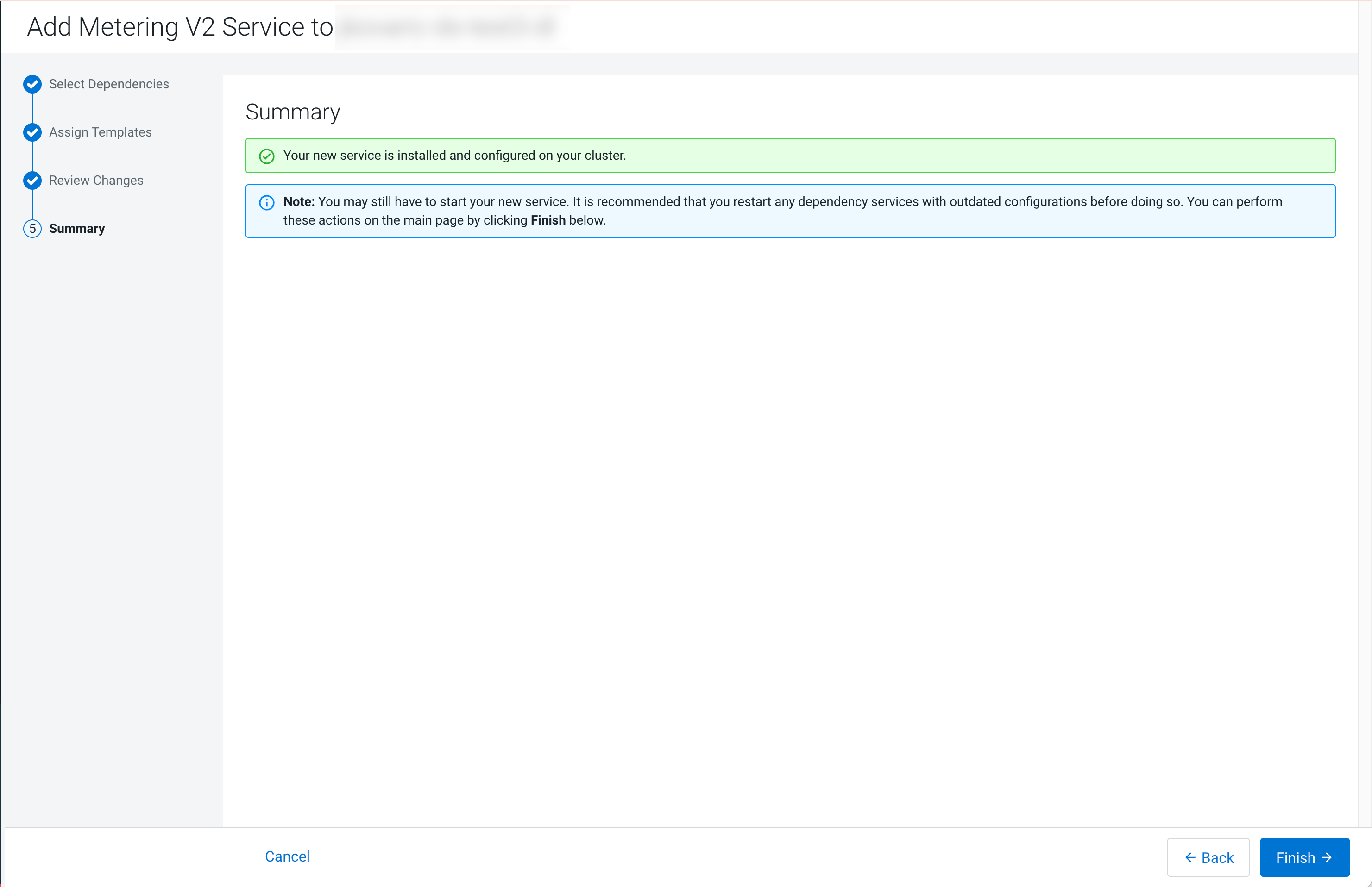
In Summary, click the Finish.
Click Save Changes.
Click Clusters > Metering V2 > Actions > Restart.
If TLS is enabled for Metering V2 and you share data from Cloudera Object Store (powered by Apache Ozone) storage, import the Metering V2
certificate authority into the Hive Metastore JVM truststore.
Import the Metering V2 Cloudera Manager Local Certificate
Authority alias (metering-scm-ca) into the
cacerts truststore used by the Hive Metastore and REST
Catalog JVM on every Hive Metastore node, and restart Hive Metastore.
Without this import, REST Catalog API calls fail because Hive Metastore
cannot establish a trusted TLS connection to the metering endpoint.
For example, retrieve the Metering V2 certificate, import it under the
metering-scm-ca alias, and verify the import.
Replace [***METERING-HOST***] with the host running the
Metering V2 service, and adjust the JDK path if your cluster uses a
different JVM. Inspect the certificate chain first and select the correct
certificate: use c==2 for an intermediate CA or
c==1 for a self-signed certificate.