Enabling Ozone S3 Security Token Service
Learn about the prerequisites and the end-to-end procedure required to enable the Ozone Security Token Service (STS).
- A functioning, secure Ozone cluster must be available with both Kerberos and Apache Ranger enabled.
- The Ranger Ozone plugin must be installed on the Ozone Manager (OM) and S3
Gateway (S3G) with the
RangerOzoneAuthorizerconfigured. - The calling user (that is, the service principal) must possess permanent S3
credentials. You can obtain these using the following
command:
kinit -kt /cdep/keytabs/[***YOUR_S3_USERNAME***].keytab [***HOSTNAME***] && ozone s3 getsecret - Ozone volumes, buckets, and keys are created as needed for STS token access.
- The Ranger Administrator must configure the following:
- Create a Ranger user corresponding to the service principal in Ozone.
- Create a Ranger role for each role that can be assumed using STS.
- Grant the calling user the
assume_rolepermission on that role. - Grant the role the necessary resource permissions and actions (volume/bucket/key) using Ranger resource policies.
- The role name provided in the
RoleArnduring an API call must exactly match the Ranger role name. For example:arn:aws:iam::123456789012:role/my-data-reader-role ^^^^^^^^^^^^^^^^^^^^ Ranger role name - To configure Ranger policies with curl, set these environment variables:
RANGER_URL: Ranger Admin base URL (for example,https://[***RANGER_HOST***]:[***PORT_NUMBER***])RANGER_SERVICE_NAME: Ozone Ranger service name (example,cm_ozone)RANGER_ADMIN_USERNAME: Ranger Admin usernameRANGER_ADMIN_PASSWORD: Ranger Admin password
-
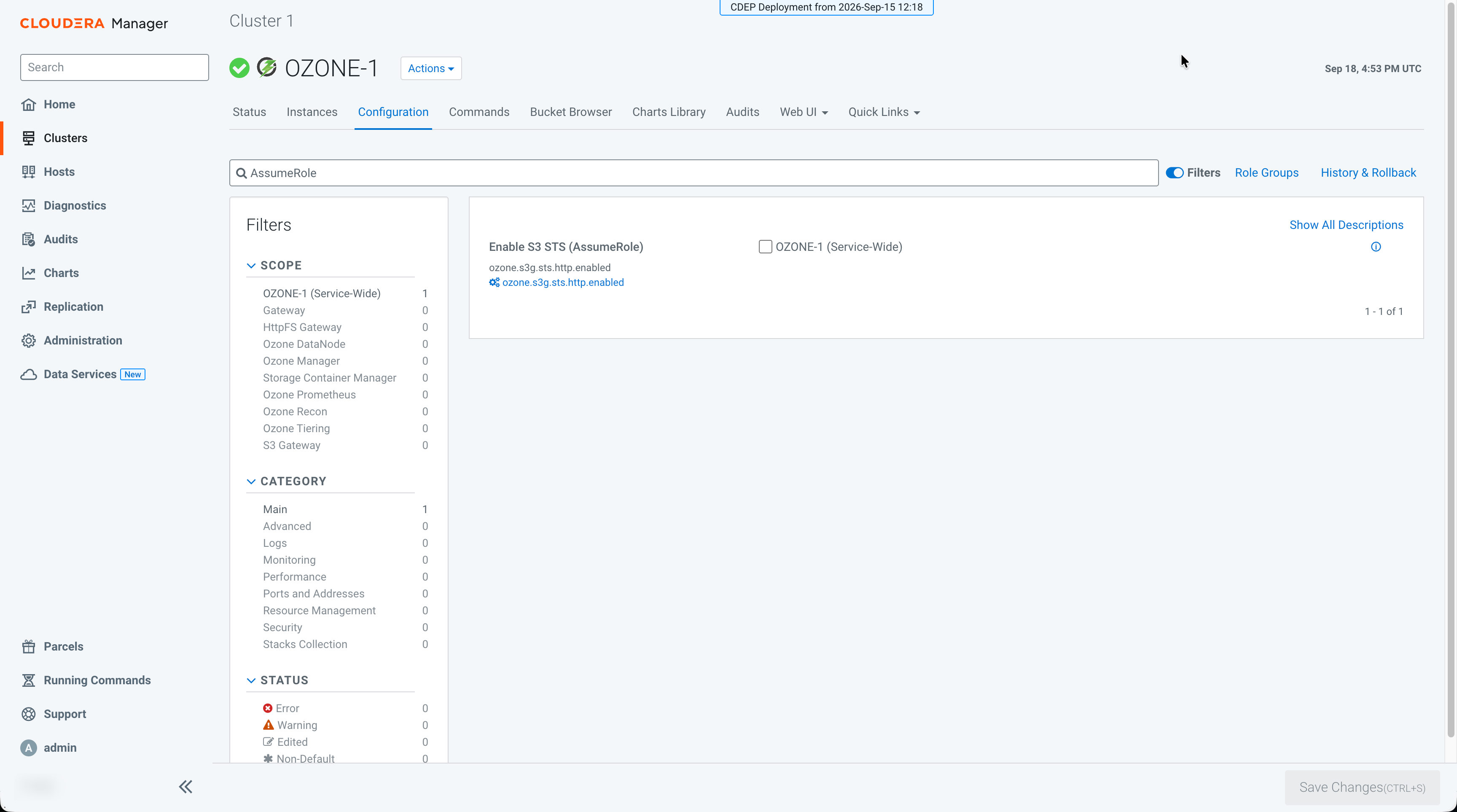
In the Enable S3 STS (AssumeRole) configuration, select
the checkbox next to OZONE-1 (Service-Wide).
-
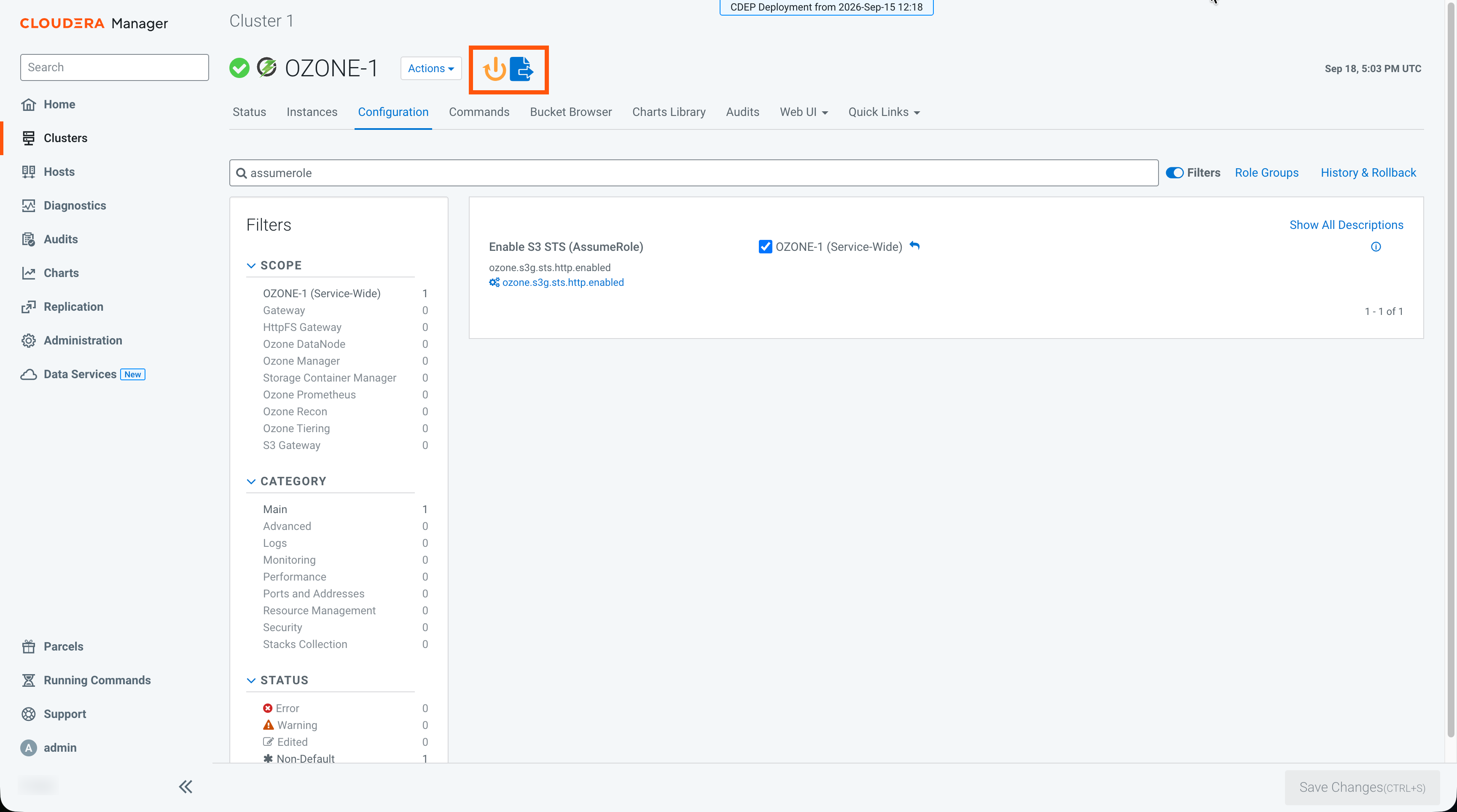
Wait about 30 seconds for the Stale Configuration icon
 to appear next
to the Actions dropdown (near the OZONE-1 label at the
top of the page).
to appear next
to the Actions dropdown (near the OZONE-1 label at the
top of the page).
-
Click the Stale Configuration: Restart needed icon
.
