Managing Cloudera Data Explorer (Hue) permissions
Permissions for Data Explorer applications are granted to groups, with users gaining permissions based on their group membership. Group permissions define the Data Explorer applications visible to group members when they log in to Data Explorer and the application features available to them. There is a fixed set of Data Explorer permissions. You cannot add or modify permissions. However, you can apply permission to group(s).
-
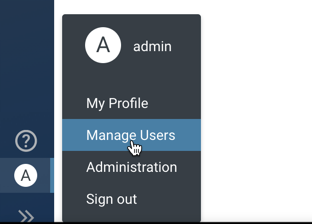
From the left assist panel, point your cursor to the user profile icon and
click Manage Users.
The User Admin page is displayed.
