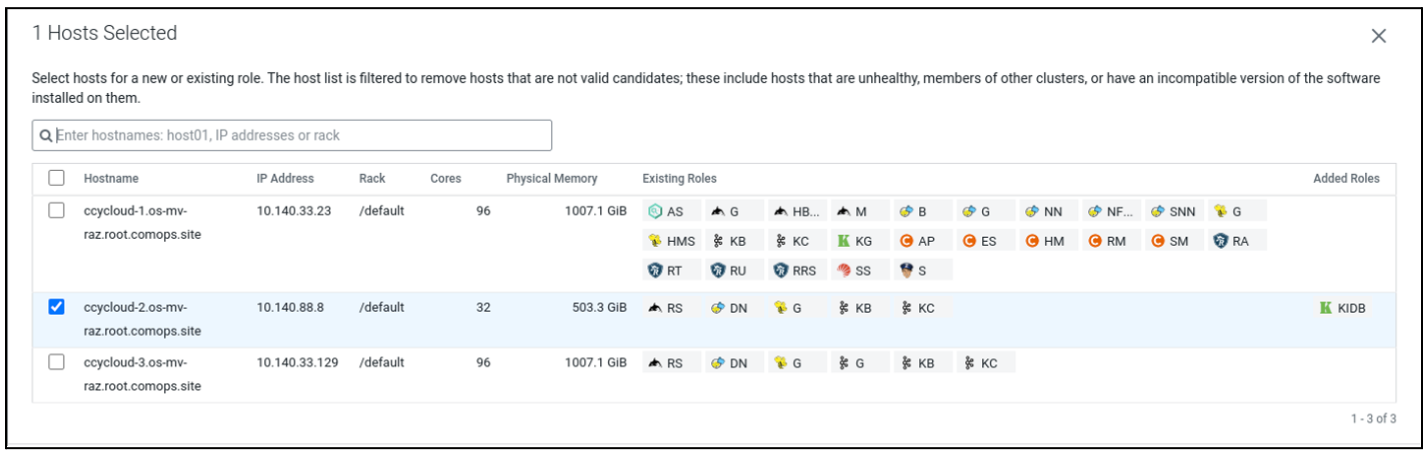
Adding Knox IDBroker role
When accessing cloud storage in Cloudera, credentials are provided by Knox IDBroker, an identity federation solution that exchanges cluster authentication for temporary cloud credentials. Add the Knox IDBroker role to your cluster.
IDBroker is a REST API built as part of Apache Knox’s authentication services. It allows an authenticated and authorized user to exchange a set of credentials or a token for cloud vendor access tokens.
Perform the following steps to add the Knox IDBroker role to your cluster:
-
Add the IDBroker role to the installed Knox service.
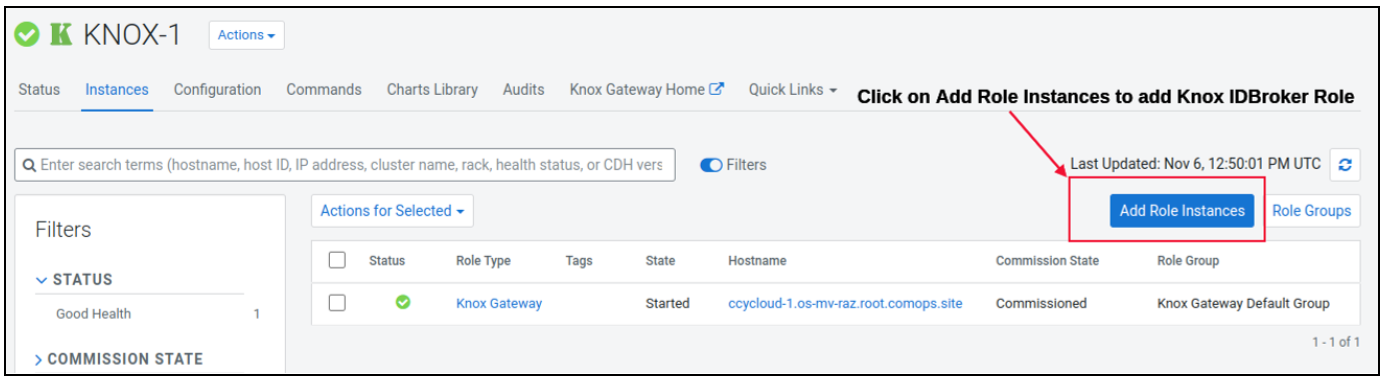
-
Assign a host for the Knox IDBroker role.
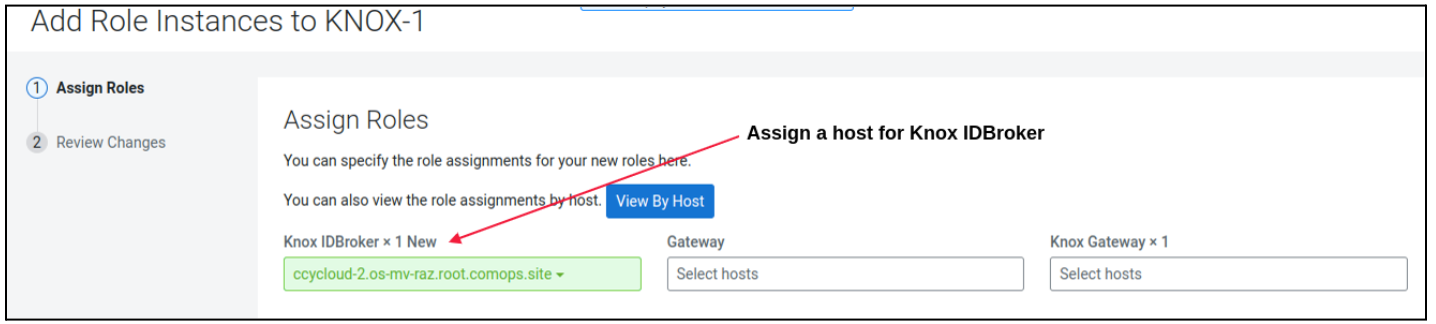
-
Select a host other than the Knox Gateway role and click
Continue.