Changing the page logo in Cloudera Data Explorer (Hue)
You can replace the Data Explorer web interface logo with a custom log that is created with an SVG code. Add any type of logo you want, but your custom logo should be designed to fit into a 160 x 40 pixel space.
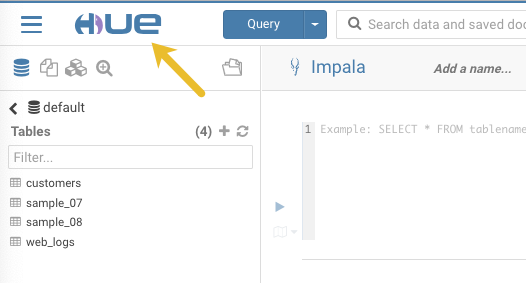
For example, here is the Data Explorer logo shown in the following image:
You can change this Data Explorer logo by adding the
appropriate SVG code to the logo_svg property under the [desktop]
[[custom]] section in the hue_safety_valve configuration
parameter in Cloudera Data Warehouse.
-
Verify your changes by opening Data Explorer.
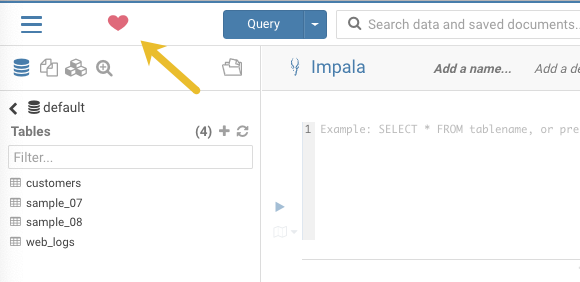
If you added the sample SVG code that defines a red heart as the logo, then your Data Explorer web interface looks as shown in the following image: