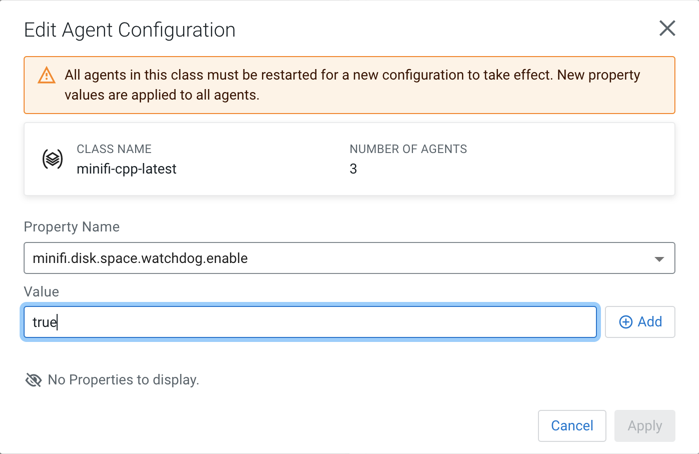
Editing agent configuration
This action allows you to modify agent properties through the Edge Flow Manager.
This action is supported only with the following agent versions:
- minifi-cpp 1.22.04 or higher
- minifi-java 1.23.02 or higher
-
Click .
The Edit Agent Configuration dialog appears.