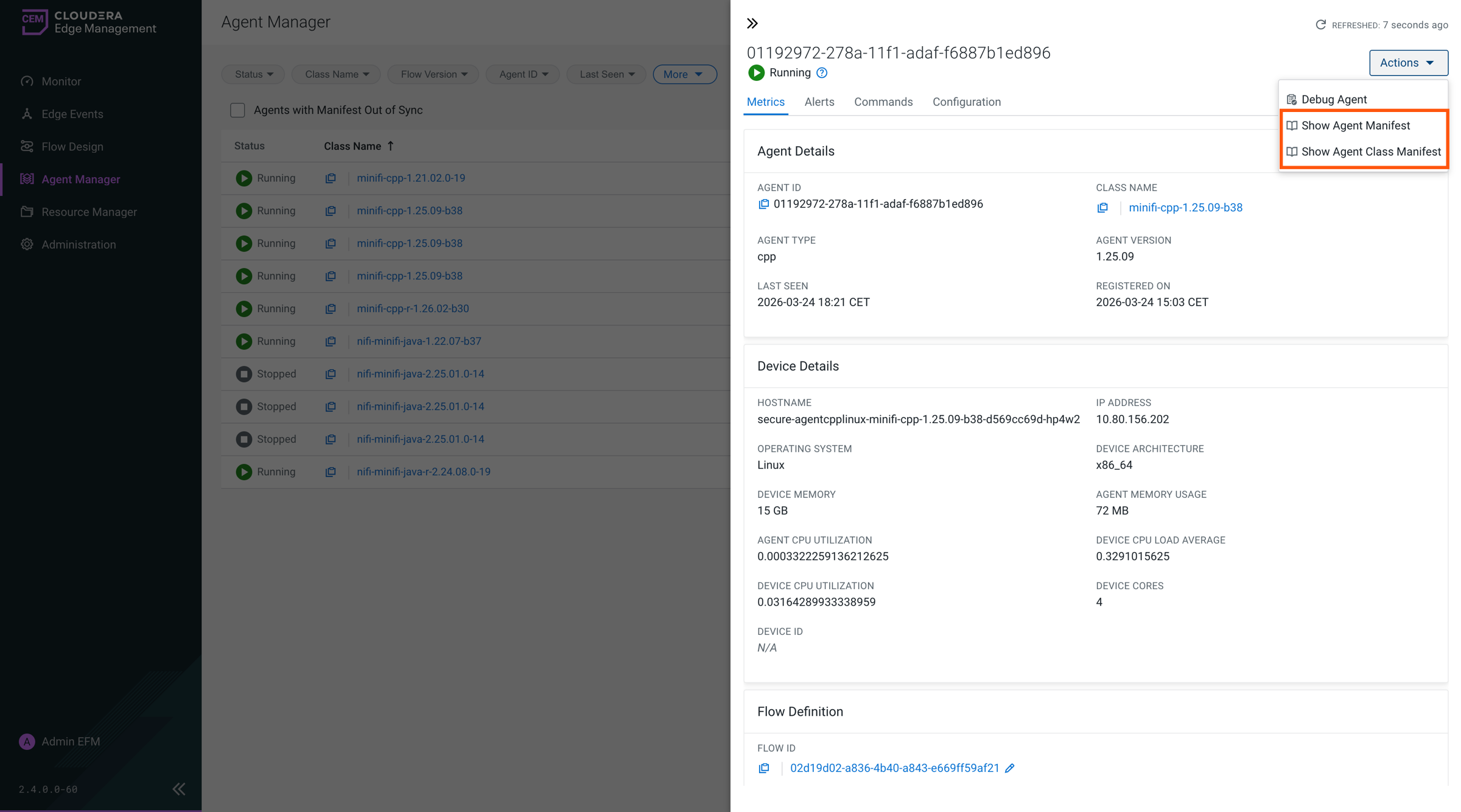
Viewing the agent manifest
You can view the agent manifest to inspect the configuration and capabilities of an agent or an agent class, including details used during deploying or running a flow.
-
From the Agent Manager at the end of an agent row to open the agent details pane.
-
Click or Show Agent Class Manifest.
The agent manifest contains the agent’s configuration and capabilities.
The agent class manifest contains configuration and capability details for the associated agent class.
You can copy and download the manifest files.