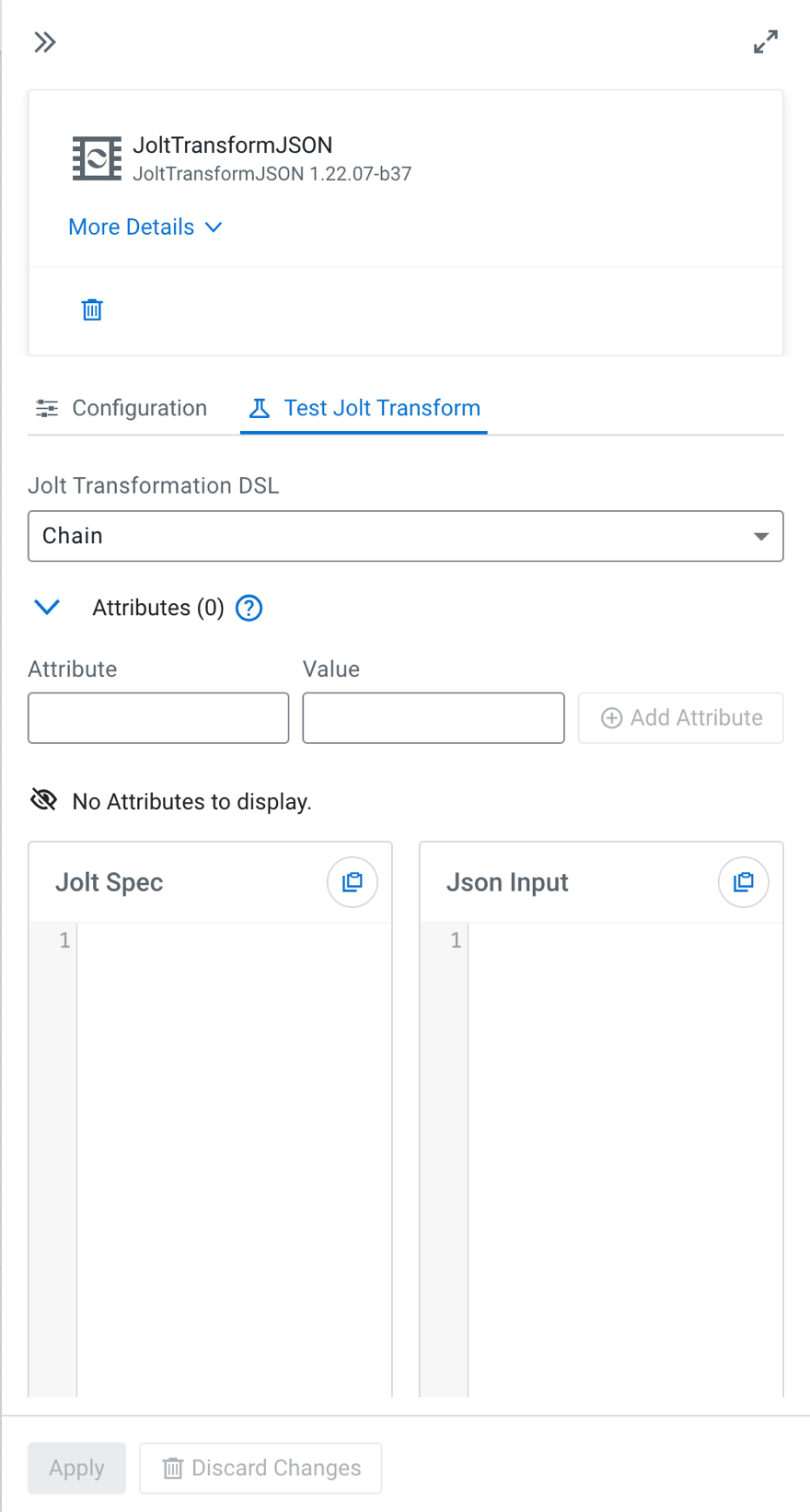
Testing JoltTransformJSON processor configuration

Use this feature to validate and refine Jolt transformations during flow design by testing them against sample JSON input before running the flow.

The Test Jolt Transform tab allows you to test how a Jolt specification transforms a JSON input.

You can:

  • Provide a sample JSON input
  • Define or modify a Jolt specification
  • Run the transformation
  • Review the output immediately

This helps you verify and refine transformation logic before applying it in a running flow and design and debug flows more efficiently.

  1. Open the JoltTransformJSON processor configuration.
  2. elect the Test Jolt Transform tab.


  3. Configure the transformation.
    Jolt Transformation DSL
    Select the transformation type.
    Jolt Spec
    Enter or modify the Jolt specification that defines the transformation.
  4. Optional: Add attributes for testing.

    You can define attributes to simulate runtime values used in your Jolt specification.

    1. Expand the Attributes section.
    2. Enter an attribute name and the corresponding value.
    3. Click Add Attribute.
    4. Repeat these steps to add multiple attributes.
  5. Paste your sample JSON into the Json Input field.
  6. Click Test Transform.
    This testing does not require starting or running the flow.
  7. Review the result in the Output field.
    The test output reflects how the processor would transform the input during execution.