Configuring rules in the UpdateAttribute processor
The UpdateAttribute processor updates FlowFile attributes using the Attribute Expression Language and can also remove attributes based on regular expressions. In addition to standard configuration options, the processor allows you to apply conditional logic using rules.
Use Define Rules tab to:
-
Apply complex conditional logic without manual property configuration
-
Manage multiple attribute updates in a structured way
-
Improve readability and maintainability of your flow logic
Rules are a set of conditions and associated actions. Each rule follows an “if–then” structure, so if all conditions are met, then the defined actions are applied. Conditions define when the rule applies, and actions define what changes are made.
-
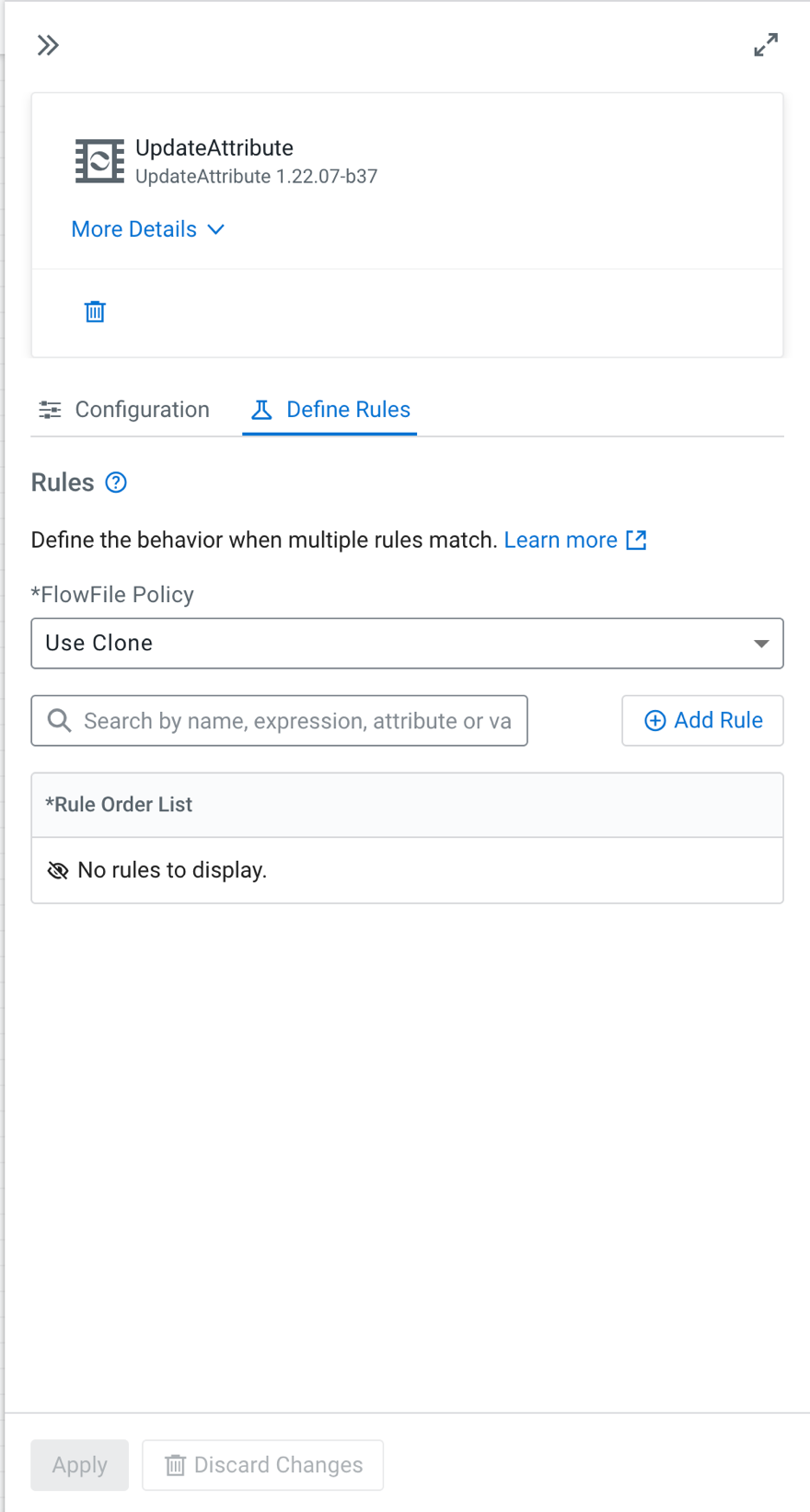
Select the Define Rules tab.
${filename:equals('fileOfInterest')}${fileSize:toNumber():ge(1048576)}${fileSize:toNumber():lt(1073741824)}
filename = ${filename}.meg
This rule appends .meg to the filename if the:
- filename is fileOfInterest, and
- file size is between 1 MB and 1 GB.
Rule: CheckForGiantFiles
${filename:equals('fileOfInterest')}${fileSize:toNumber():gt(1073741824)}
filename = ${filename}.gig
- filename is fileOfInterest, and
- file size is greater than 1 GB.
