Referencing assets in flow parameters
When creating a parameter, you can define a static value or use an asset from the Resource Manager. If you combine asset management with parameterization by creating an asset-based parameter, you can decouple flow logic from environment-specific file paths while ensuring correct runtime resolution on agents.
Instead of referencing files by their physical location on the agent, you can define a parameter that points to an assigned asset. At runtime, Edge Flow Manager resolves this reference to the correct file path on each agent.
By using asset references you can reuse the same asset across multiple flows and agent classes and update the underlying asset without modifying the flow.
Before referencing an asset in a flow parameter, ensure that:
- The MiNiFi Java Agent is version 4.12.0.0 or higher. Lower versions do not support this capability so they cannot automatically resolve asset references from flow parameters.
-
The asset is uploaded in the Resource Manager.
-
The asset is assigned to the target agent class.
-
The asset is successfully synchronized to all agents in the class.
-
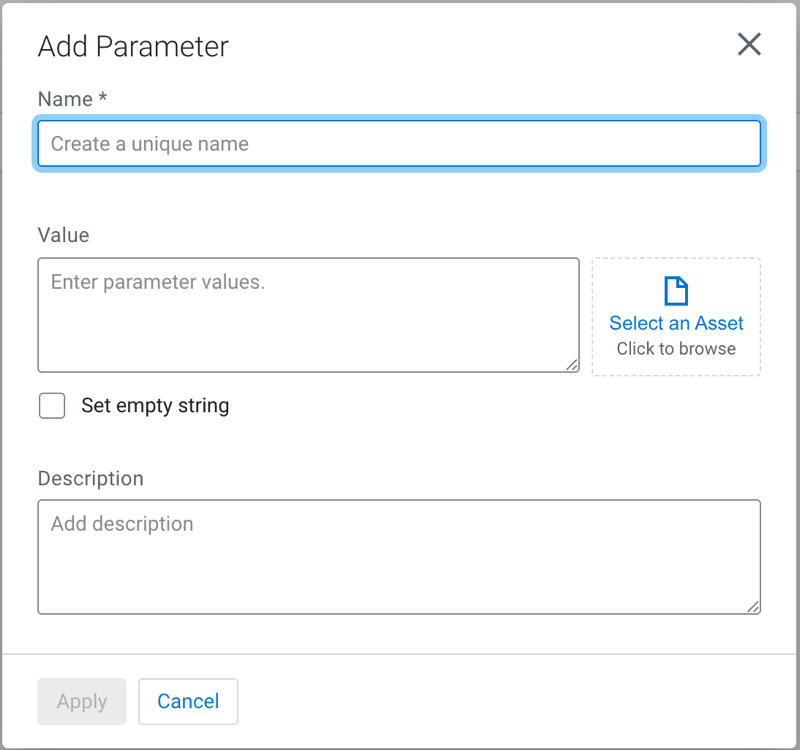
Click Add parameter.
The Add Parameter dialog appears.
-
Click Select an Asset.
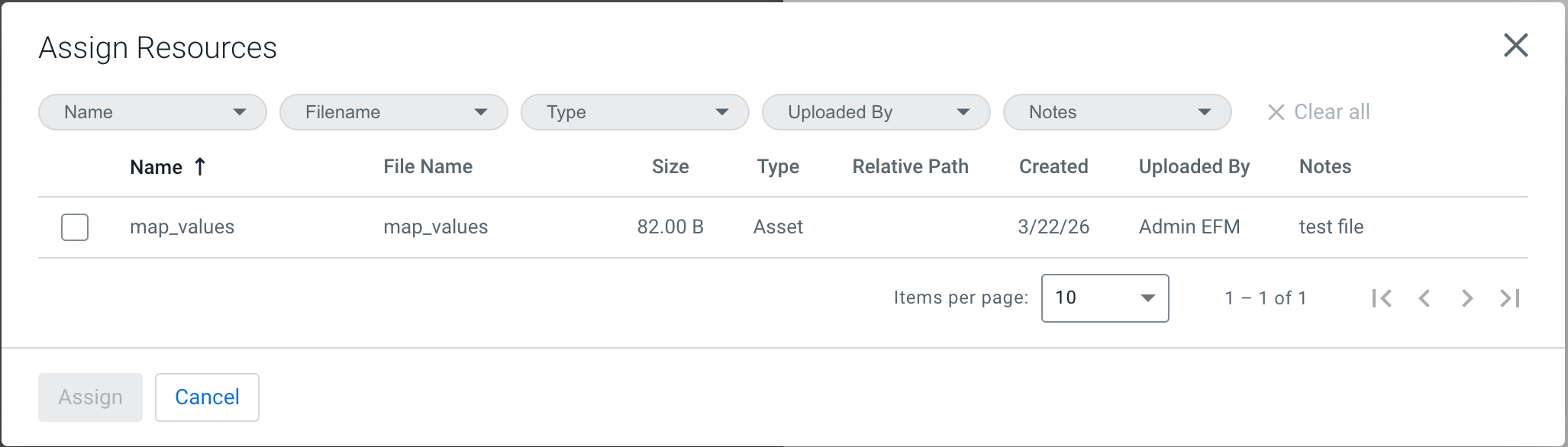
The parameter now represents the selected asset. You can use the parameter in a flow so the processor would use the asset indirectly through the parameter. When the flow runs on an agent:
-
The agent detects that the parameter references an asset.
-
The asset is already synchronized to the agent through the Resource Manager.
-
The parameter is resolved to the local file path of the asset on the agent.
-
The processor reads the file from that resolved path.
