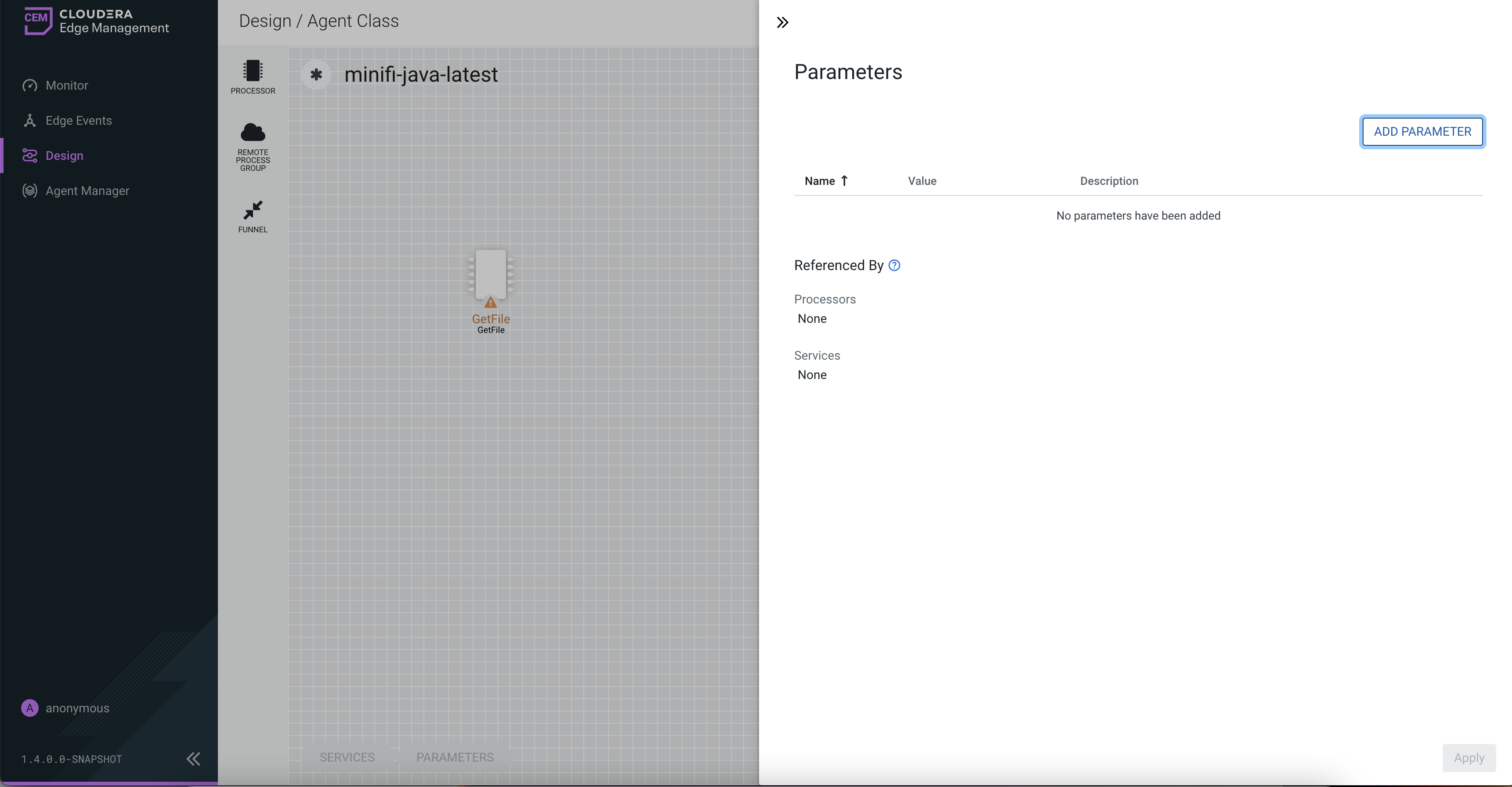
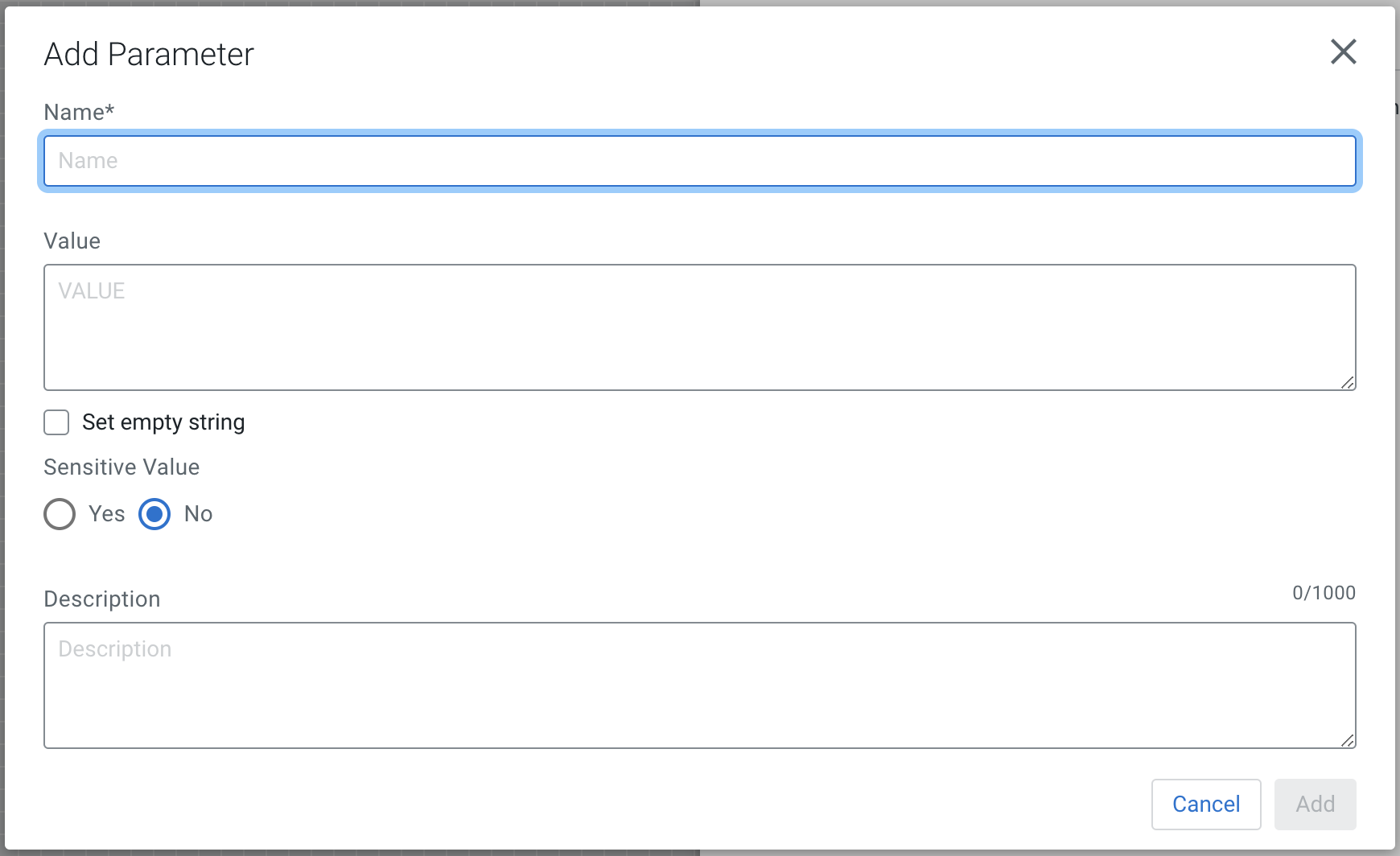
| Name |
Enter a name for the parameter. Only alpha-numeric
characters (a-z, A-Z, 0-9), hyphens ( - ), underscores ( _
), periods ( . ), and spaces are allowed. |
| Value |
Enter the value used when the parameter is referenced.
Parameter values do not support Expression Language or
embedded parameter references. |
| Set empty string |
Select the checkbox to set the parameter value to an
empty string. |
| Sensitive Value |
Specify whether the parameter value is sensitive. If
enabled, the value of the parameter is not shown in the UI
after applying. This setting cannot be changed after the
parameter is created. |
| Description |
(Optional) Enter a description of the parameter. |