CMA Role-based Access Control
CMA role-based access control (RBAC) manages user permissions within CMA components through the CMA Auth Server, which handles authentication and authorization using JSON Web Tokens (JWT).
Administrators use this security model to define what actions users can perform within the CMA components.
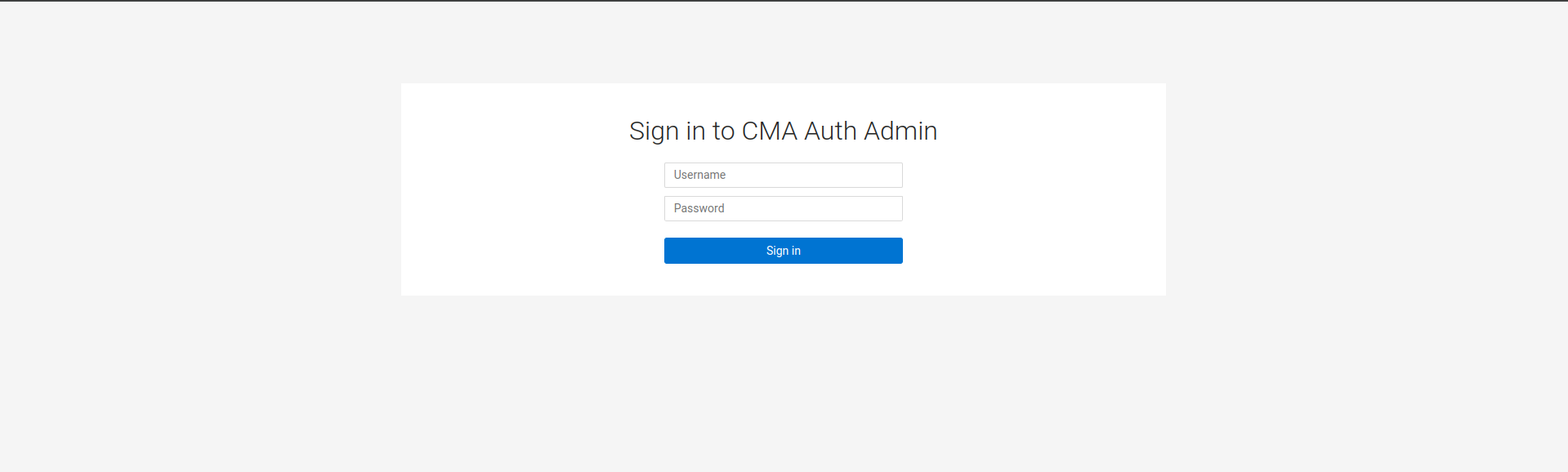
Accessing the CMA Auth Server
By default, CMA Auth Server runs on port 9000 and is
accessible at
http://localhost:9000.
In parcel deployments, users access CMA through the
Gateway Server on port 8090, which proxies authentication requests to the Auth Server.
The server comes pre-configured with a default administrative account
admin:admin with the
ROLE_CMA_ADMIN
role for full
access
to all features and settings within the CMA Auth
Server.
User management
The CMA Auth Server provides a comprehensive interface for managing users through the Users tab in the left navigation pane.
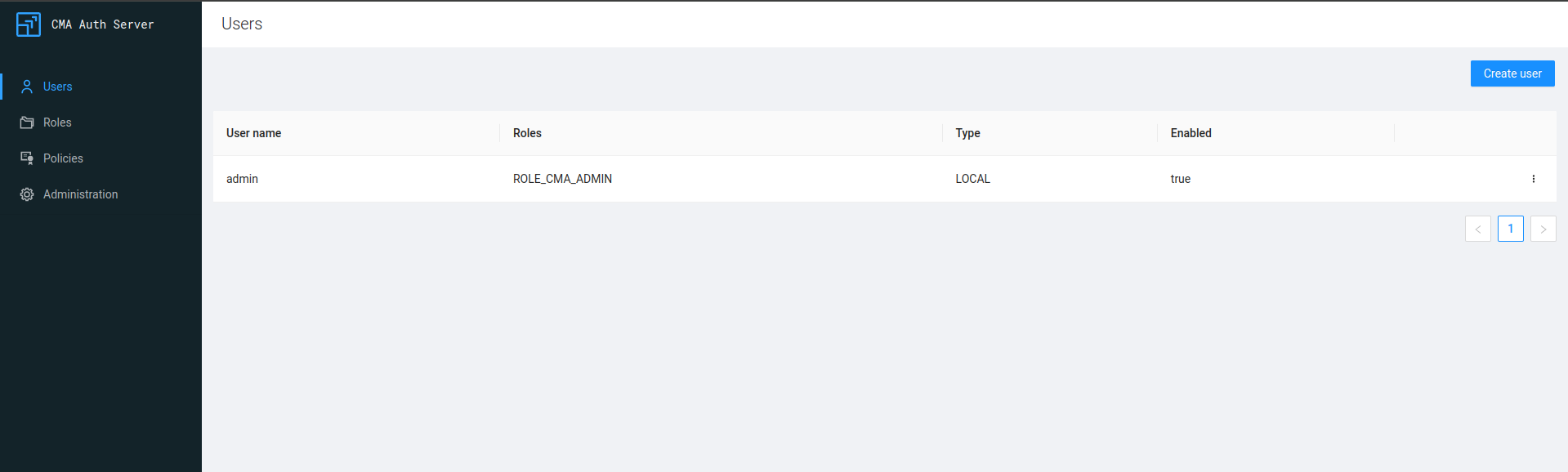
From this interface, administrators can perform the following actions:
-
Create new users with specific roles
-
Modify existing user details and role assignments
-
Delete users who are no longer required
-
Reset user passwords
Each user can be assigned one or more roles that determine their permissions within the CMA.
Role management
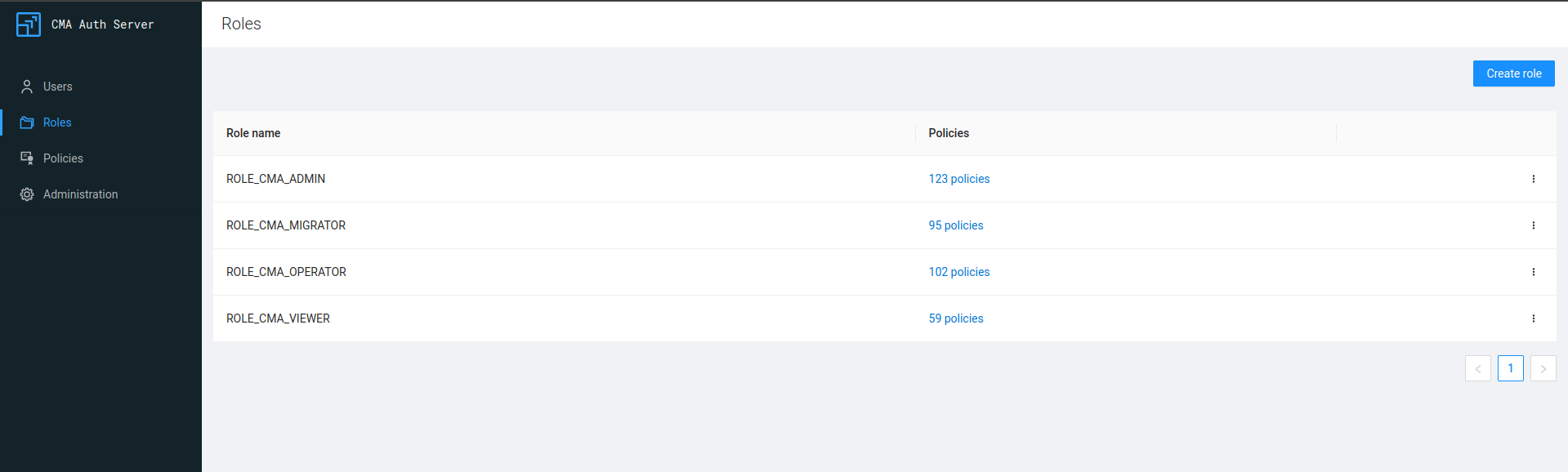
Roles define the set of actions a user can perform within CMA. CMA Auth Server comes with predefined roles that cover common use cases.
| Role | Description | Access level |
|---|---|---|
ROLE_CMA_ADMIN |
Administrative role | Full access to all features and settings |
ROLE_CMA_MIGRATOR |
Migrations role |
|
ROLE_CMA_OPERATOR |
Operations role |
|
ROLE_CMA_VIEWER |
Viewer role | Read-only access to content |
To manage roles, go to the Roles tab in the left navigation pane.
Policy management
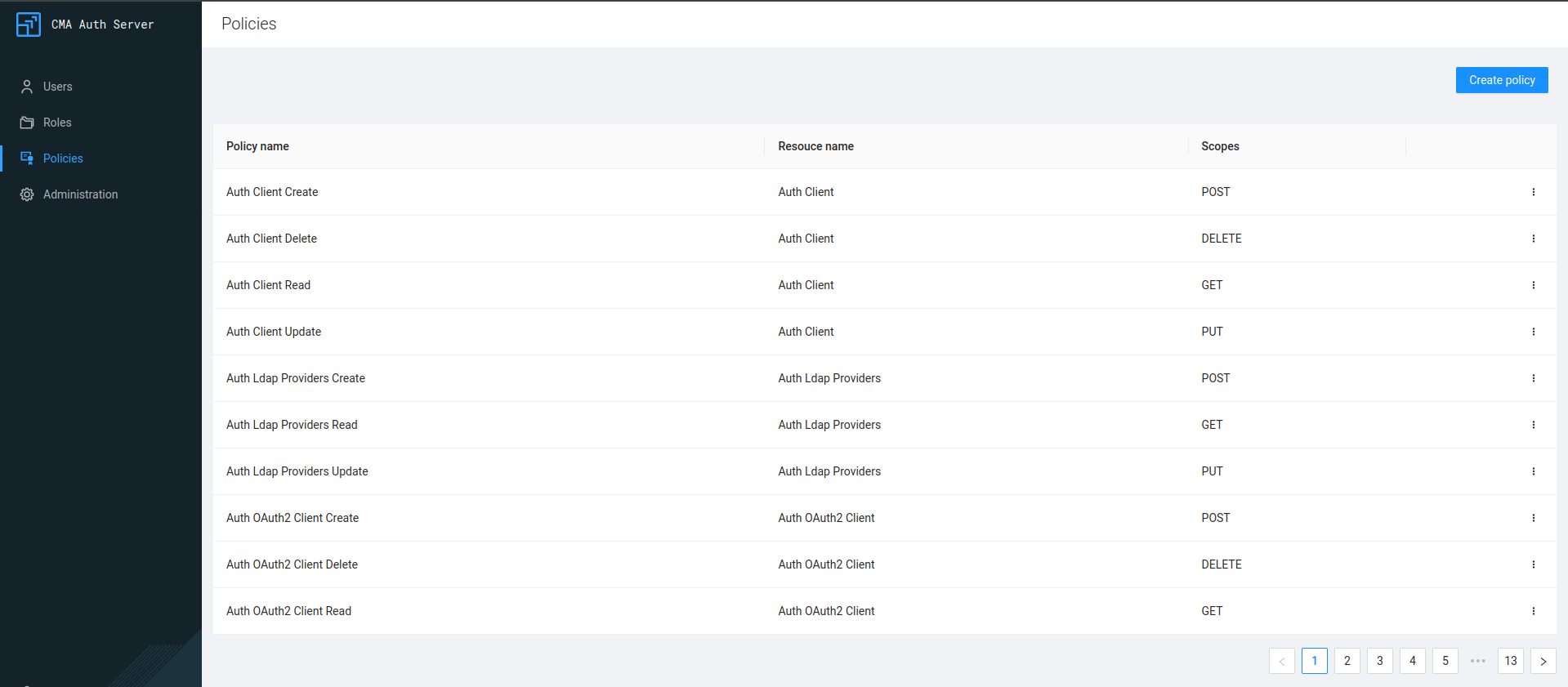
Policies in CMA Auth Server define the specific permissions for each resource and action (scope). CMA Auth includes a default set of policies covering all CMA resources and their available actions.
Policies include the following key characteristics:
-
Default policies cover a single resource with a single scope.
-
Custom policies support multiple scopes for specific resources.
-
Existing policies allow modification or deletion as needed.
To manage policies, go to the Policies tab in the left navigation pane.
Client configuration
CMA Auth Server includes a built-in OAuth2 server that manages authorization for various components within the CMA. You can configure these settings in the section.
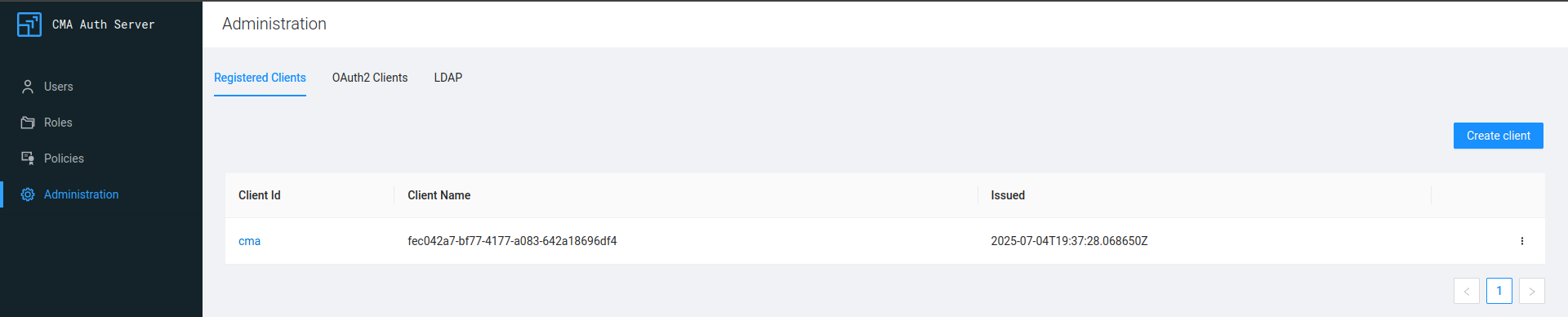
By default, the CMA
Auth
Server creates a cma client for the CMA Master that handles server authorization.
External OAuth2 integration
CMA Auth Server also supports integration with external OAuth2 providers, with current support for Okta. To configure these integrations, go to Clients.
LDAP configuration
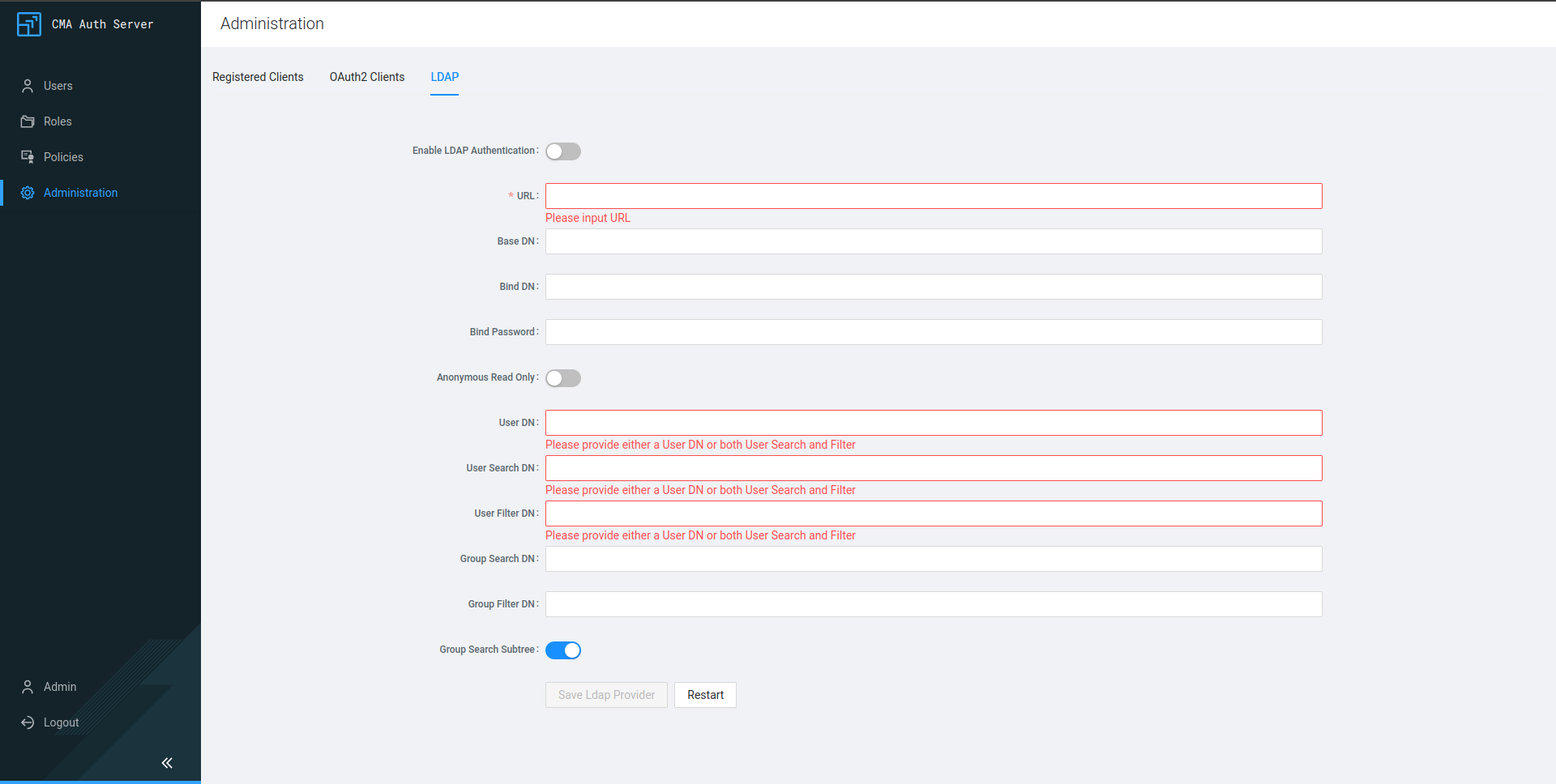
For enterprise environments, CMA Auth Server supports LDAP authentication, allowing users to authenticate using their existing directory credentials.
To configure LDAP, perform the following steps:
Go to the .
Enter your LDAP server details and connection parameters.
Save changes.
Click the Restart button to apply changes.