Search overview
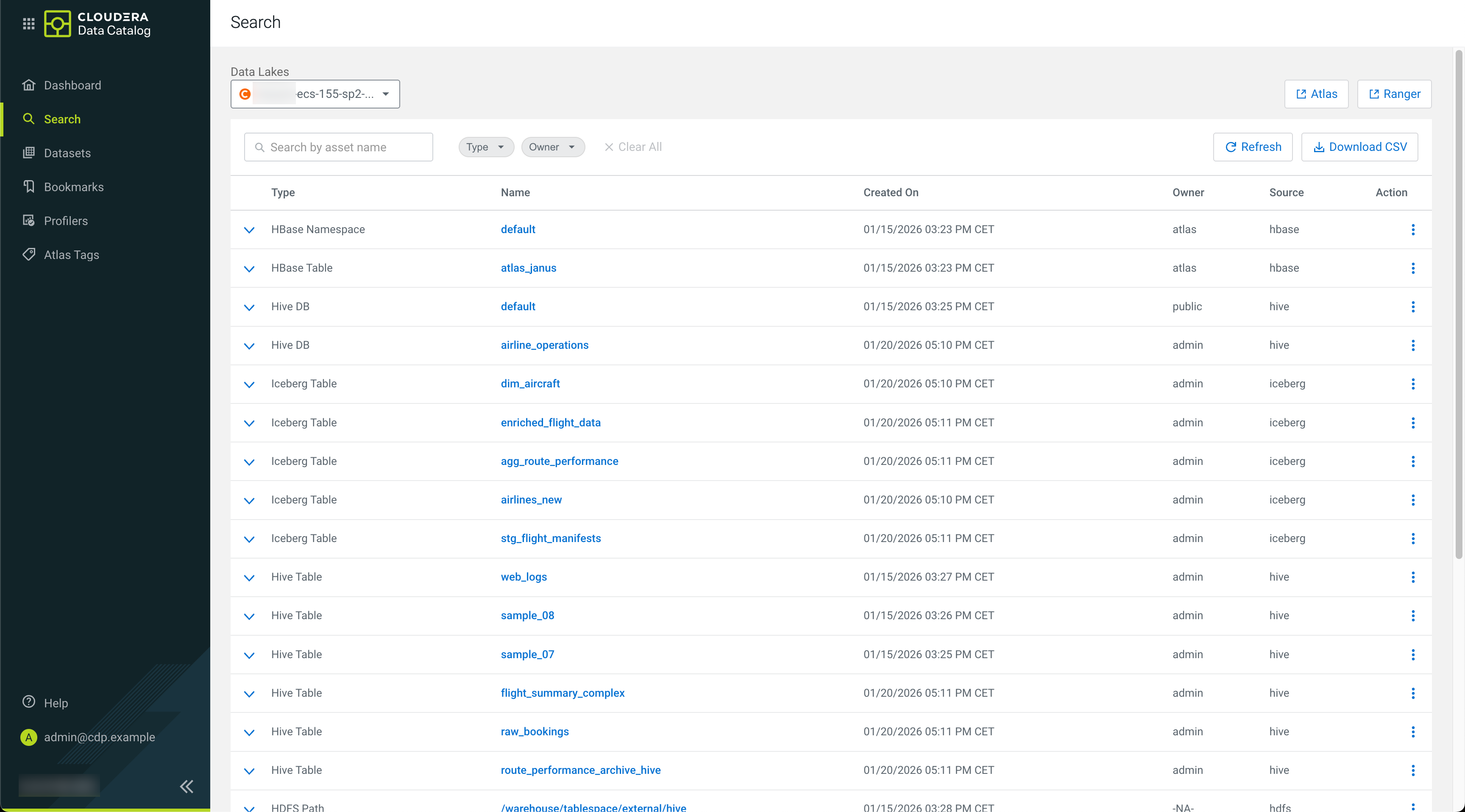
On the Cloudera Data Catalog Search page, and enter a search string in the search box to view all the assets with details that contain the search string.
When you enter the search terms in Search, you are looking up names, types, descriptions, and other metadata collected by Cloudera Data Catalog. The search index includes metadata, not data, about your environment and cluster data assets and operations. You can make the search more powerful by associating your own information (business metadata) to the stored assets.
Accessing Data Lakes

Using search filters
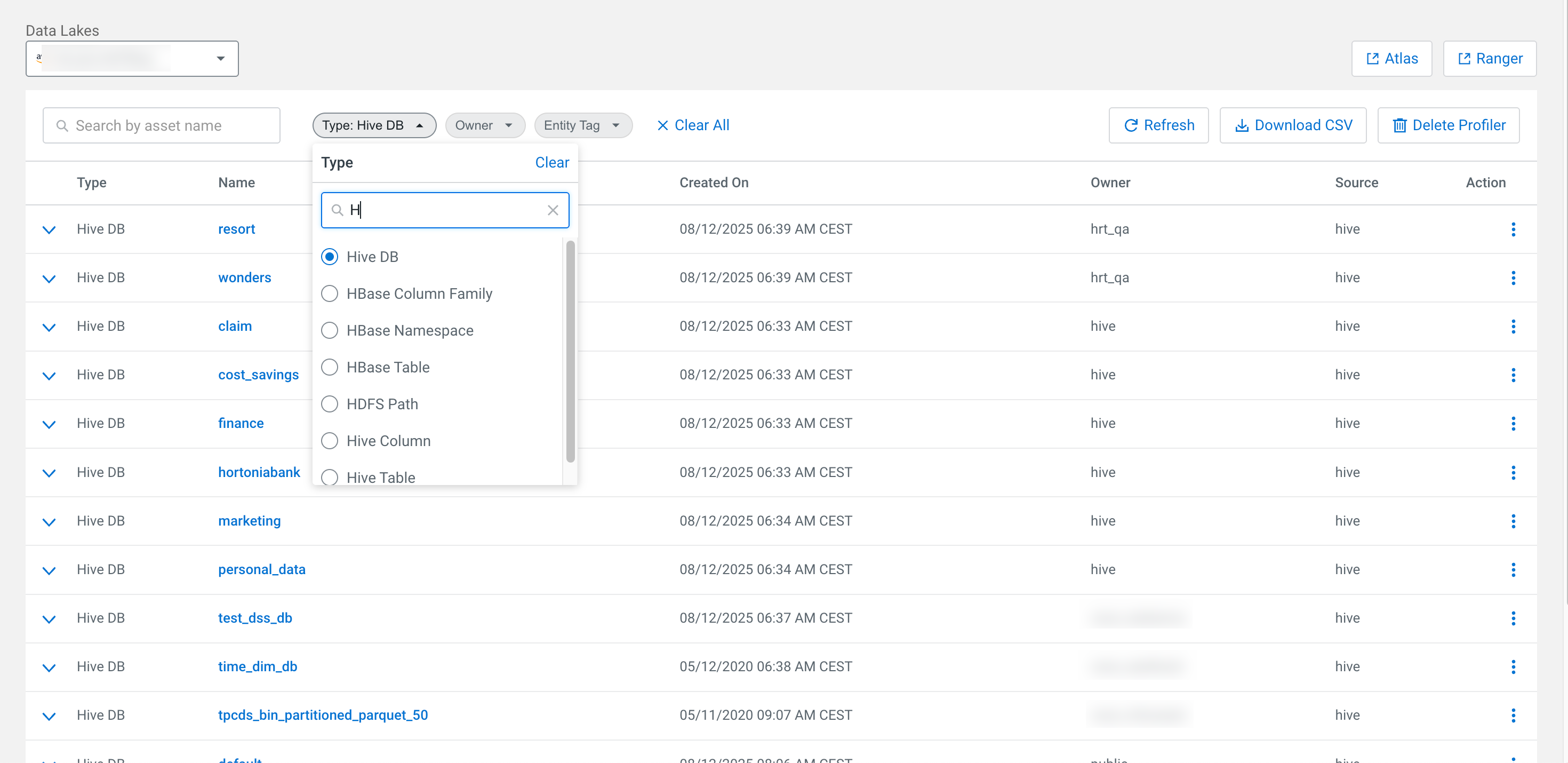
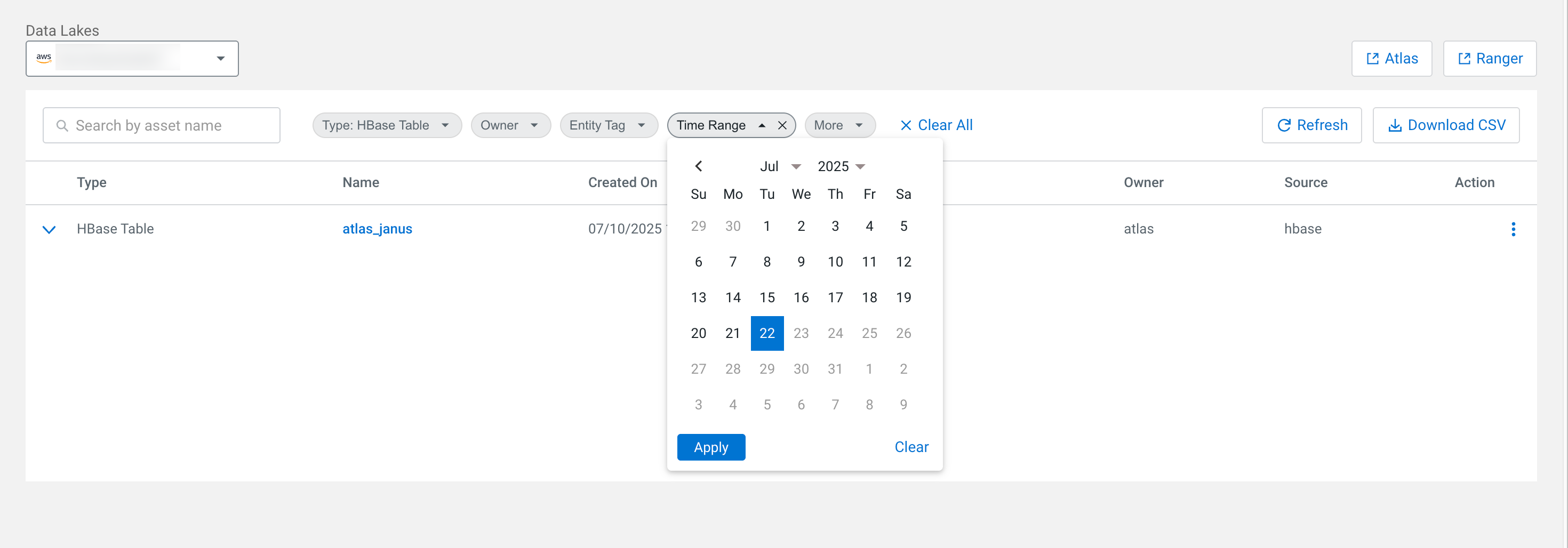
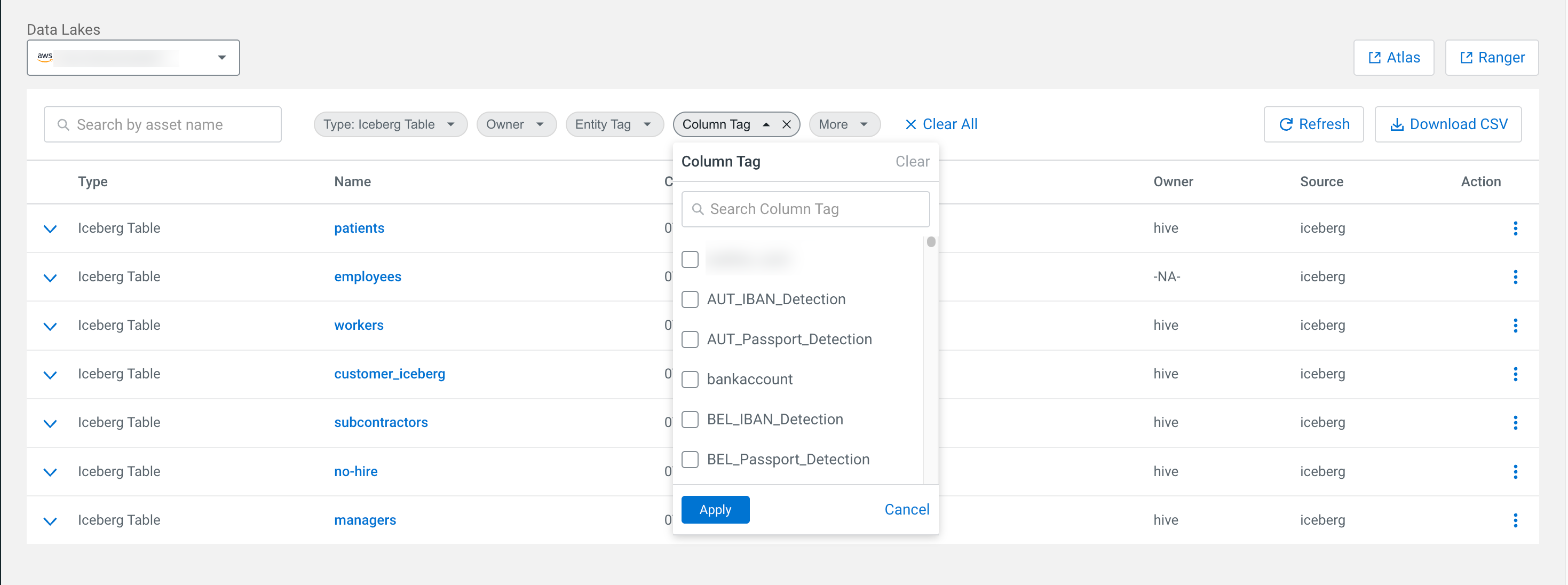
Use the search filter to fine-tune your results.
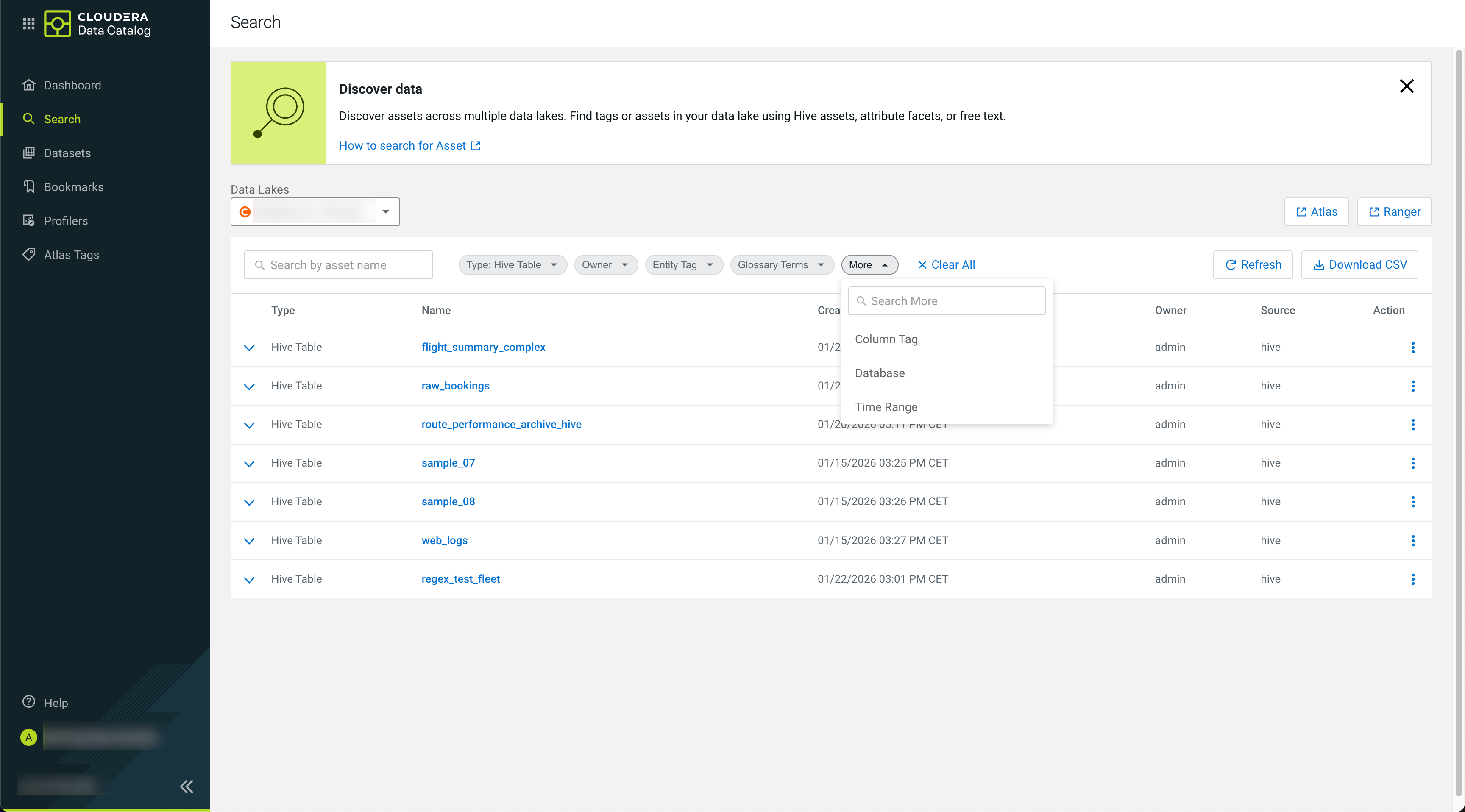
You can specify further filters for the given categories (Type, Owners, Entity Tag, Glossary Terms) by starting to type the filter name.

Viewing Asset Details
 icon for a
search result shows the following key data about an asset:
icon for a
search result shows the following key data about an asset:- Qualified name – Qualified names are a unique identifier in Cloudera Data Catalog, identifying the asset with its context.
A Hive table has the following qualified name patterns:
[***DATABASE NAME***].[***TABLE NAME***]@[***CLUSTER NAME***] - Database
- Classifications – Atlas tags
- Terms
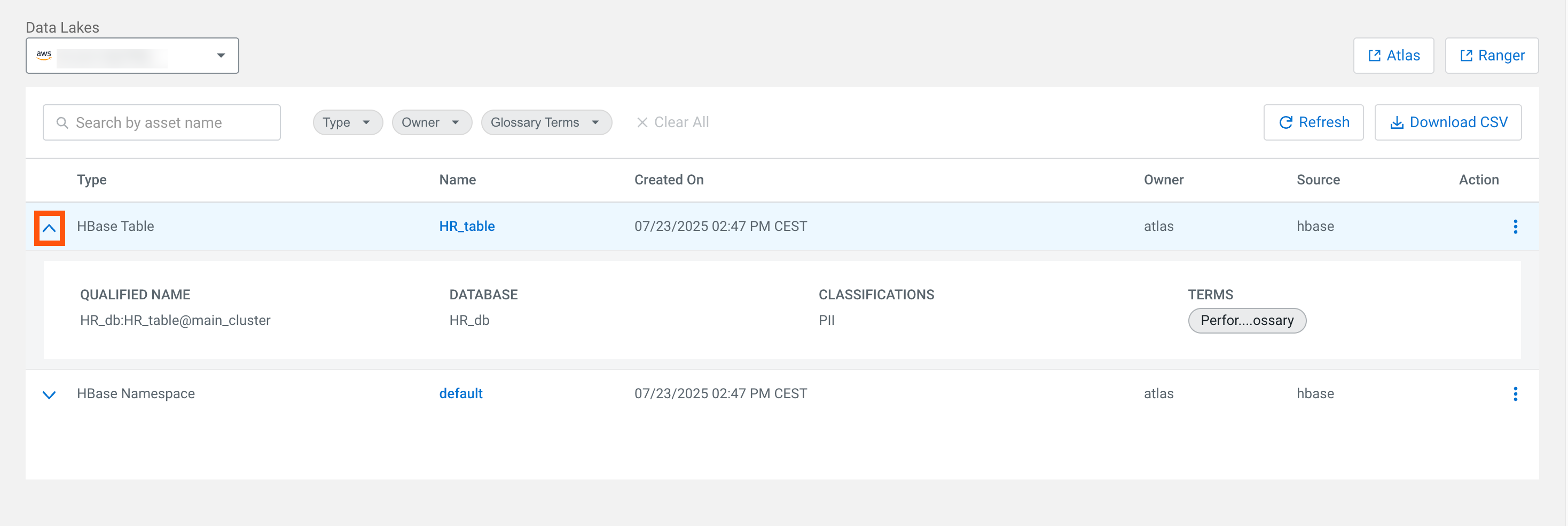
Clicking the Name of the entity will open its Asset Details.
Downloading search results as CSV files
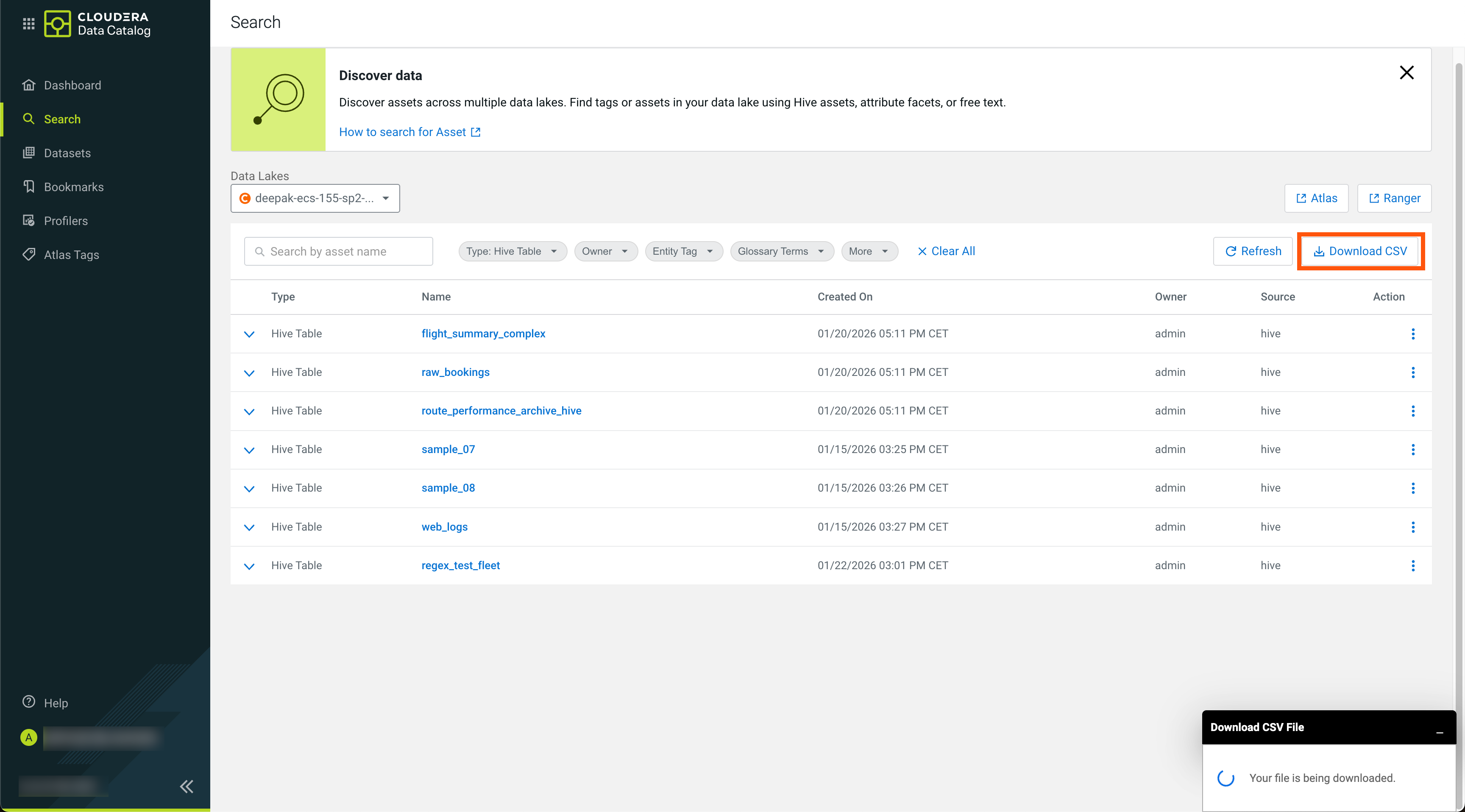
You can also download the search result for the current query with the selected Data Lake. The feature allows you to download up to 10,000 rows for the current search query.
The CSV file format does not conform to any specific order or continuation in the downloaded results. For example, you can download 10,000 assets and download the results for the same query again, then the two downloaded CSV files might not contain the search results in the same order.
Click Download CSV to start your download.