Creating tag rules
With tag rules, you can apply Apache Atlas classifications to your assets based on regex expressions.
This implementation of the feature is only available for Cloudera Data Catalog on premises 1.5.5 SP1 or earlier.
-
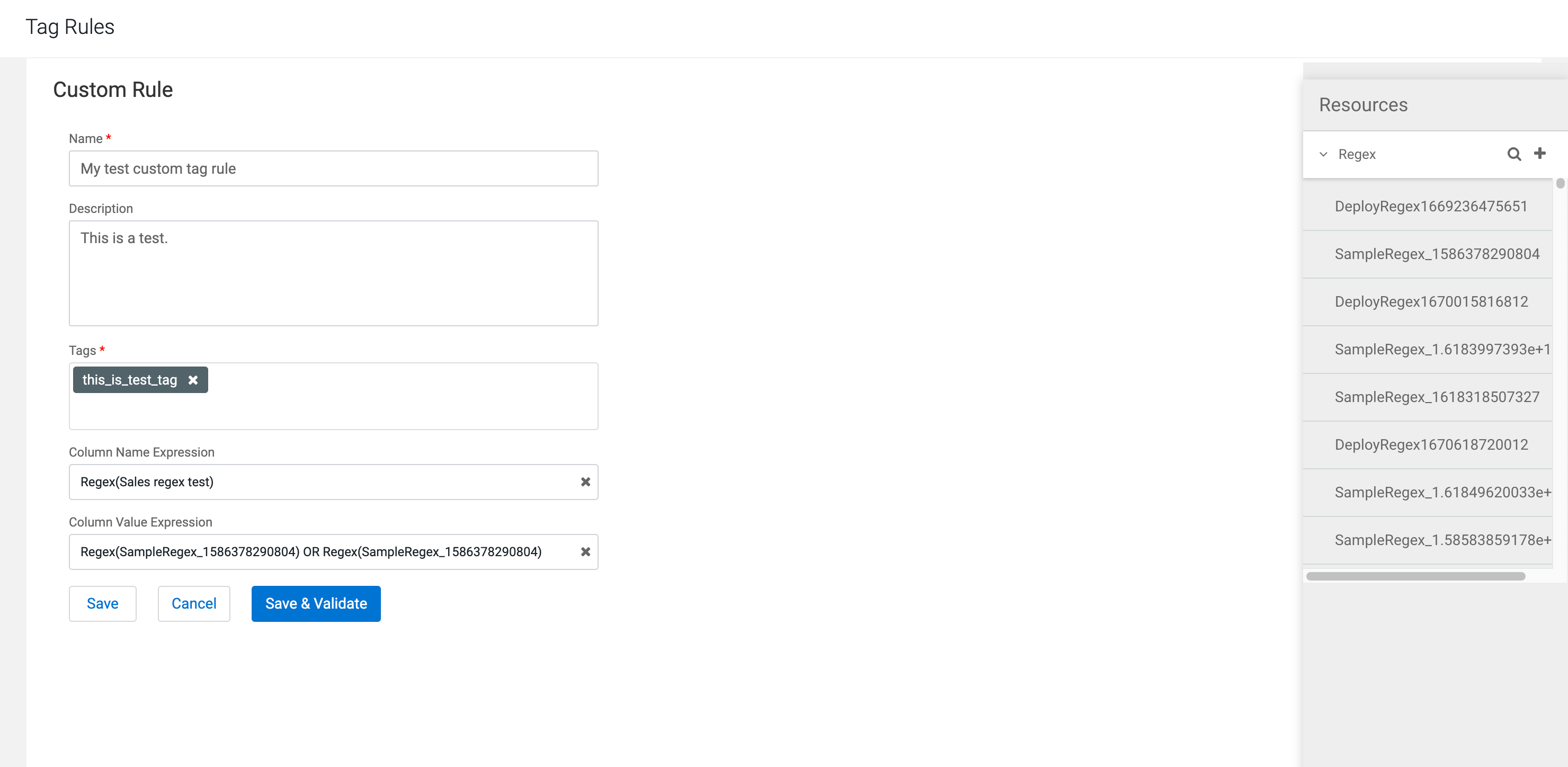
In Column Name Expression, select at least one regular
expression to use a match it against for column names.
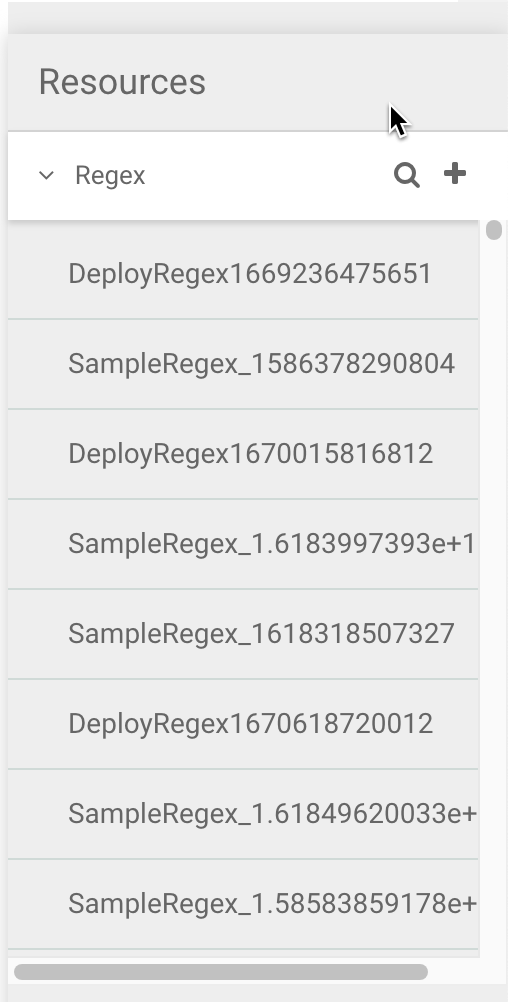
Select from the same regular expression you had created under the Resources pane.
-
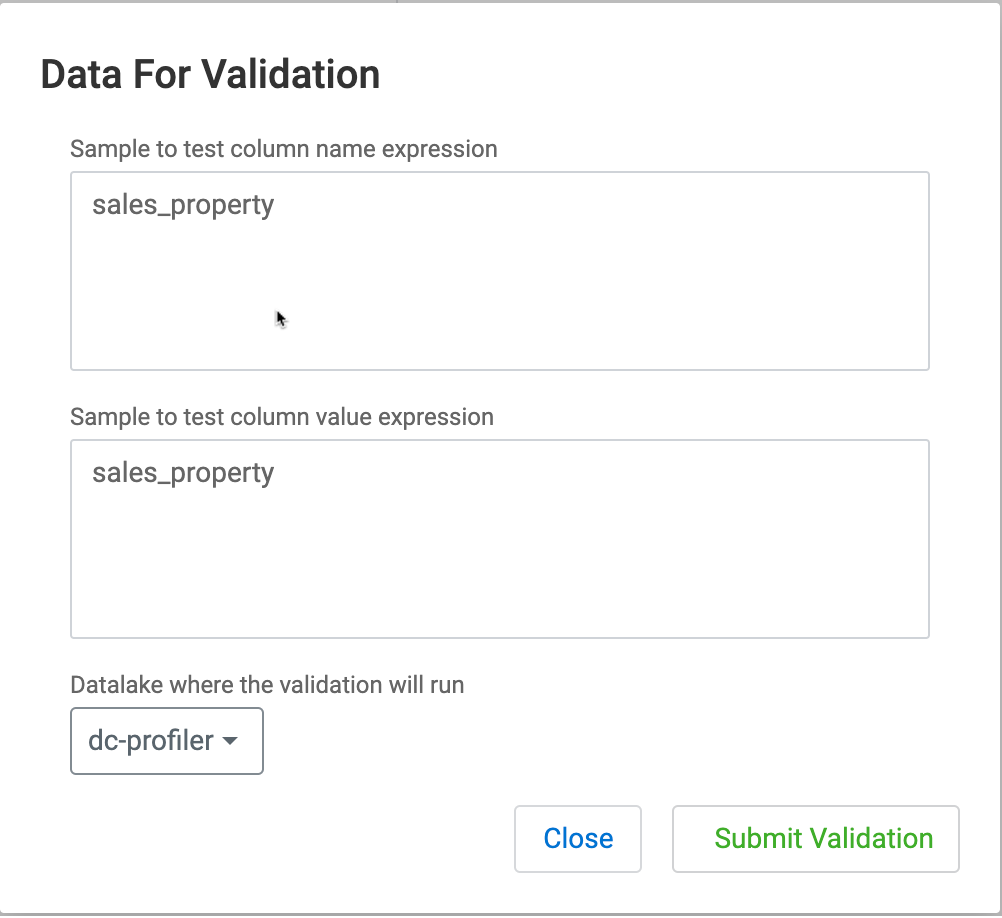
Enter some sample data manually to check the validity of your regular
expression, then click Submit Validation.
 The status for the newly created regular expression validation is displayed on the Tags Rules tab. Once the validation is successful, you can deploy the rule.
