Profiler tag rules
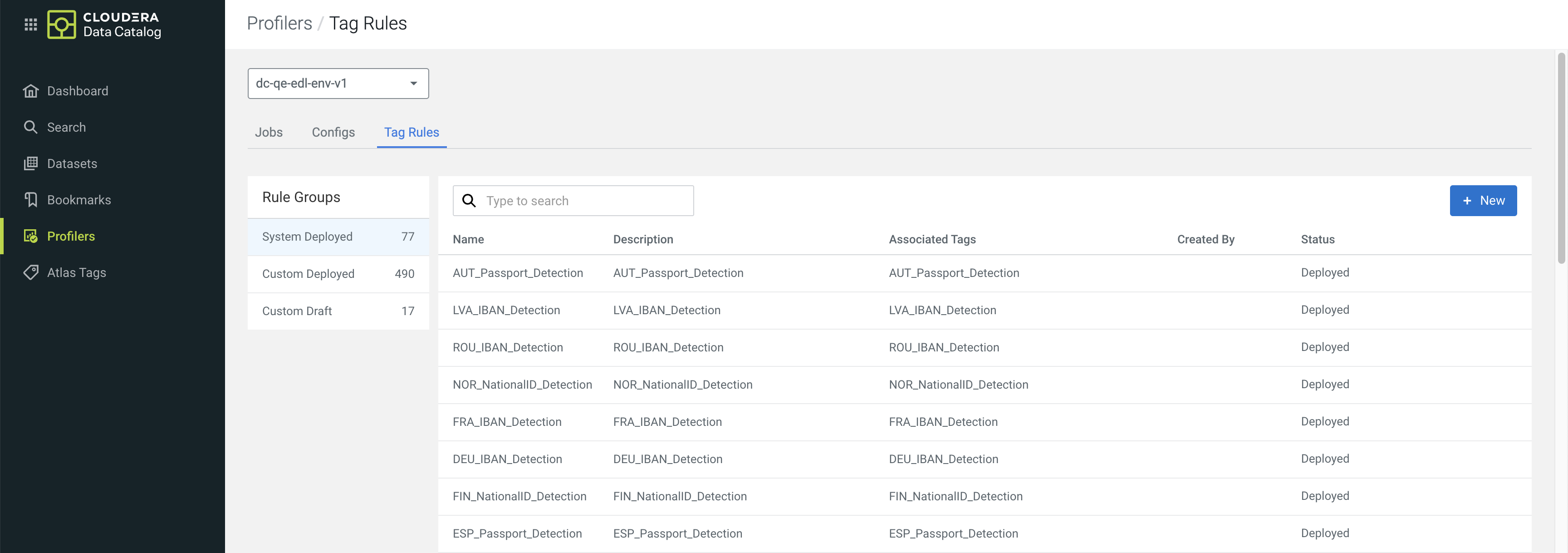
You can use preconfigured tag rules or create new rules based on regular expressions and values in your data to limit the number of assets to be profiled by the Cluster Sensitivity Profiler. When a tag rule is matching your data, the selected Apache Atlas classification, also known as a Cloudera Data Catalog tag, is applied. This way you can save compute resources instead of running the profiler on the full dataset.
Tag rule types
- System Deployed – These are built-in rules that cannot be edited. You can only enable or disable them for your data.
- Custom Deployed – These are tag rules that you
create, edit, and deploy on clusters after validation.
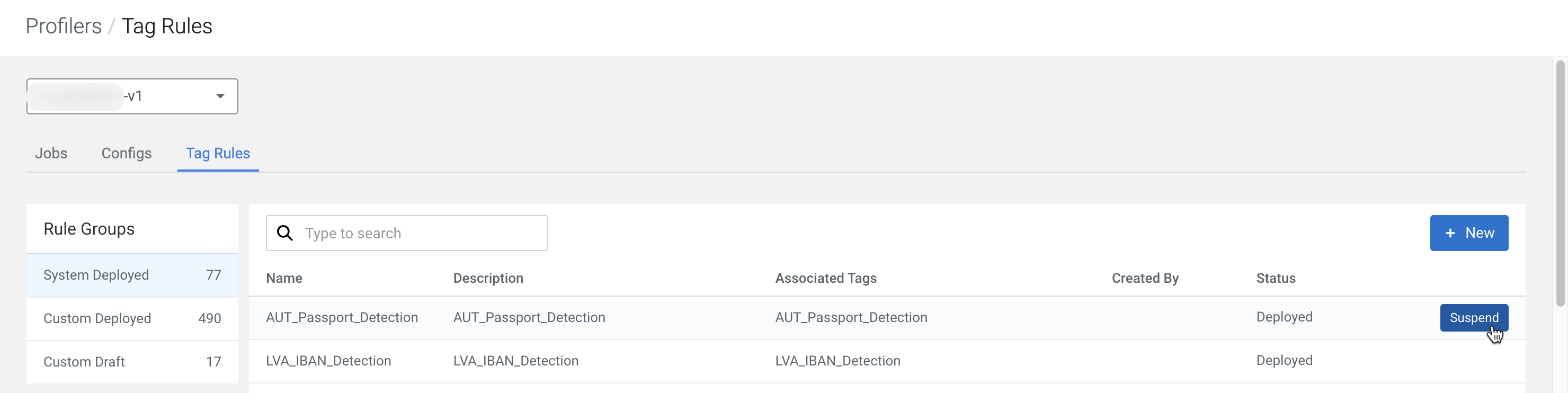
Hover your mouse over the tag rules to deploy or suspend them as needed.
- Custom Draft – These are new tag rules you can create and save for later validation and deployment on clusters.
After creating your rule, you have to validate them with test data, then Deploy them from Custom Draft status.
Match thresholds and weights
The System Deployed rules have a preset match threshold. A matching column name means a 15% confidence value. This is increased by 85% by a matching column value.
