Searching for assets using glossary terms
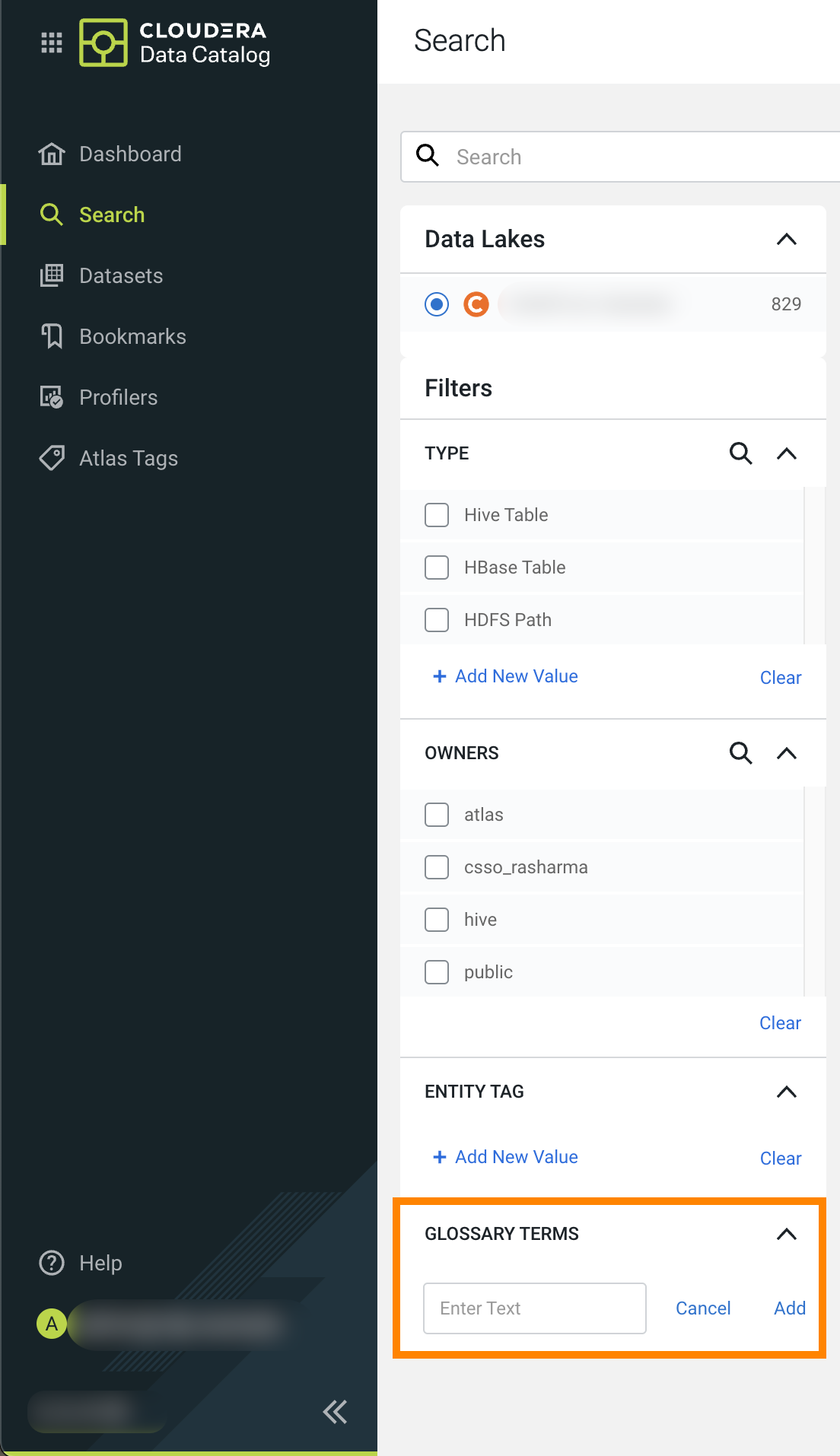
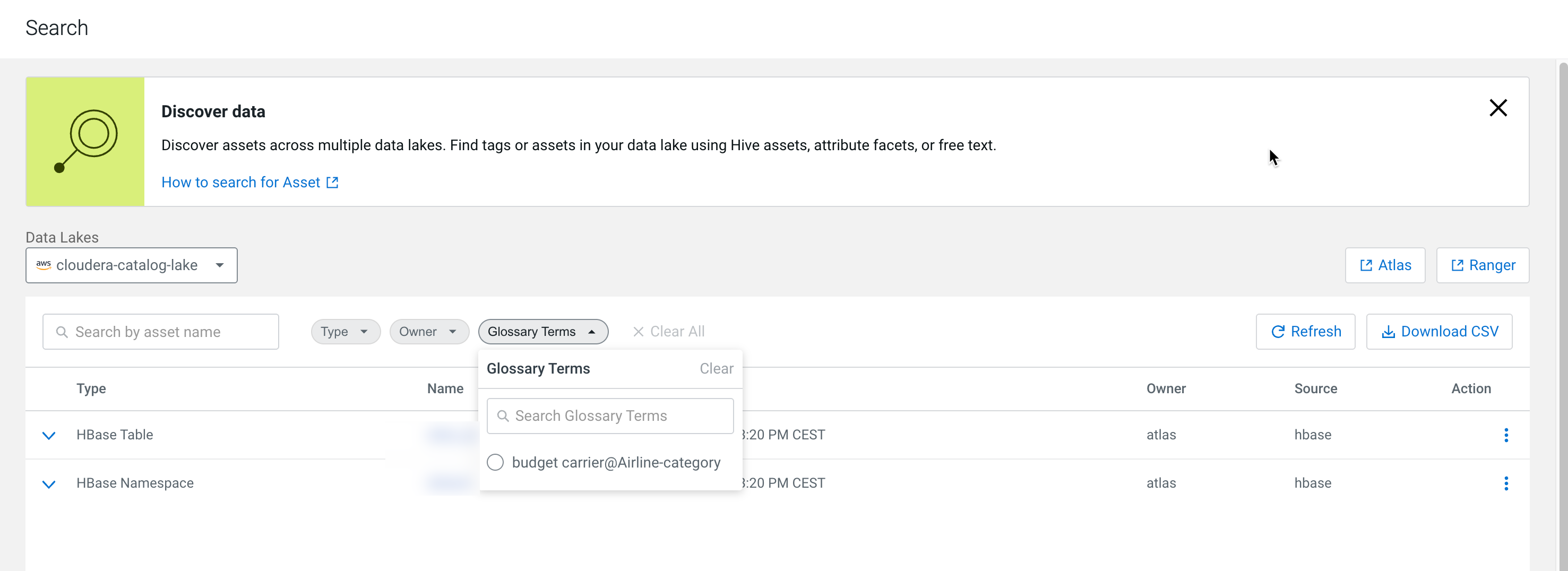
You can search for the datasets using the Glossary Terms filter available on the Search page.
- Go to Search.
- Select your Data Lake.
- Click the Glossary Terms drop-down and selected the term to be searched.
- Go to Search.
- Scroll down to GLOSSARY TERMS.
- Click + Add Term, and select the term to be used for your search.