Deleting profilers in VM-based environments
In VM-based environments, deleting the profiler cluster removes all the Cluster Sensitivity Profiler profiler rules and other updates to the specific cluster unless downloaded. It could also cause loss of data specific to currently applied rules on the deleted profiler cluster.
- If your profiler cluster or profiler jobs have rules that are not changed or updated, you can directly delete them or the profiler cluster.
- If the rules were modified or updated, you have an option to download the modified rules along with deletion. The modified rules consist of the suspended system rules and the deployed custom rules. Using the downloaded rules, you can manually add or modify them to your newly added profiler jobs or the profiler cluster.
-
Click Delete Profiler in the action menu (
 ) to delete the profiler cluster.
-
If you agree, select
the warning message: I understand this action cannot be
undone.
Figure 1. Deleting a profiler in a VM-based environment 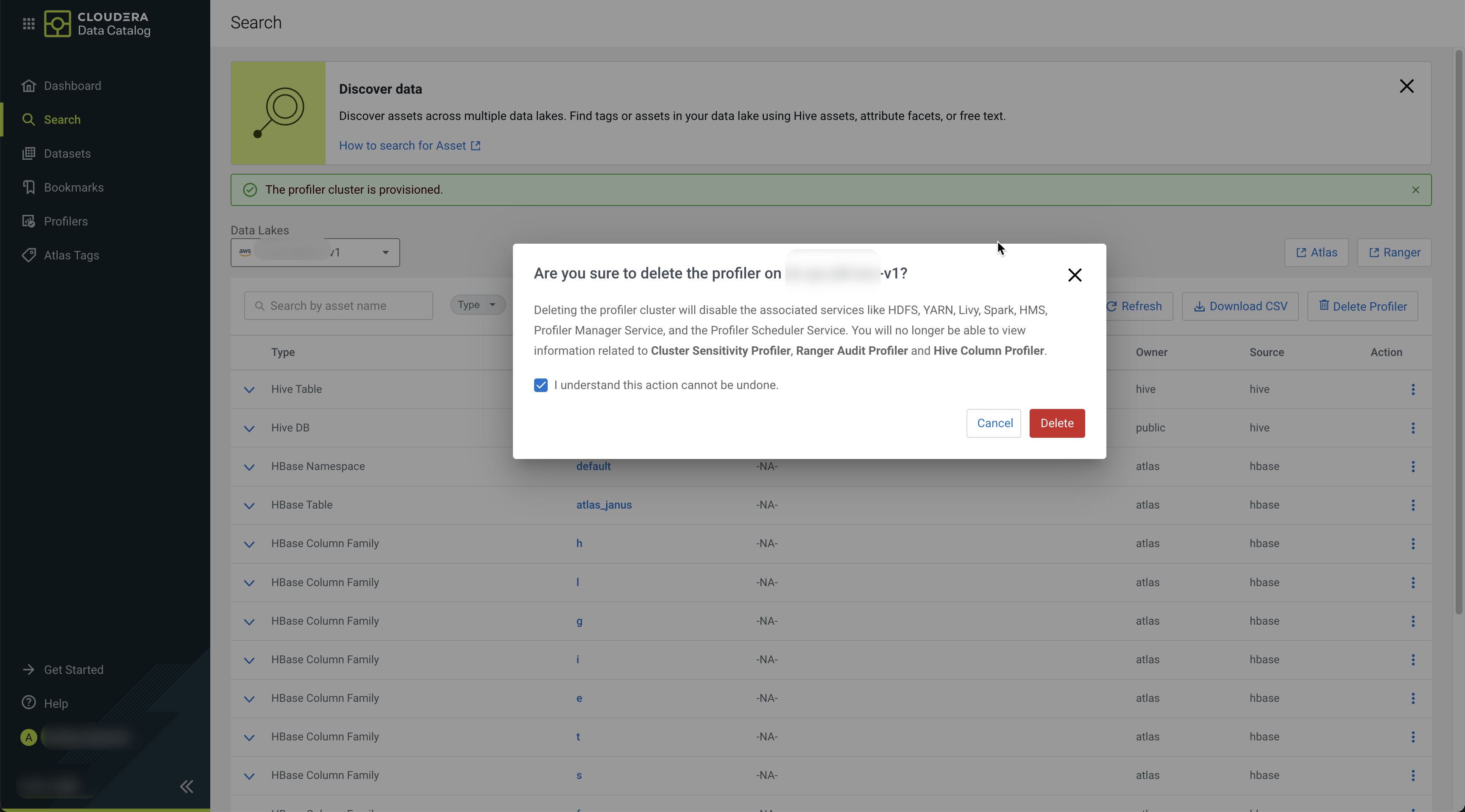
-
Click Delete.
The application displays the following message.
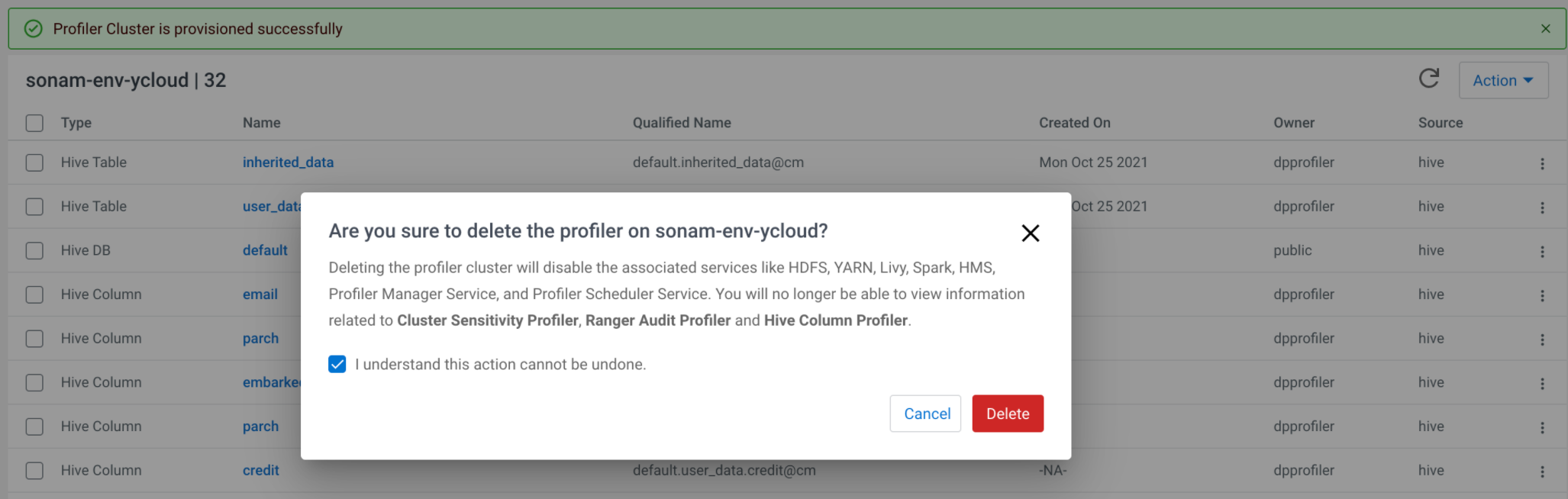 The profiler cluster is deleted successfully.
