Accessing Yarn application logs in VM-based environments
Learn how to access YARN application logs for troubleshooting failed or stuck Data Compliance Profiler and Activity Profiler jobs.
YARN application logs can be useful for troubleshooting failed or stuck Cluster Sensitivity Profiler Profilers and Ranger Audit Profiler jobs.
You can access the logs, with the following steps:
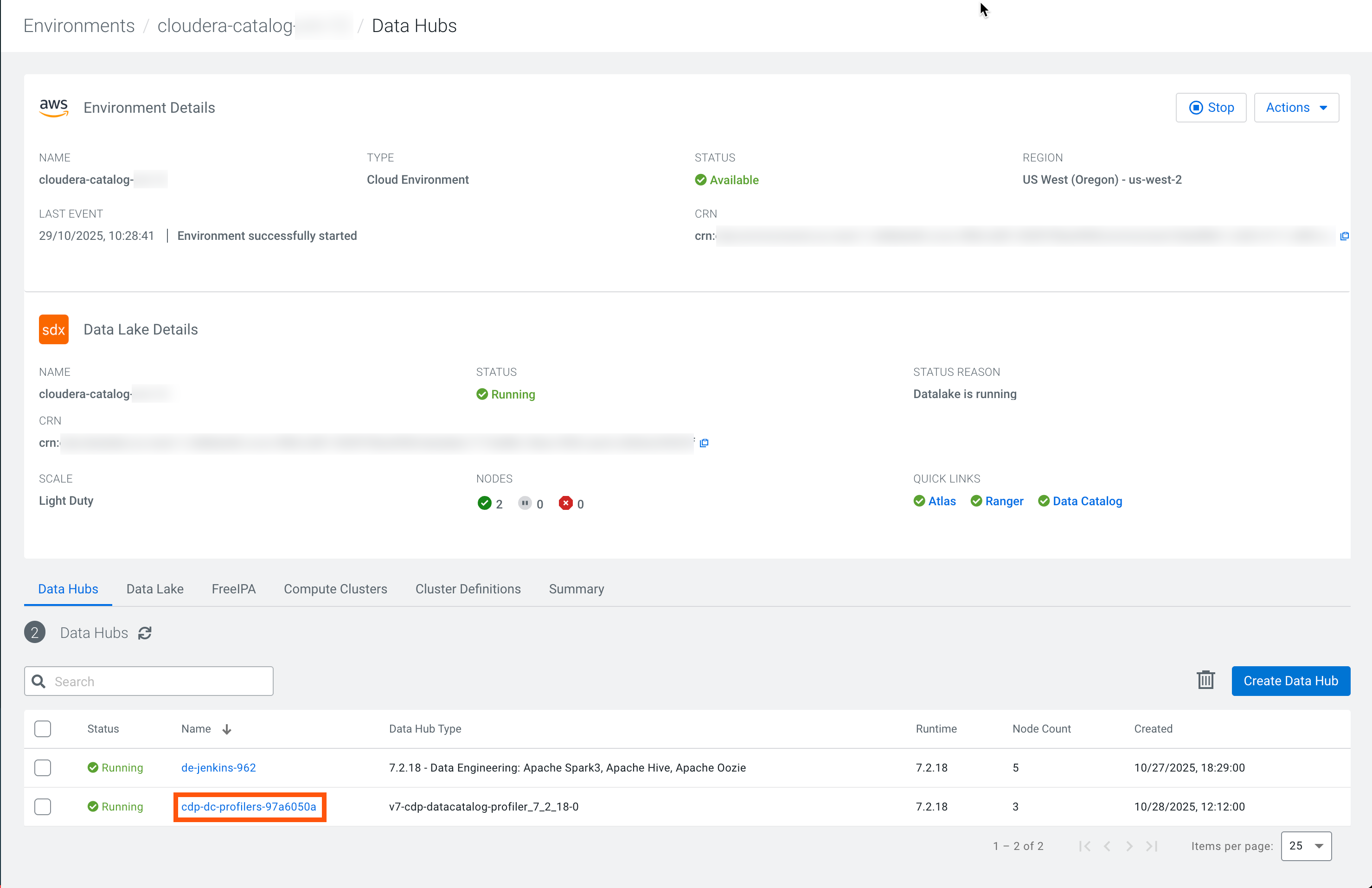
- Go to .
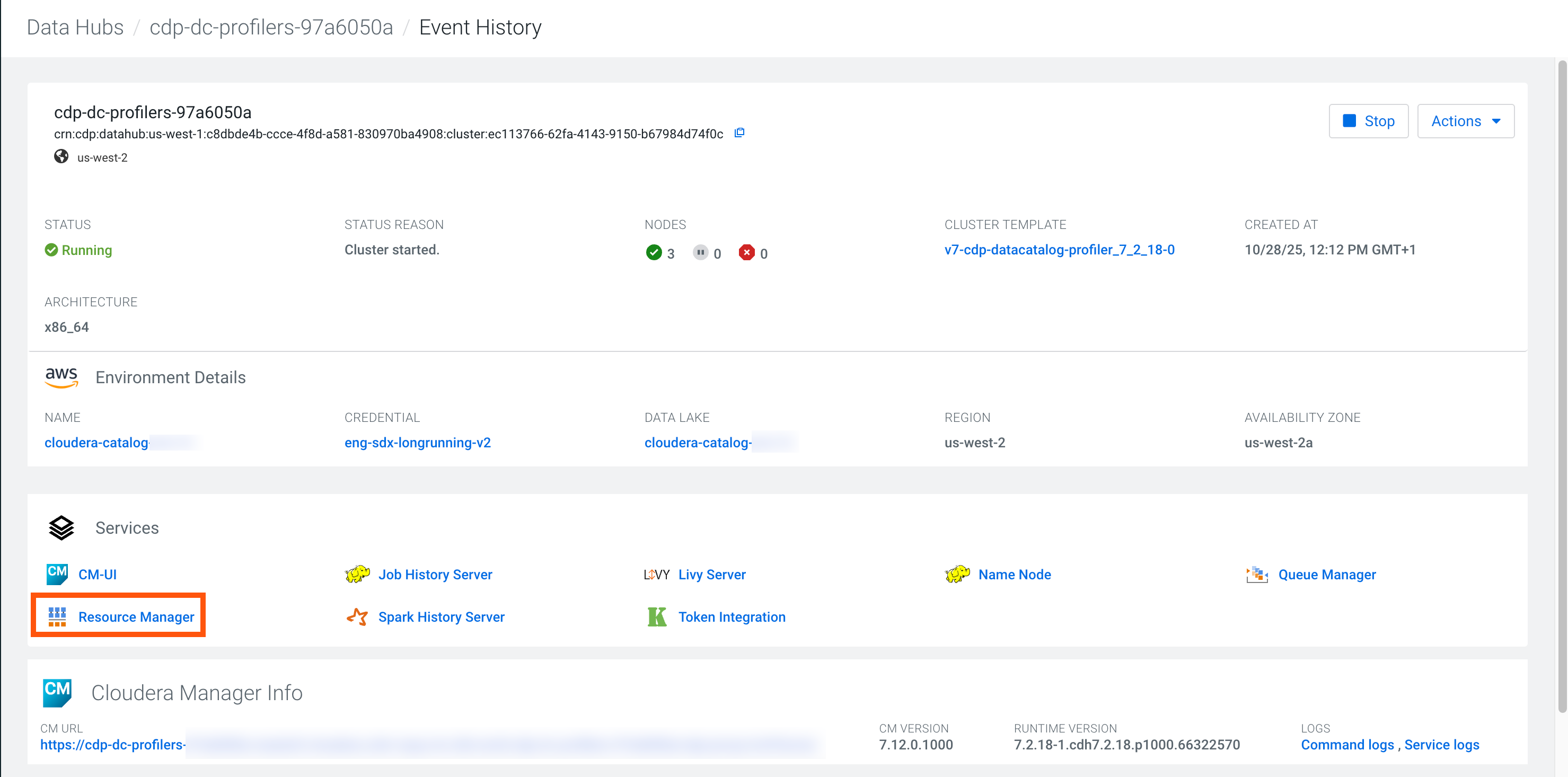
- Switch to Applications.
- Look for the failed profiler job based on State,
Start Time, and Application
Name.
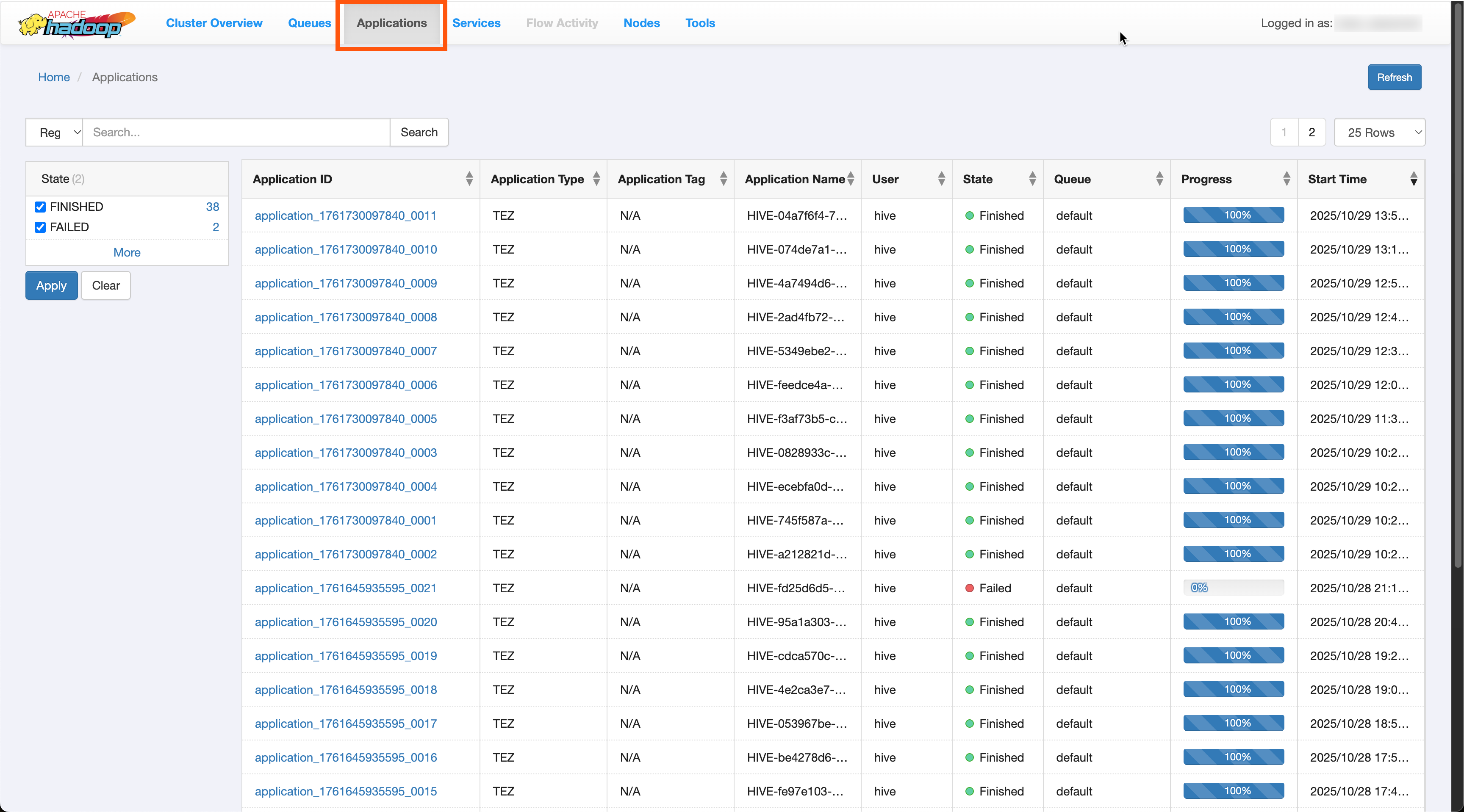
- Clicking the Application ID opens the job.
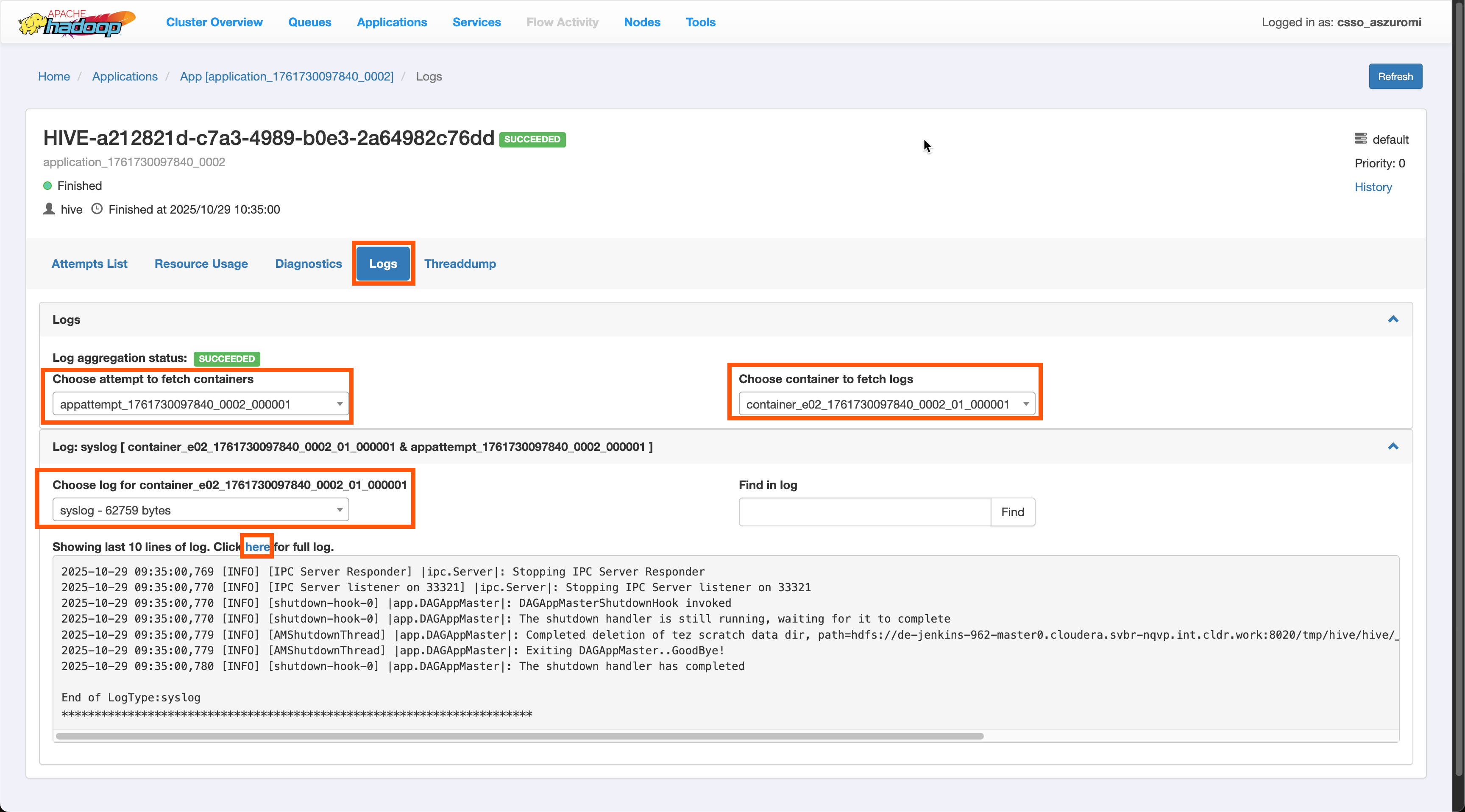
- Go to Logs and select an attempt.
- Select the available container for the
logs.