Creating a dataset from a Direct Access query
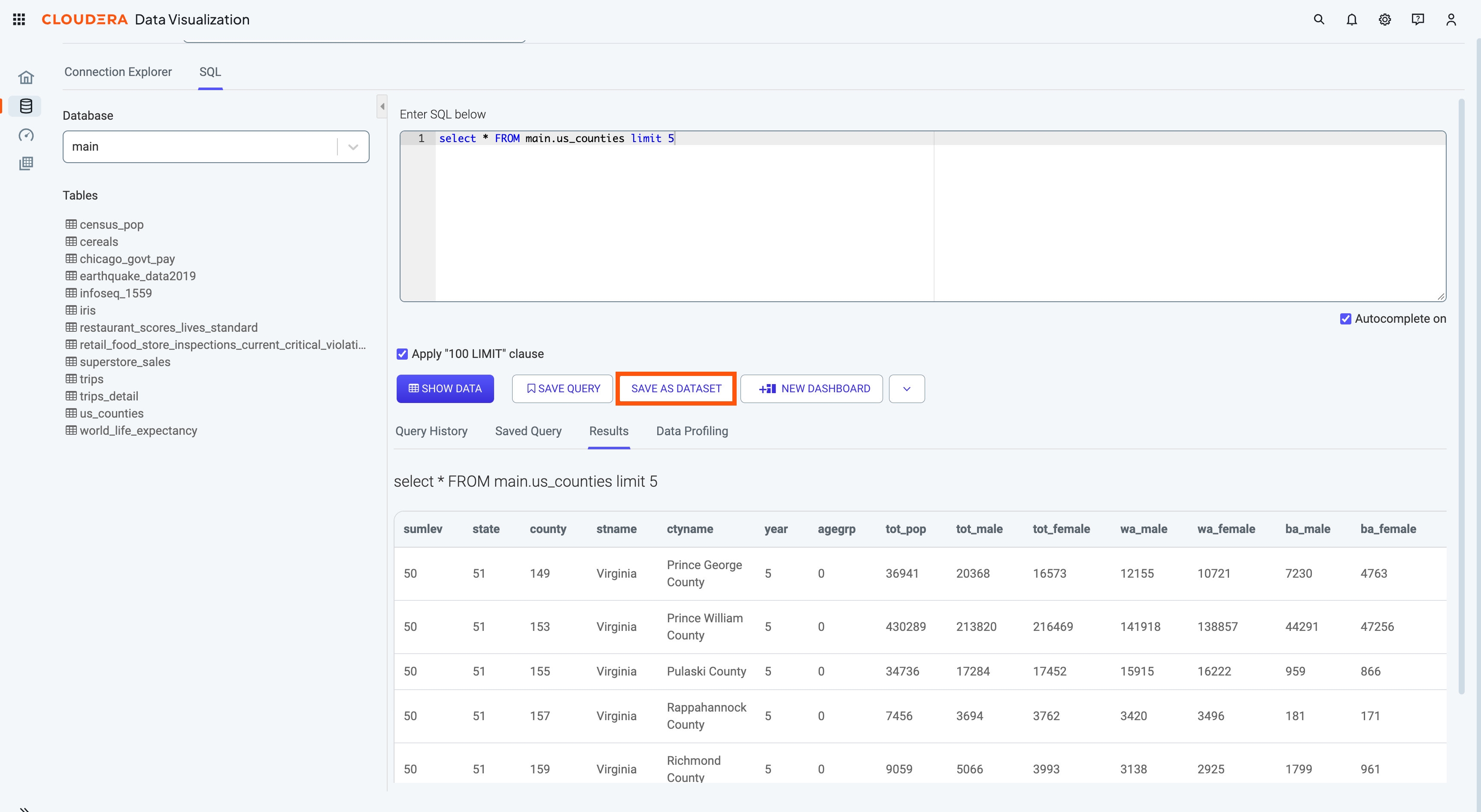
After getting the results of a SQL query in the Direct Access interface, you can use the results as a basis of a new dataset.
-
Click SAVE AS DATASET under the Query
field.
After getting the results of a SQL query in the Direct Access interface, you can use the results as a basis of a new dataset.
