Assigning multiple roles to multiple users
You can add several roles to multiple users at the same time in Cloudera Data Visualization.
To assign multiple users to existing roles, follow these steps:
-
Click Users & Groups.
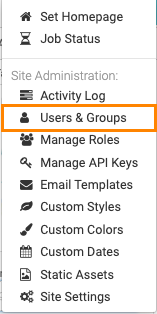
The Manage Users & Groups interface opens on the Users tab.
-
Click ADD TO ROLE.
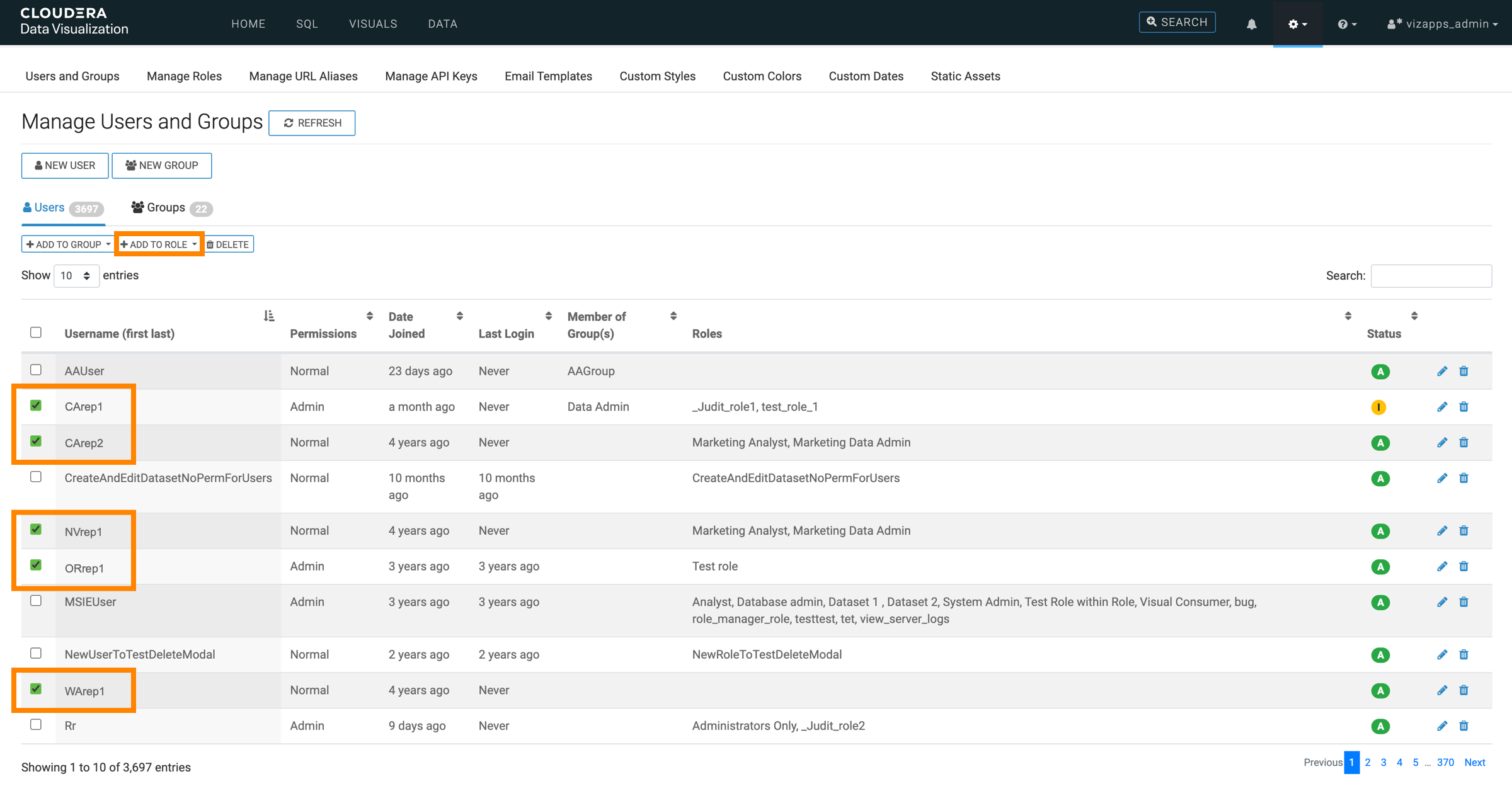
-
In the drop-down menu, select the roles to assign to the selected users.
In this example, Test Role 1 and Visual Consumer are used.
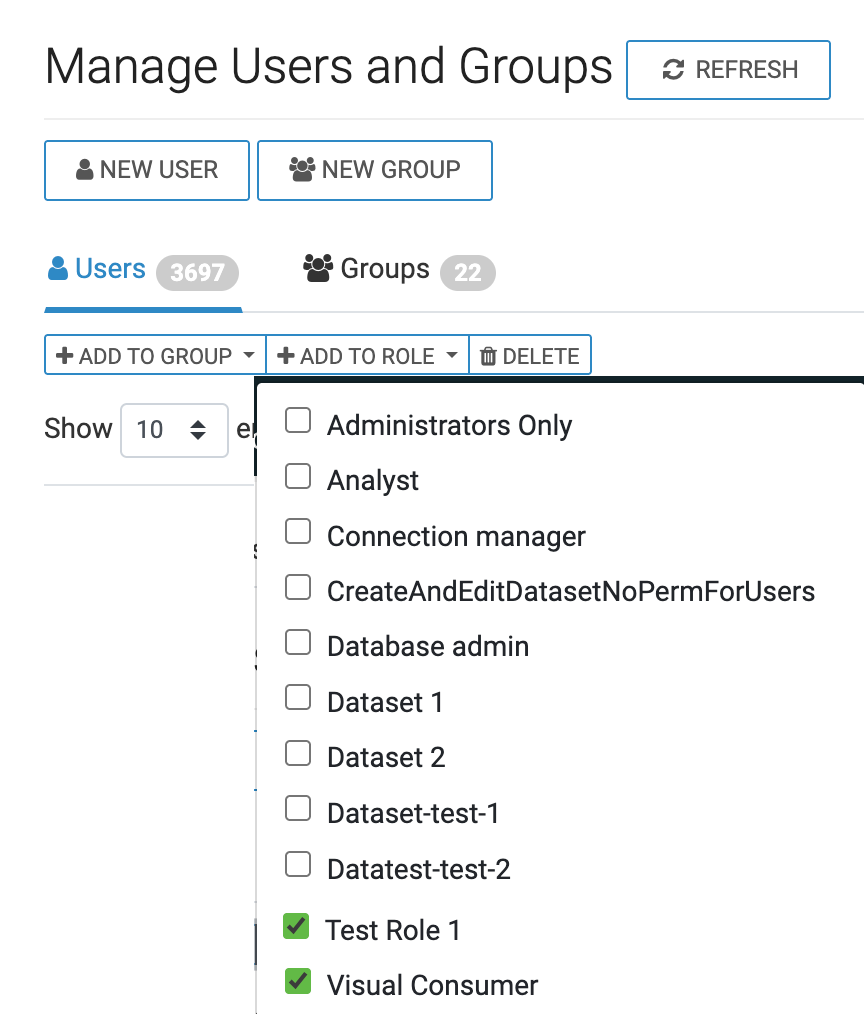
The selected roles are applied to all chosen users, and the updated role assignments are reflected in the users' list.
