Creating new user groups
You can create new user groups in Cloudera Data Visualization to simplify role and permission management.
-
Click Users & Groups.
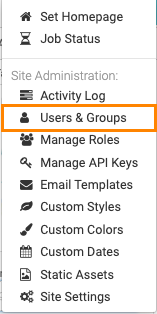
The Manage Users & Groups interface opens on the Users tab.
-
Click NEW GROUP.
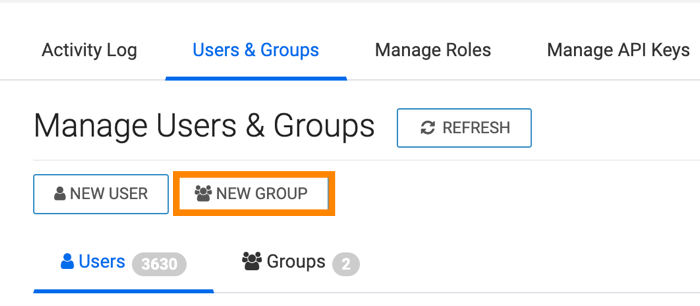
The New Group modal appears.
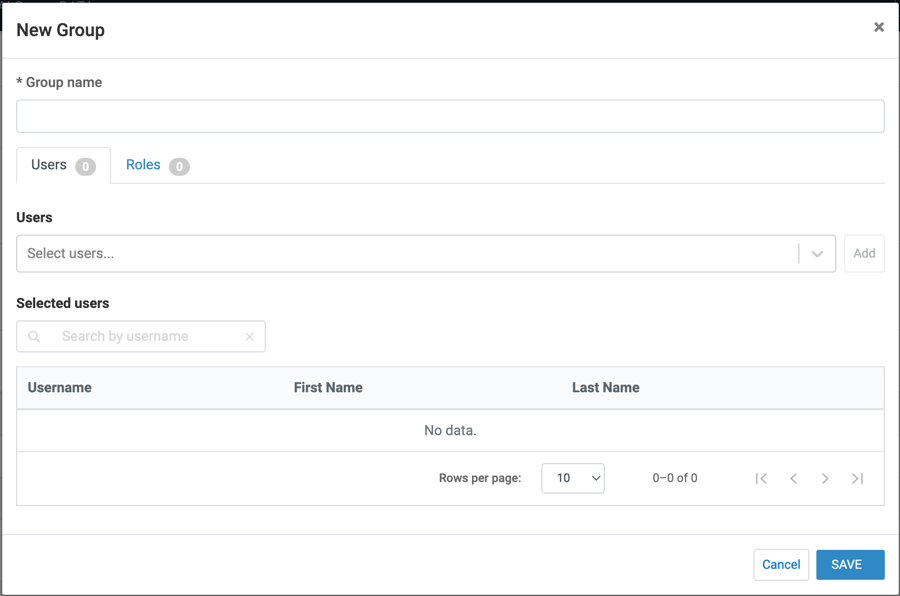
The new group is created and the selected users are assigned to it. You can verify the group assignment in the Manage Users & Groups interface.
