Removing a visual from a dashboard
In Cloudera Data Visualization, you can remove a linked visual from a dashboard without deleting it from the system. This is useful when you no longer need the visual on the current dashboard but want to keep it available for reuse.
This section explains how to use the Remove action. Use Remove for a linked visual if you want to remove it only from the current dashboard and keep it available for use on other dashboards. If you want to remove a visual permanently from the system, use the Delete action. For more information, see Deleting visuals.
-
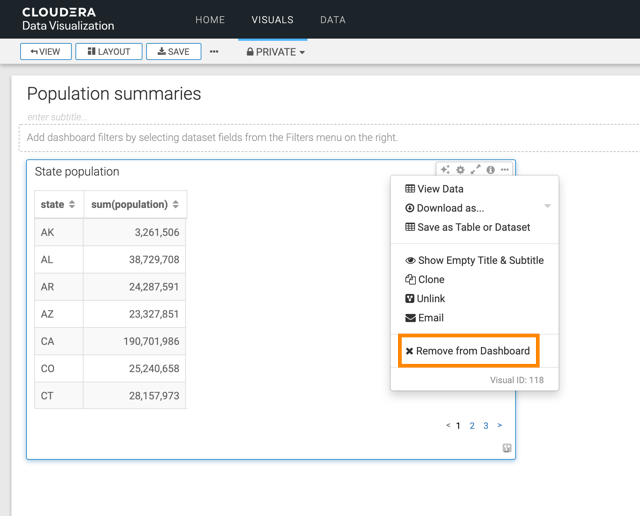
Select Remove from Dashboard.