Automatically renaming dataset fields
You can automatically format dataset field names as readable display names without changing the source column names in Cloudera Data Visualization.
The following steps use the Cereals dataset as an example.
-
Click Edit to access the editing interface.
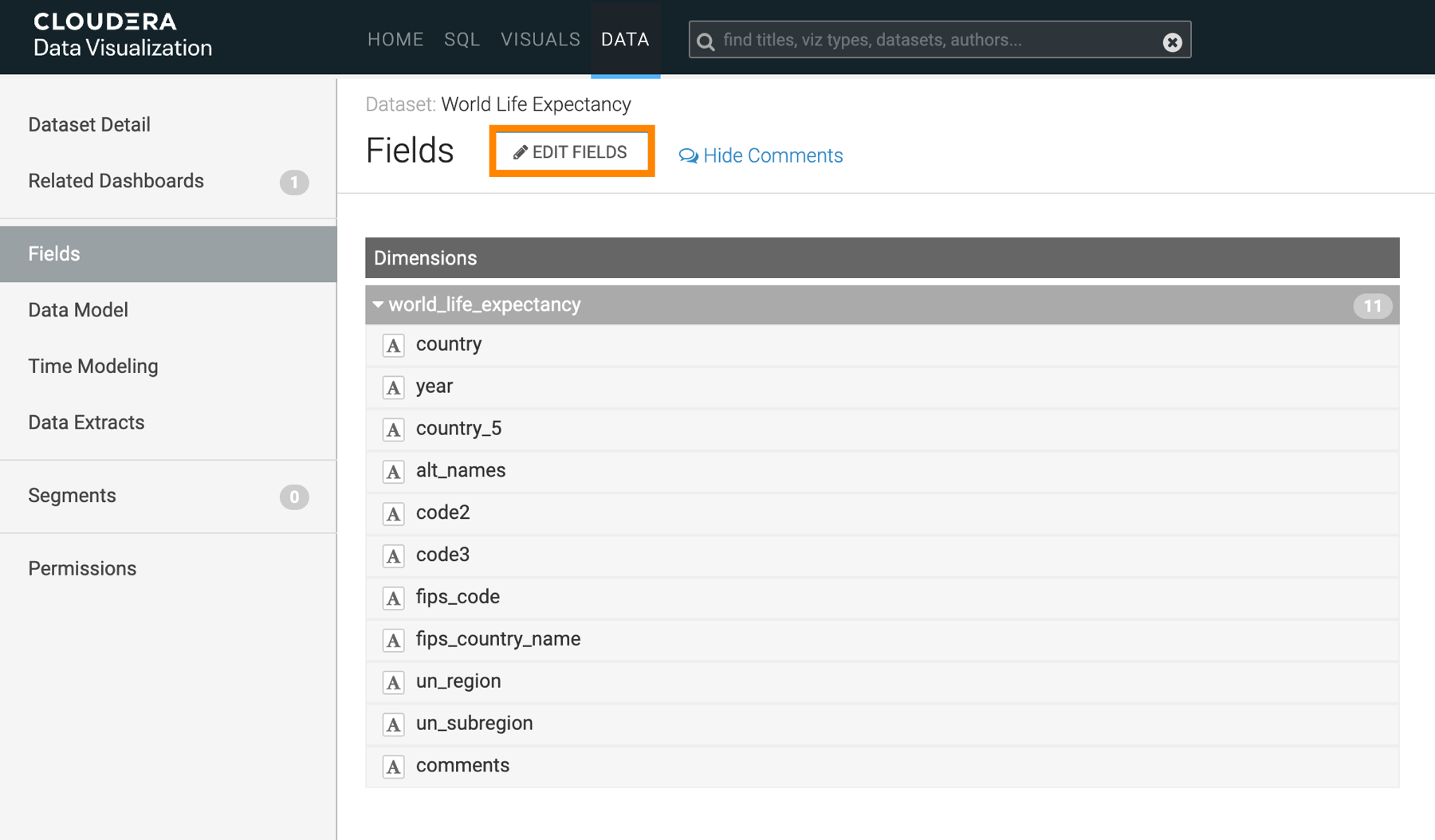
-
In the top-right corner of the page, click Title Case.
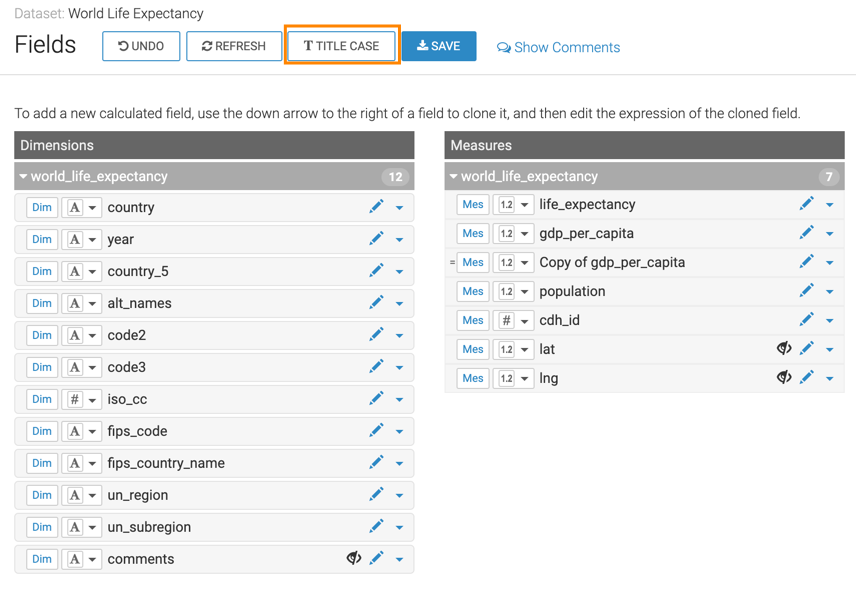
Field display names are updated.
For example, the Dimension
cereal_namebecomesCereal Name.
