Changing field aggregation
You can change the basic fields defaults in your dataset.
The following steps demonstrate how to change the default aggregation function for a field in a dataset.
-
Click Edit to access the editing interface.
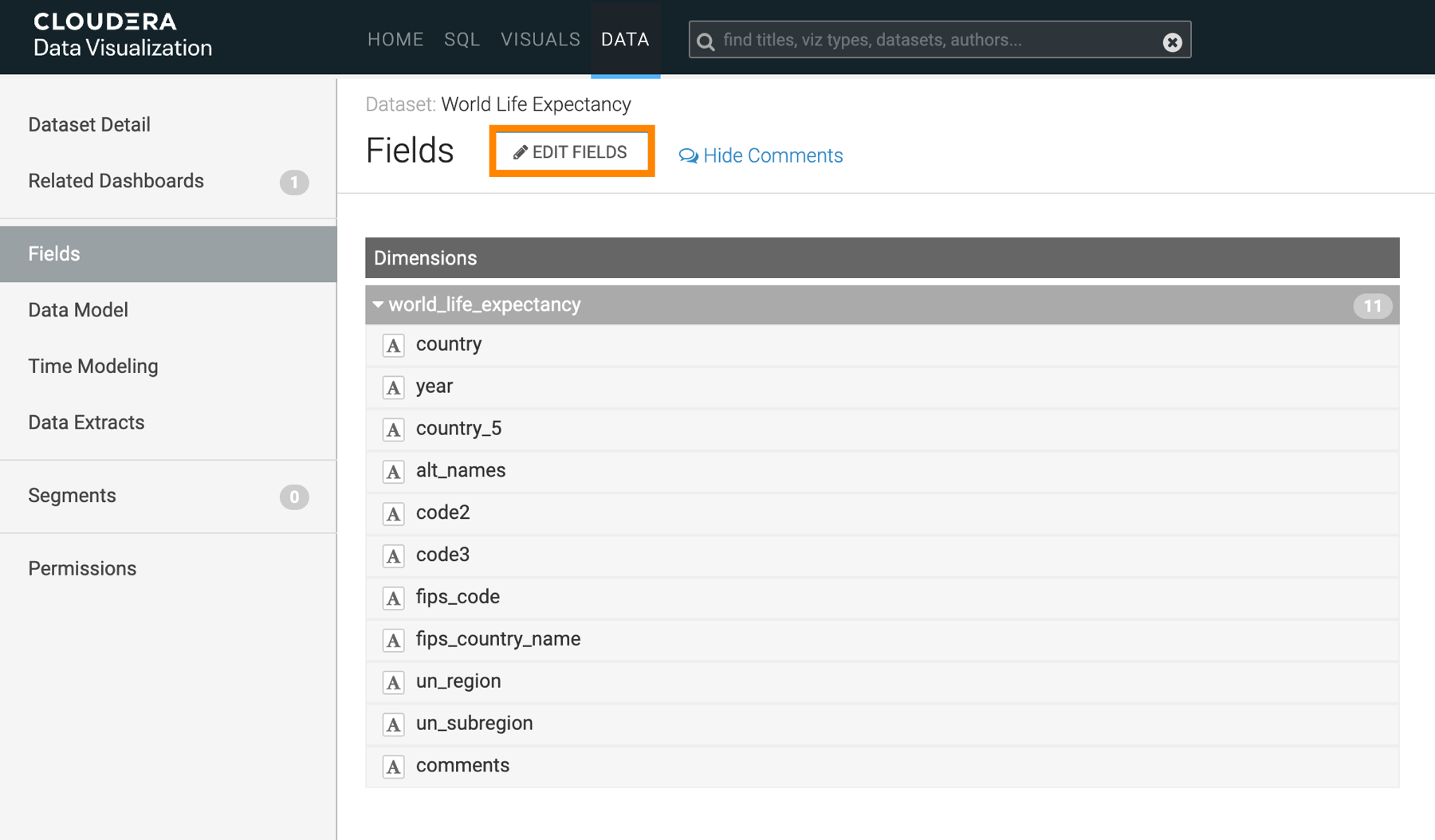
This action adds an edit option (
 ) to each dataset field row.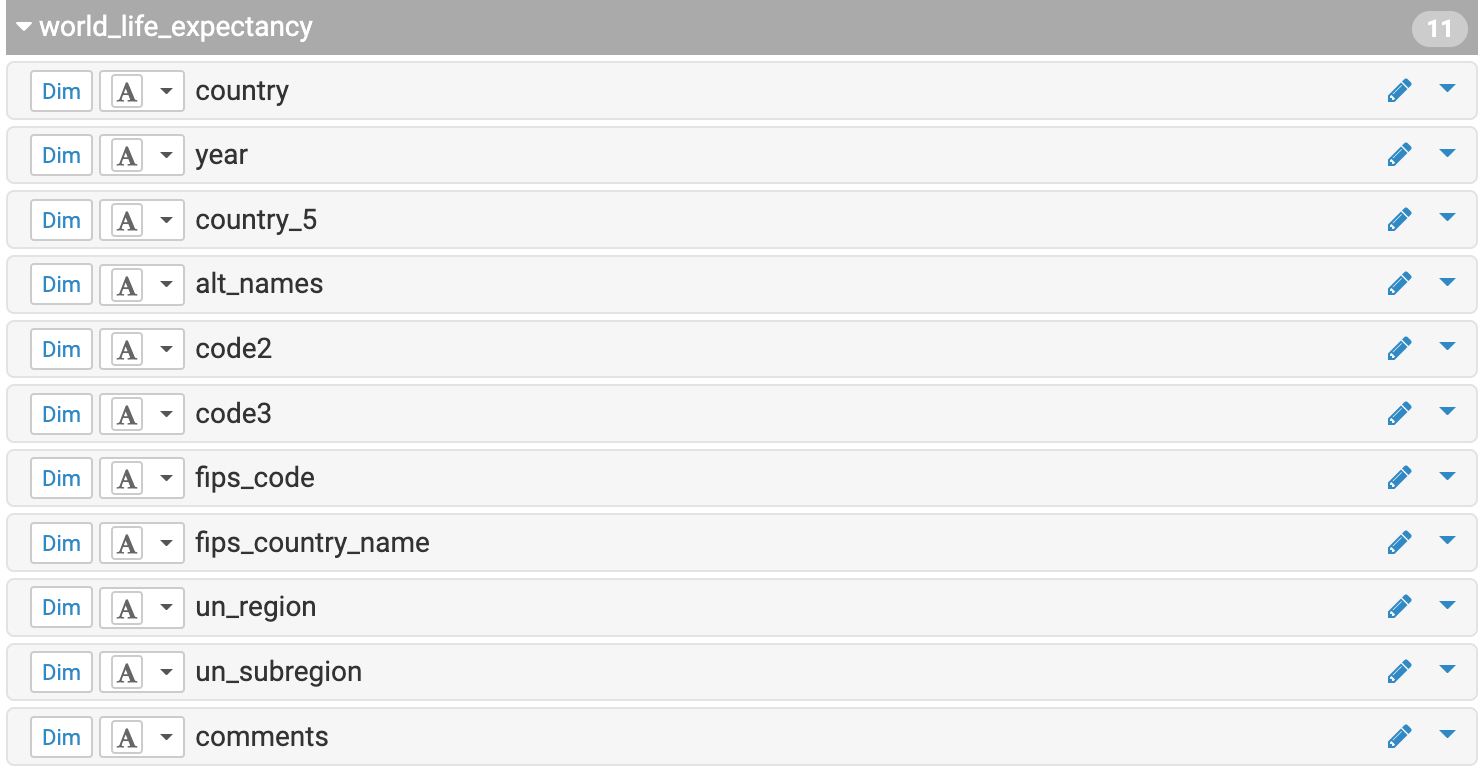
-
Find the field you want to edit and click .
The Edit Field Parameters modal opens.
-
Change Default Aggregation and click
Apply.
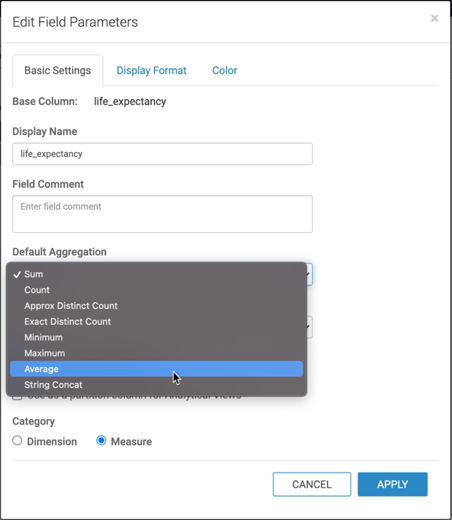
As a result of this change, all new visuals created from this dataset will automatically use the new aggregation.
