Hiding dataset fields from applications
You may find it useful to hide dataset fields that are not typically used for visualizations to prevent unintended bias in BI and analytics, or even to obscure confidential data. In Cloudera Data Visualization, you can do this by turning off the default visibility option of a particular dataset field.
The following steps demonstrate how to prevent data fields from appearing in visualizations and applications of a dataset.
-
Click Edit to access the editing interface.
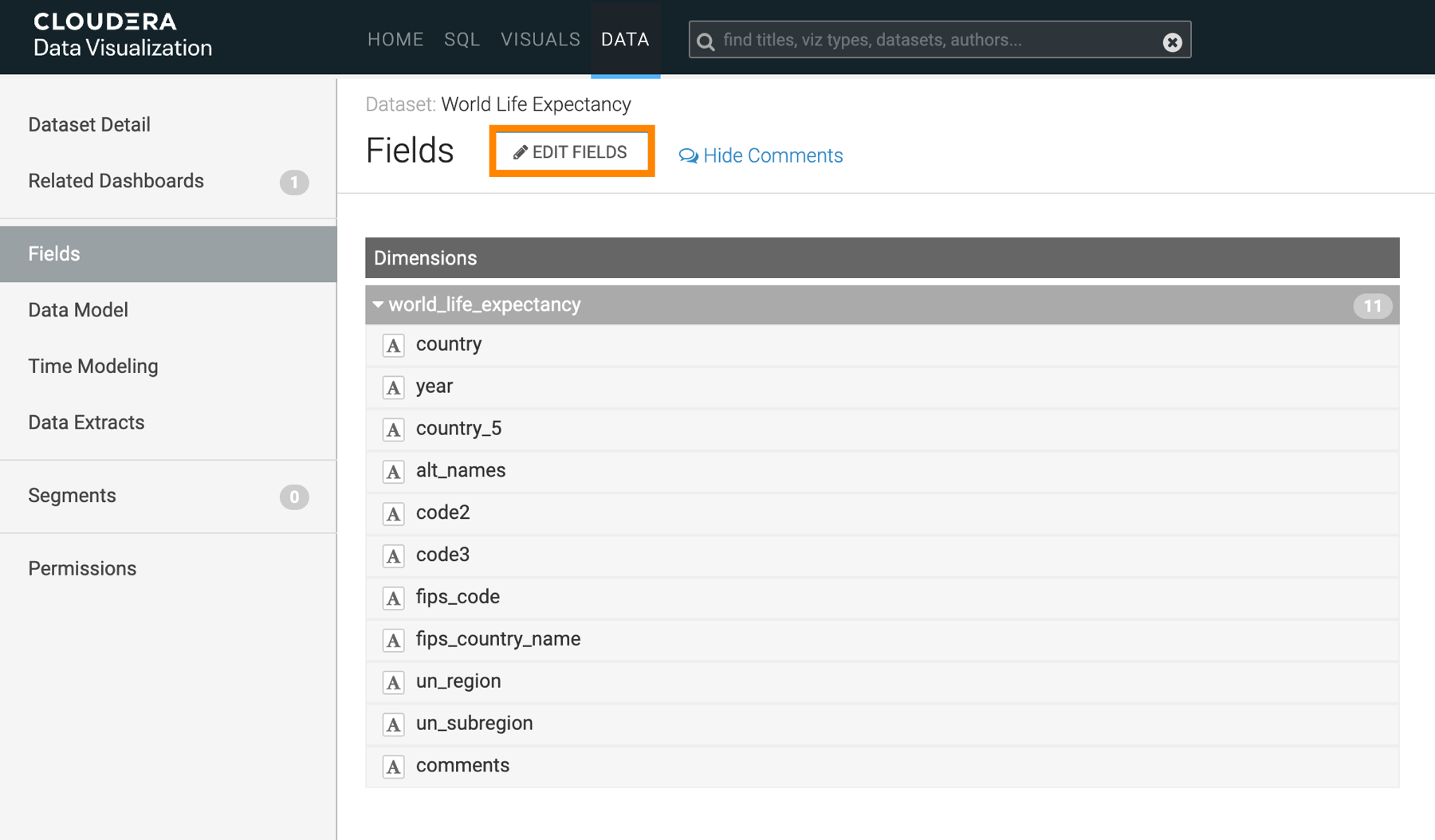
This action adds an edit option (
 ) to each dataset field row.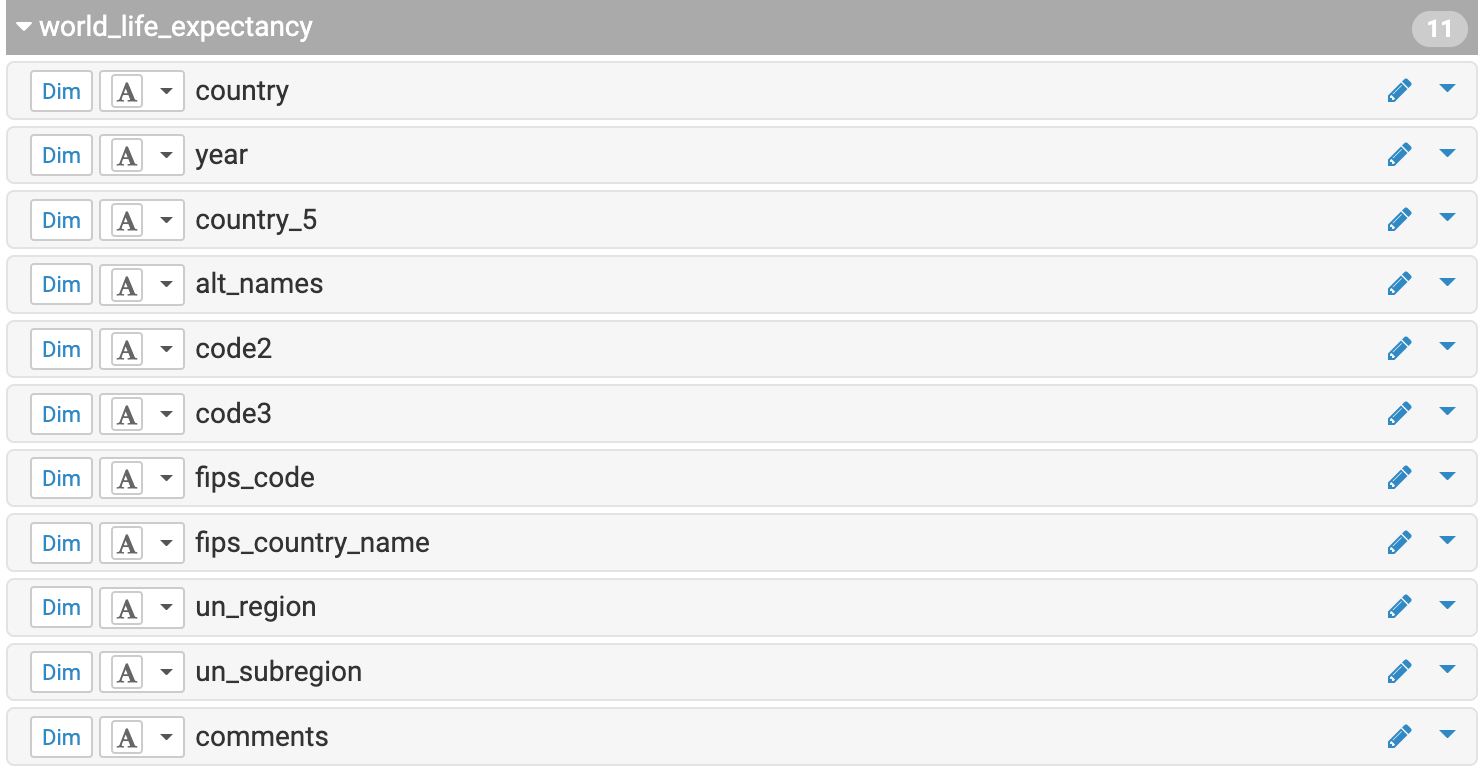
-
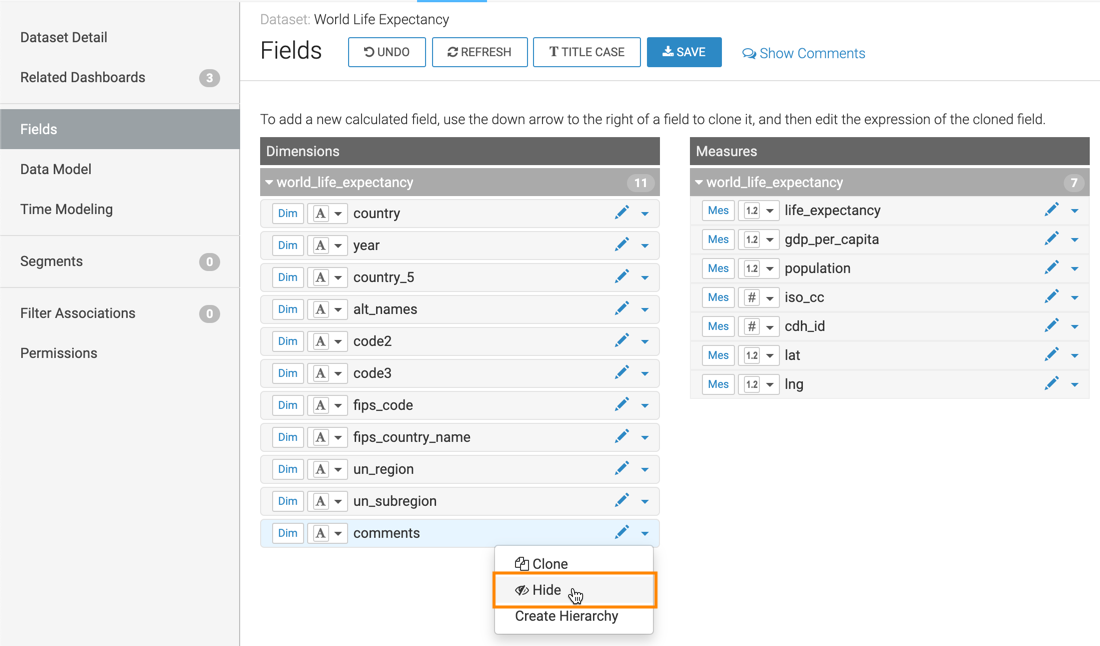
Click
 >
>  Hide on the field row.
The
icon is
added to the field row showing that the field is hidden.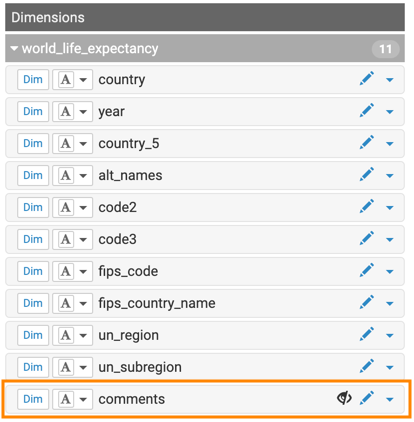
In the updated Fields interface, the
DIMENSIONS and MEASURES tables are updated.
They list all fields, but the hidden fields are marked with
However, when working on creating a visual on the dataset, the hidden fields do not show. They are not avaialble for use.
In the updated Fields interface, the DIMENSIONS and MEASURES tables list all fields, including those marked as hidden, but hidden fields do not appear in the Visual Builder and cannot be used to create visuals.
