Viewing field comments in Visual Builder
When working with big data, it can be very helpful to have access to comprehensive field-level descriptions. In Cloudera Data Visualization, you can use field comments to provide the context and meaning of each dataset field.
Ensure that comments have been added to the fields in the dataset.
-
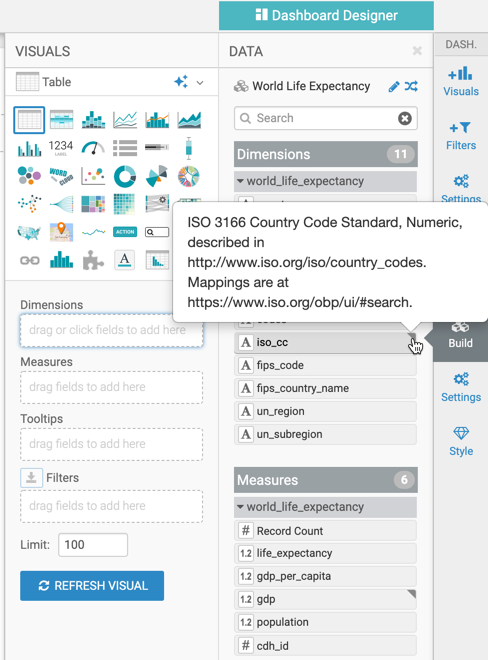
Hover over the triangle to view the comment.