What is a workspace?
Cloudera Data Visualization uses workspaces to manage security and workflow aspects of data visualization within enterprise organizations. Workspaces help you manage your own content, collaborate with others, and publish information to a broader audience.
All content in Cloudera Data Visualization belongs to a workspace. The platform supports three workspace types: private, custom, and public.
- Private workspace
-
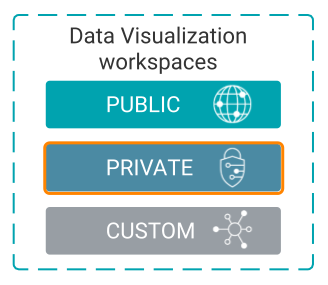
The private workspace is your personal working area in Cloudera Data Visualization. All visual artifacts that you create (apps, dashboards, and visuals) are saved in your private workspace by default. Each user is automatically assigned a private workspace that remains available for as long as the user exists in the system.
Content in a private workspace is visible only to its owner and administrators. Administrators can view private workspaces, but they cannot modify their permissions. If a user is deleted, their private workspace is converted into a custom workspace that is visible only to administrators.
Dashboards and visuals can belong to only one workspace at a time. To share content with other users, move it from your private workspace to a custom workspace. To make content available to all users, move it to the public workspace.
- Custom workspace
-
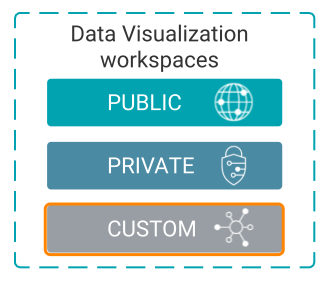
Custom workspaces, also known as shared workspaces, provide a collaborative space for teams and groups. Users with the Create workspaces system-level permission can create custom workspaces and control access using Access Control Lists (ACLs).
Custom workspaces support three permission levels: View Only, Edit, and Manage, allowing administrators and workspace owners to control who can view, modify, or manage content. Dashboards and visuals can be shared with specific users or groups by moving them to a custom workspace and assigning the appropriate permissions.
- Public workspace
-
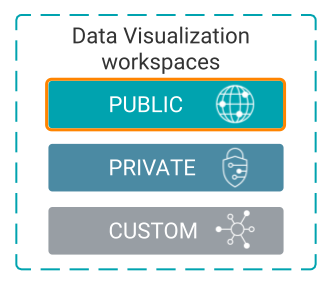
The public workspace contains dashboards and visuals that are available to all users who have the required permissions to access the underlying datasets. Each Cloudera Data Visualization instance includes a single public workspace that cannot be deleted.
Moving content from a private or custom workspace to the public workspace makes it available across the organization. Only administrators can manage permissions for the public workspace.
Understanding workspace relationships
The following diagram illustrates how dashboards, sheets, visuals, and filters are organized within workspaces and how the same visual can be referenced by dashboards in different workspaces.
In the example, the private workspace contains content that is accessible only to its owner and administrators, while the public workspace contains content that is available to all users with access to the associated datasets.
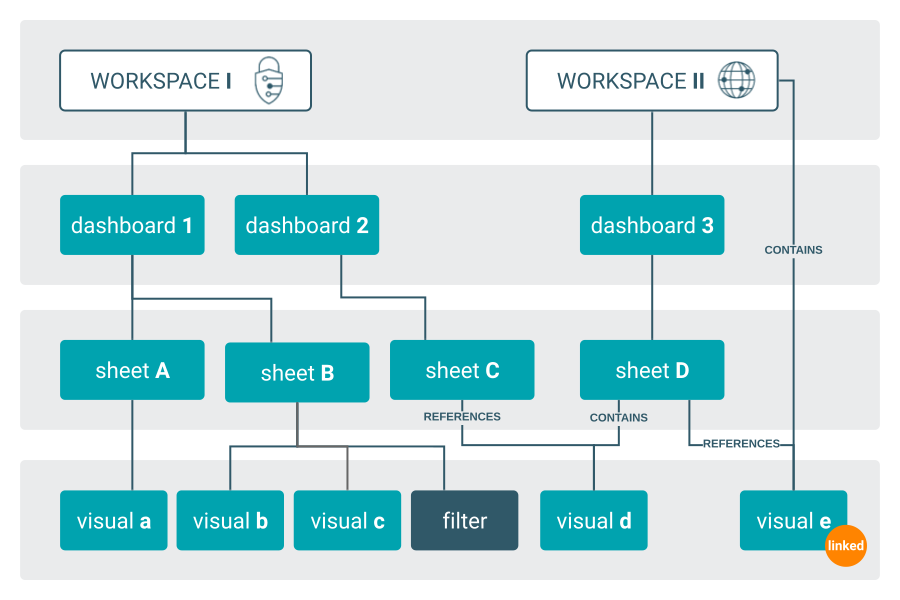
- workspace I - PRIVATE
-
- Only its owner and the administrators have access to this workspace.
- Additional permissions cannot be applied.
- It contains dashboard 1.
- Dasboard 1 contains two sheets: sheet A and sheet B.
- Sheet A contains a single image called visual a.
- Sheet B contains visual b, visual c, and a filter.
- It contains dashboard 2.
- Dashboard 2 contains a single sheet C, which references visual d.
- workspace II - PUBLIC
-
- Artifacts in this workspace are visible to any user with minimal viewing permissions to the relevant dataset.
- It contains dashboard 3.
- Dashboard 3 contains a single sheet D.
- Sheet D contains visual d and references visual e.
