Trino uses the Hive user to interact with the Ozone file system. To ensure secure
data access, you must authorize the Hive user in your Ranger policies. This configuration
allows Trino to perform authenticated read and write operations on Ozone data volumes and
buckets.
-
In Cloudera Management Console, click .
-
Enter your username and password, and then click Sign
In.
The Ranger Service Manager page for Cloudera services is displayed.
-
From the Service Manager page, click the
cm_ozone service.
-
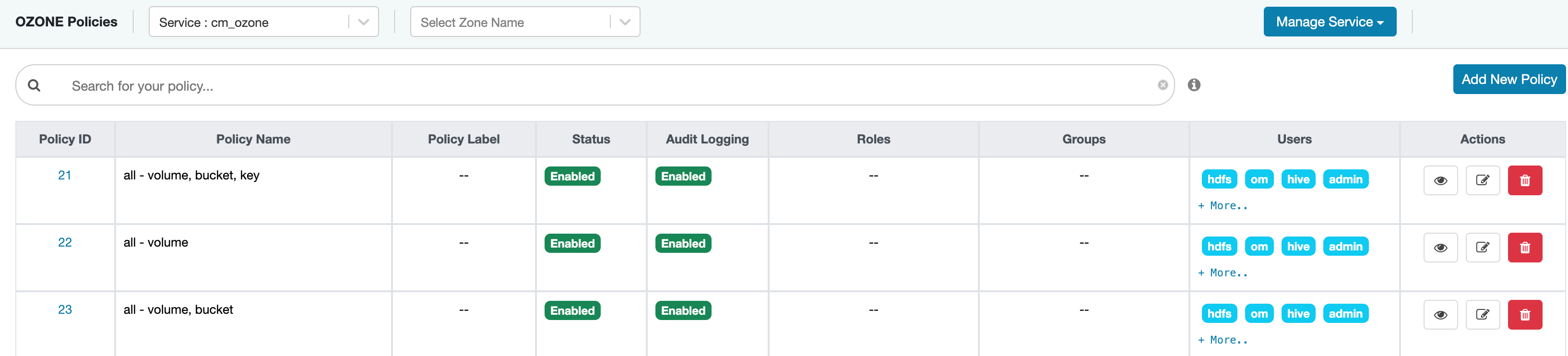
Edit the volume and bucket policies to add the hive user.
The Policy Details page is
displayed.
-
On the Policy Details page, go to the Allow
Condition section.
-
From the Select User drop-down menu, select
hive.
-
Click Save.
The hive user is added to the volume
and bucket policies.