Fixing a query in Cloudera Data Explorer (Hue)
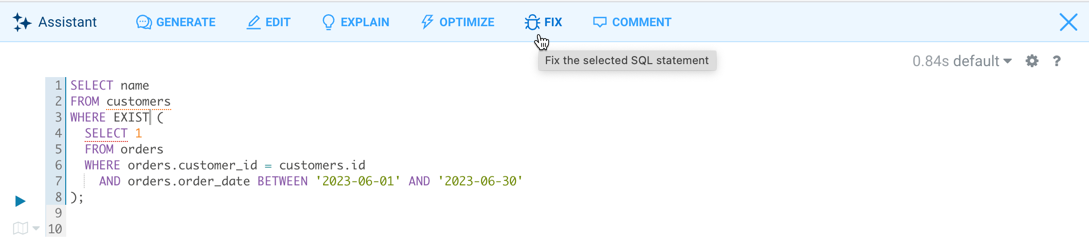
You can use the SQL AI Assistant to fix a broken SQL query. Data Explorer identifies the issues in SQL syntax and provides the corrected version.
-
Click
 Assistant on the Data Explorer SQL editor:
-
Click FIX.
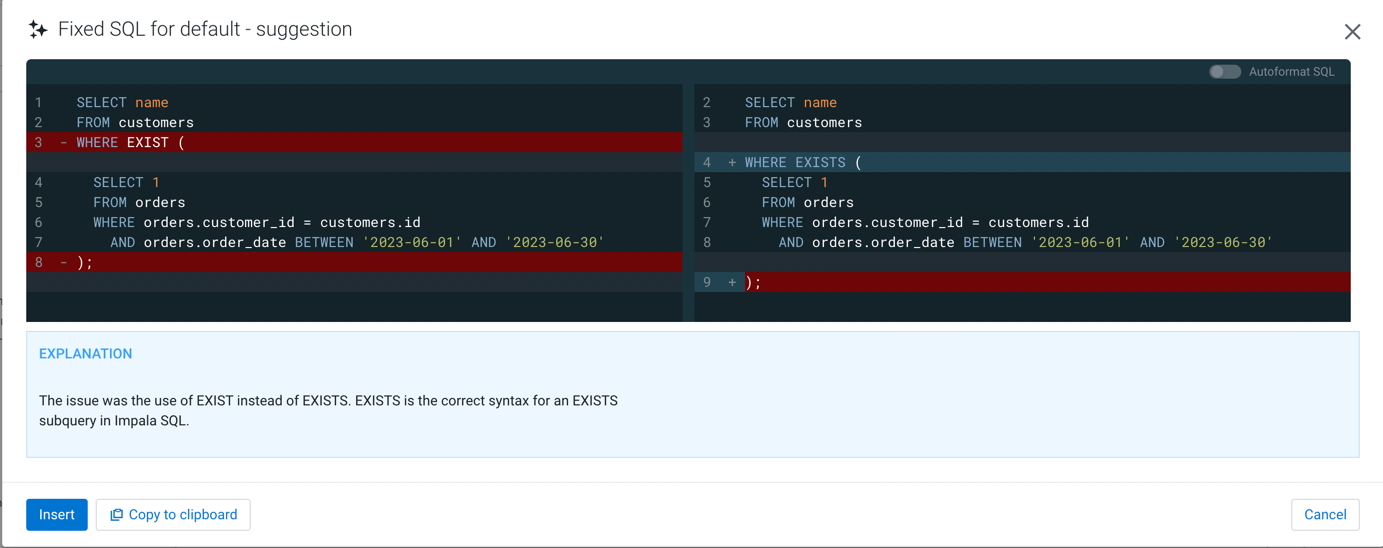 Click Insert to insert the fixed query in the Data Explorer editor and run it.
