Viewing flows
The Deployments page is the central place to monitor deployments and flows across workspaces. It lists all flows that you are allowed to view.
-
Open Cloudera Data Flow by clicking the
 Data Flow tile in the Cloudera sidebar.
-
Select the Flows tab.
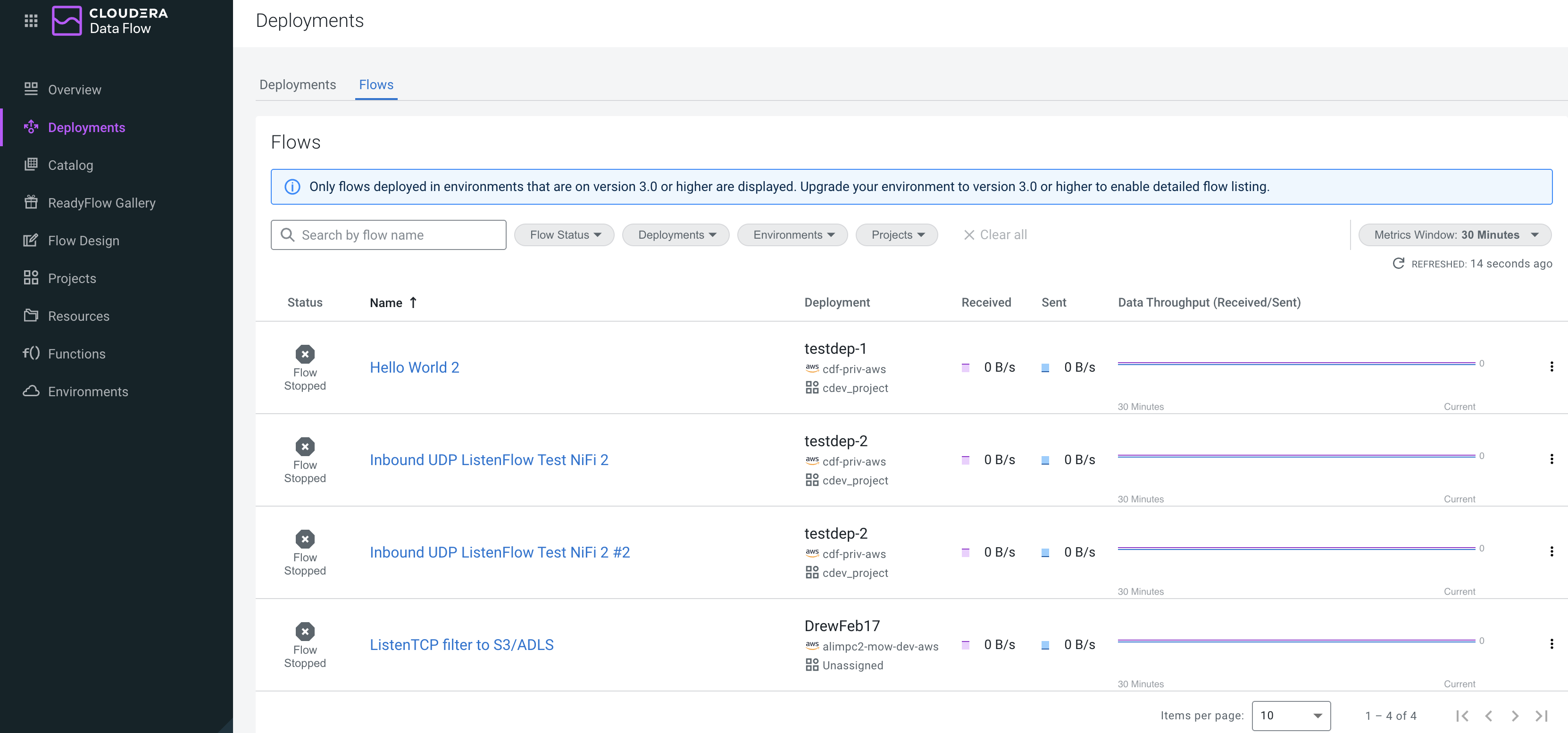
-
In Deployment & Flows, click Actions
 to access various flow management
options.
to access various flow management
options.
- Select Actions >
 Manage Flow to access the Manage Flow view,
where you can perform various management actions from the
Flow Actions drop-down. You can also view and edit KPIs and
alerts, and parameters.
Manage Flow to access the Manage Flow view,
where you can perform various management actions from the
Flow Actions drop-down. You can also view and edit KPIs and
alerts, and parameters. - Select to display all resources available to you within the present environment, providing a central place to view and manage them.
- Select Actions >
