Restarting a deployment
Restarting a Cloudera Data Flow deployment restarts the NiFi cluster. The deployed flows return to the state they were before the restart, unless you choose to stop them.
- You must have a running deployment in Cloudera Data Flow.
- You must have DFFlowAdmin permission.
-
Open Cloudera Data Flow by clicking the
 Data Flow tile in the Cloudera sidebar.
-
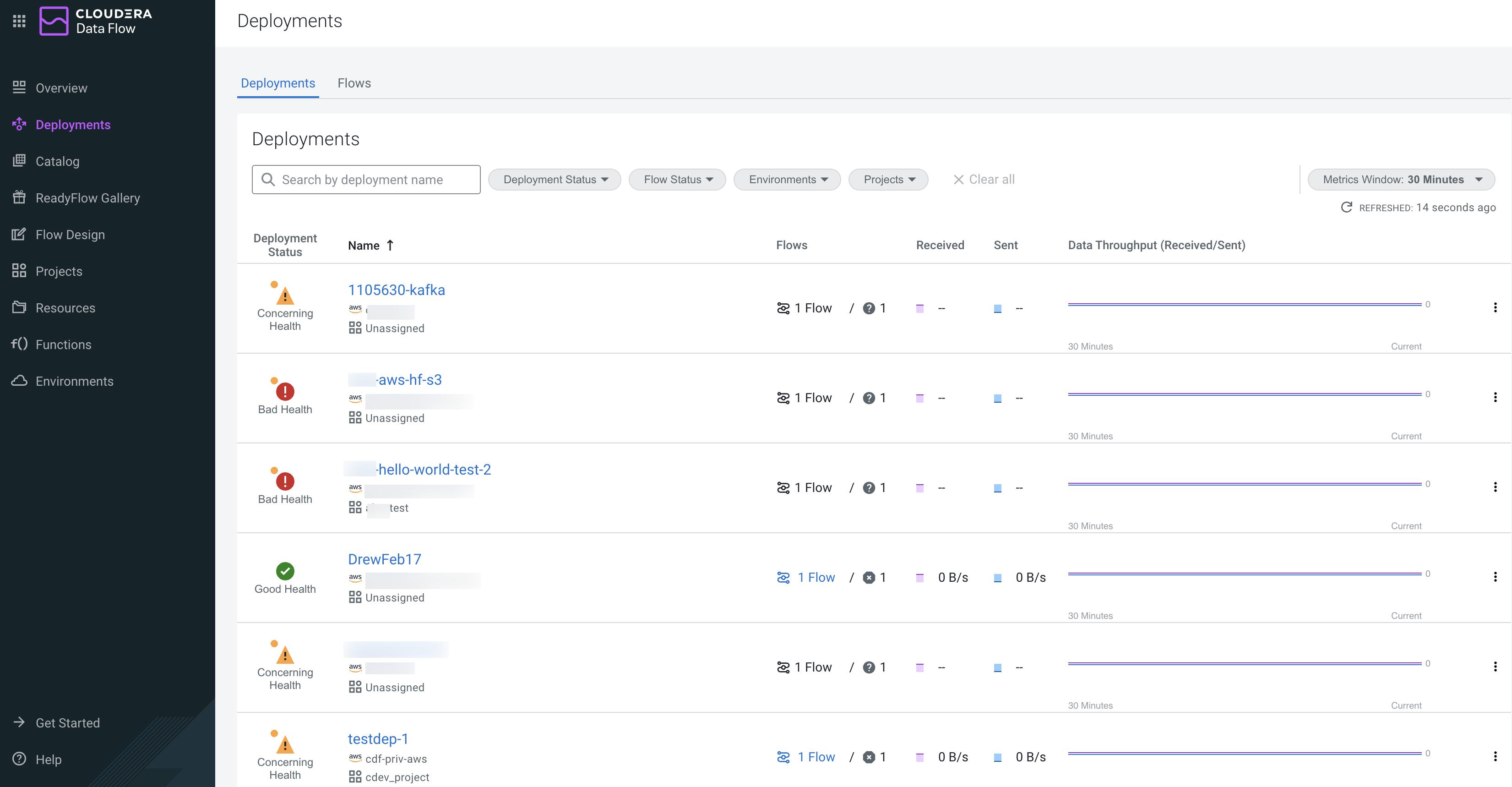
Click Deployments from the left navigation
pane.
The Deployments page is displayed, by default the Deployments tab is active.
-
In Deployment & Flows, click Actions
 >
>  Manage Deployment.
You are redirected to the Deployment Manager page.
Manage Deployment.
You are redirected to the Deployment Manager page. -
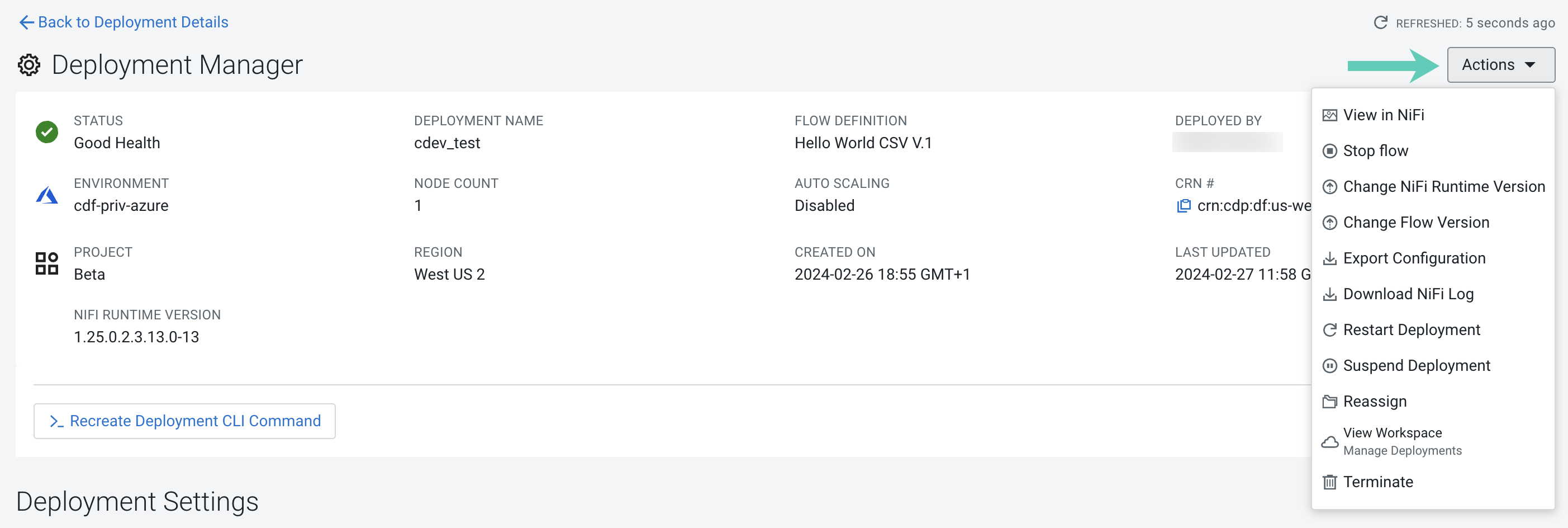
Click Actions on the Manage
Deployment page.
-
Confirm your choice by clicking Restart
 .
.
