Flow KPIs
Apache NiFi has multiple metrics to monitor the flow such as connection, processor, process group statistics. Key Performance Indicators (KPIs) are representations of those metrics for a NiFi component in Cloudera Data Flow. You can use KPIs to monitor critical parts of your NiFi flows on the central monitoring dashboard of Cloudera Data Flow.
Click the flow to view the flow details, then select the KPIs tab.
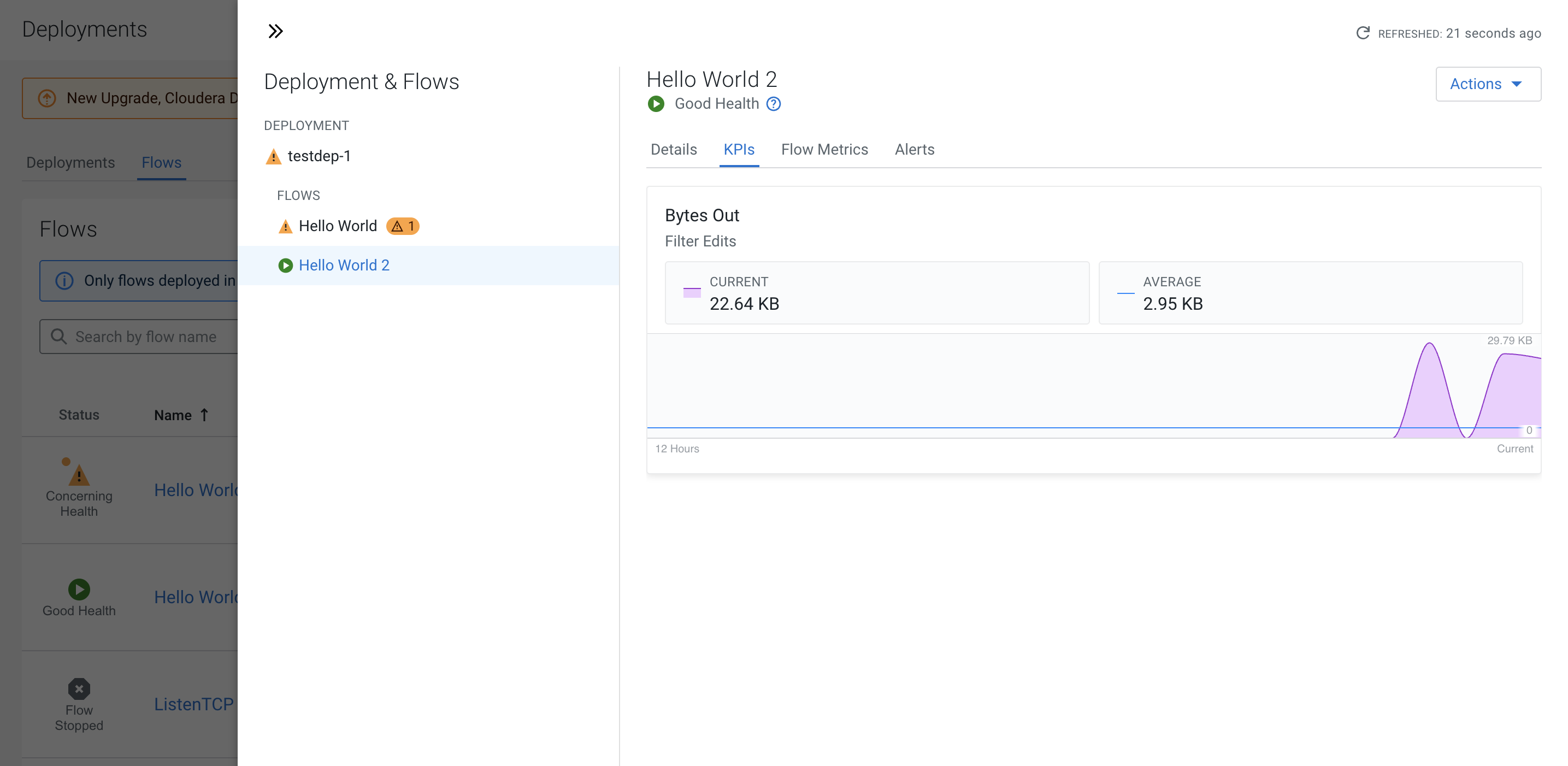
Depending on the KPIs defined, you can track the following values of the metrics in the flow:
- Current
- Average
- Boundary
You can set key performance indicators (KPIs), with knowledge of your flows, which allow alerts to be sent if certain metrics meet a particular threshold. You might detect situations that are not errors but notes on the state of your flow that you need to be aware of. For example,the number of flow files queued in a process group is over the specified boundary for more than 2 minutes.
