Obtaining IDs for environment provisioning
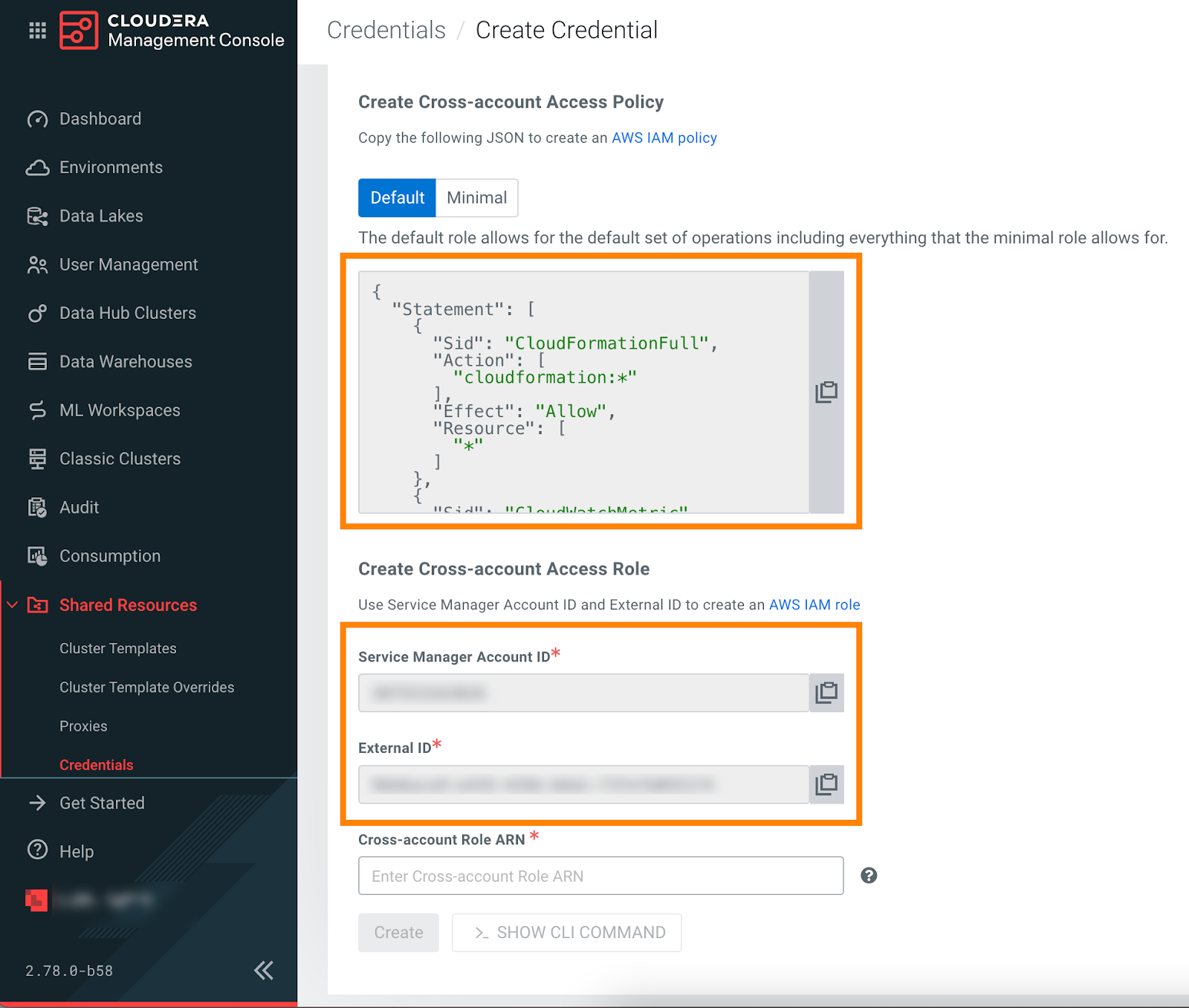
Before creating a cross-account IAM role on AWS, log in to the Cloudera web interface and obtain the parameters that you need to provide for the IAM role:
-
Go to in the Cloudera Management Console.
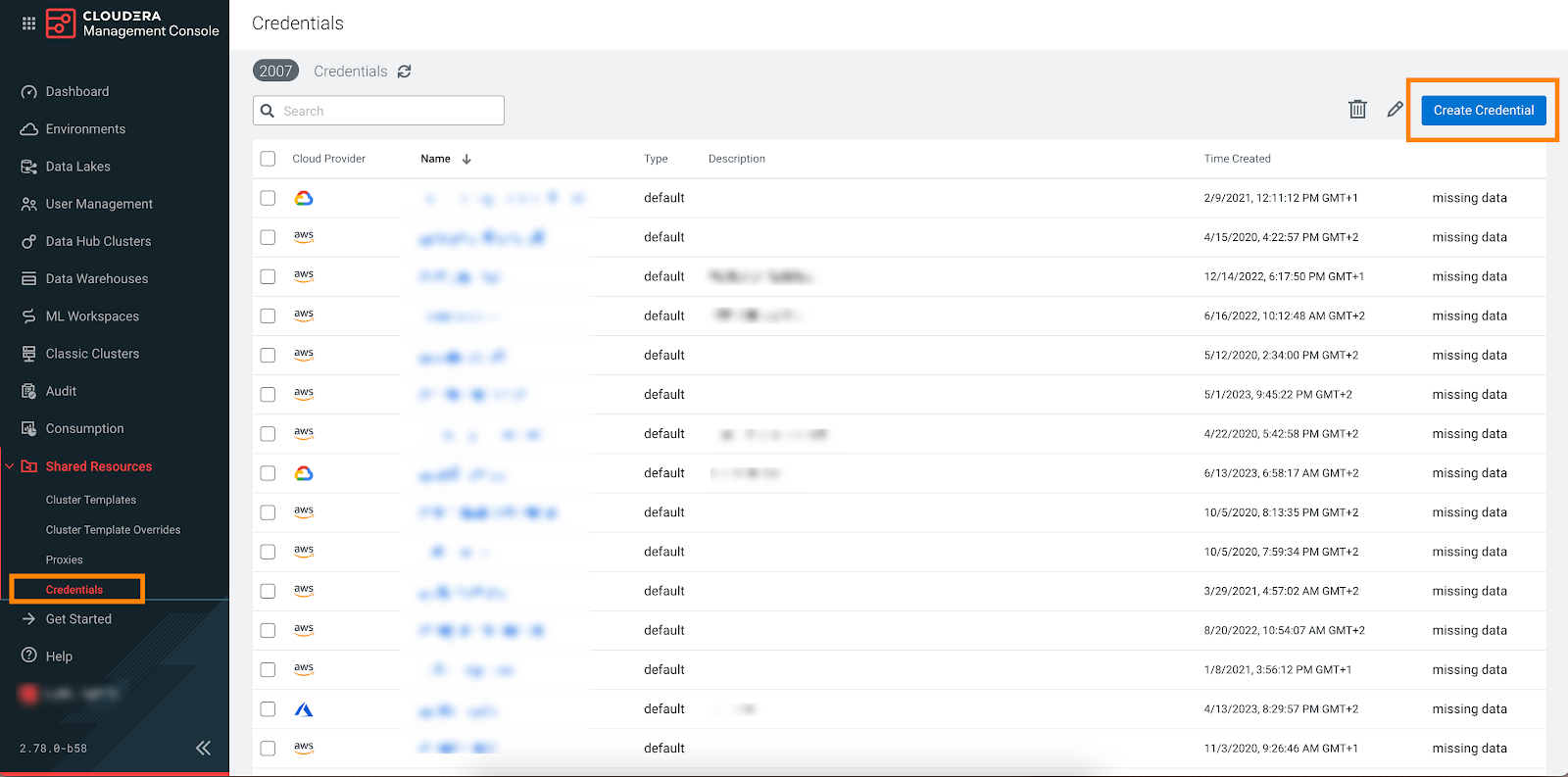
-
Note or copy the Cross-account Access Policy,
Account ID, and External ID
listed in the UI: