Managed identities
You must create one managed identity.
The IDBroker component of Cloudera uses user-assigned managed identities for controlling access to ADLS Gen2 and stores and manages the mappings between the services/users and the corresponding managed identities. The following managed identity must be created.
| Managed identity | Description | Steps |
|---|---|---|
|
Logger (Required) |
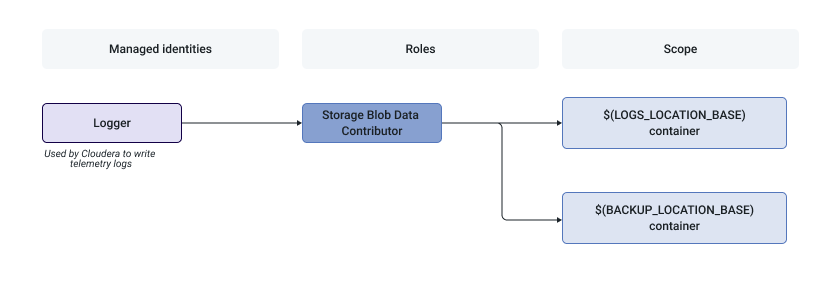
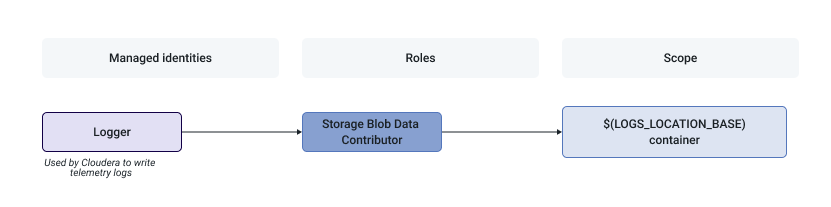
This managed identity is used by Cloudera to write telemetry logs and backups. |
|
The following diagram illustrates the minimal required setup where Backup Location Base is in the same location as the Logs Location Base:
The following diagram illustrates the minimal required setup where Backup Location Base and Logs Location Base are separate: