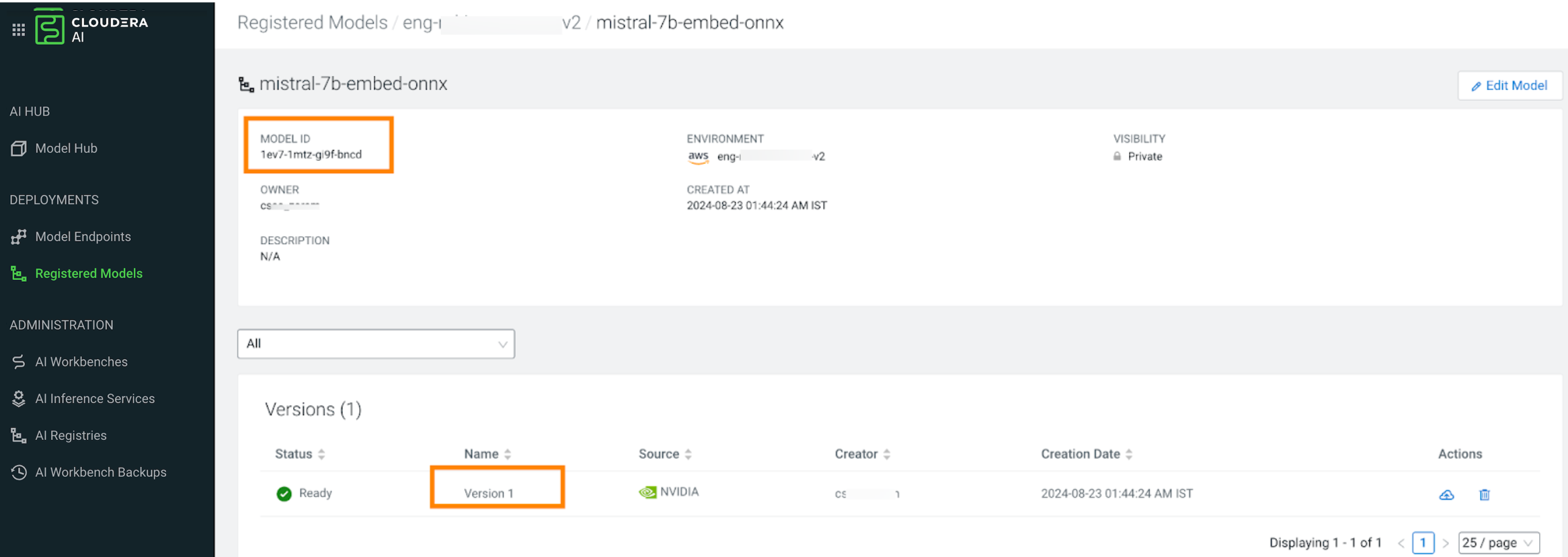
# cat ./examples/mlflow/model-spec-cml-registry.json
Example output:
{
  "namespace": "serving-default",
  "name": "mlflow-wine-test-from-registry-onnx",
  "source": {
    "registry_source": {
      "version": 2,
      "model_id": "3azn-tmqe-wsze-5u4s"
    }
  }
}
export DOMAIN=$(cdp ml describe-ml-serving-app --app-crn [***app-crn***] | jq -r '.app.cluster.domainName')
Example request with LoRA adapters:
{
"namespace": "serving-default",
"name": "qwen-with-lora",
"source": {
"hf_source": {
"model_id": "Qwen/Qwen2.5-0.5B-Instruct"
}
},
"resources": {
"num_gpus": "1",
"req_cpu": "2",
"req_memory": "8Gi"
},
"adapters": [
{
"name": "my-lora-adapter",
"type": "LORA",
"object_store_source": {"path": "s3://my-bucket/peft-adapters/my-lora"}
}
]
}
To deploy a model from a remote Cloudera AI Registry, such as a registry hosted in a different
environment, include the registry_id parameter in the request. You can
also deploy LoRA adapters as part of the same deployment request.
Example output:
{
"namespace": "serving-default",
"name": "my-llm-with-objstore-lora",
"source": {
"registry_source": {
"version": 2,
"model_id": "3azn-tmqe-wsze-5u4s"
}
},
"resources": {"num_gpus": "1", "req_cpu": "2", "req_memory": "8Gi"},
"adapters": [
{
"name": "test-lora",
"type": "LORA",
"object_store_source": {"path": "s3://my-bucket/peft-adapters/my-lora"}
}
],
"skip_adapter_validation": true
}